41
Installing the Wireless Bridge
Physical Installation
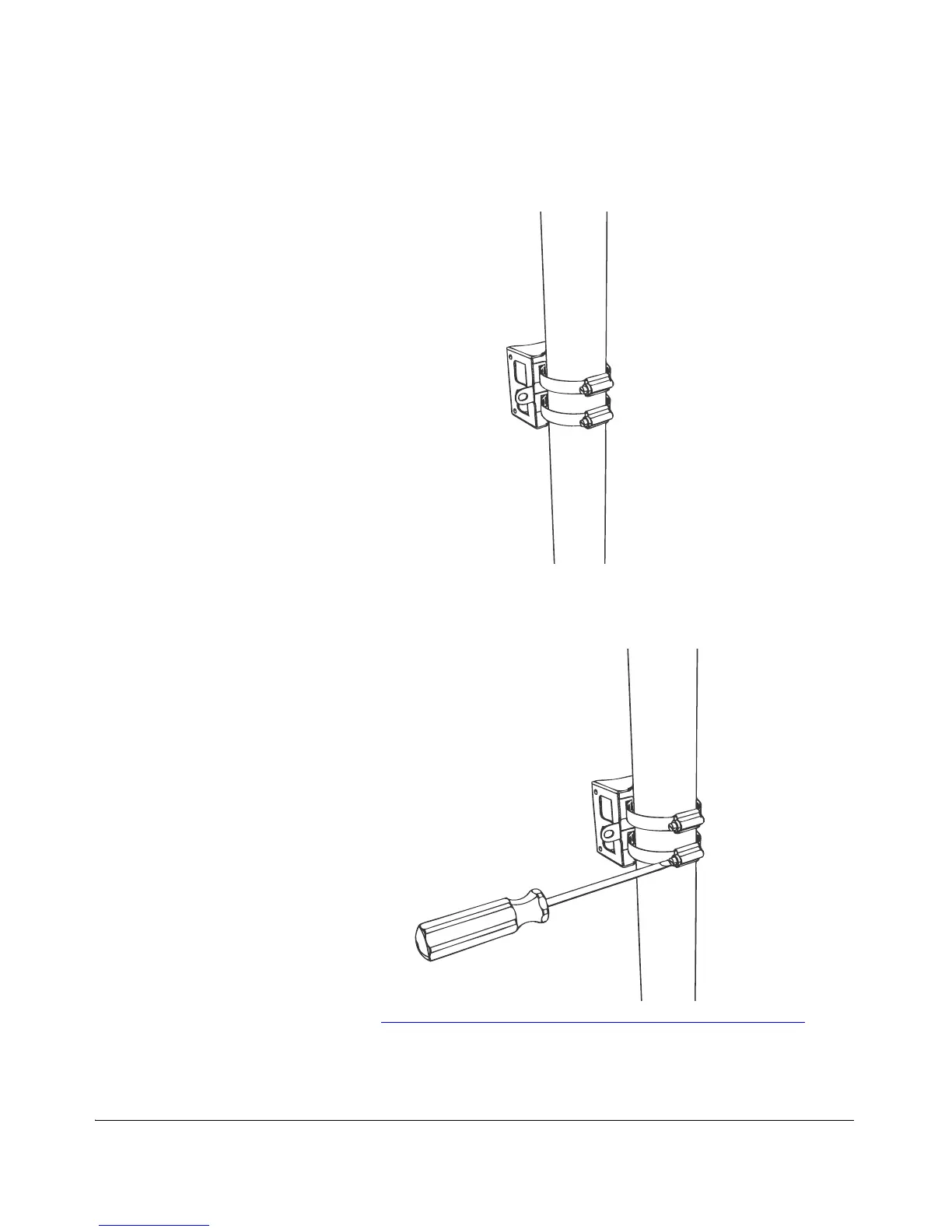
2. Use the clamps to attach the bracket to the pole.
Figure 36. Use the clamps to attach the bracket to the pole
3. Using a 10mm flathead screwdriver, tighten the clamp locks to secure the bracket
to the pole. Screw torque value must be 1.1 N-m ± 0.1 N-m.
Figure 37. Tighten the clamp locks to secure the bracket
4. Continue to “Step 2: Attach the Dynamic Bracket to the Wireless Bridge”.



 To Next Page