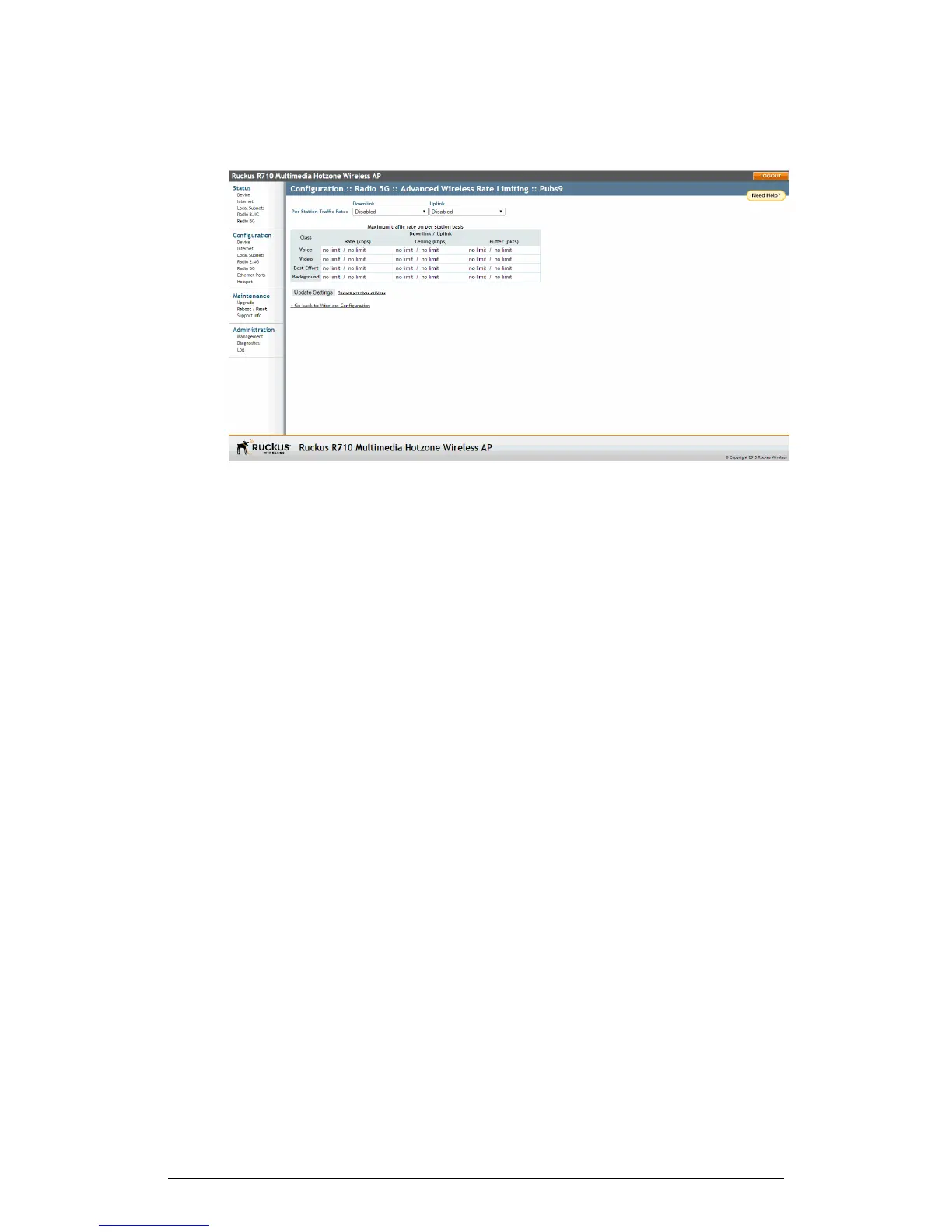
Figure 59: Limit per station traffic rates on a specific WLAN
4. Set the maximum Downlink and Uplink rate per station.
5. The table under the Downlink and Uplink selections updates to show the maximum
transfer rate per station for each traffic type.
6. Click Update Settings to save your changes.
Controlling Access to the Wireless Network
Access Control Lists (ACLs) allow you to control which stations are permitted to access
your wireless networks.
Access controls can be configured for each WLAN independently from its respective
Wireless # tab.
Access Control Options
Access controls can be configured to either allow or deny stations by MAC address.
The following options are available:
• Disable WLAN Access Restrictions: If you select this option, then
MAC-address-based restrictions on which stations can join the WLAN are disabled;
thus, any station can join. The Access Controls Table is hidden if the current mode
is Disable WLAN access restrictions.
• Allow Only Stations Listed in the Access Controls Table: If you select this option,
then stations entered into the Access Controls Table are allowed but all others are
disallowed. To add MAC addresses to the table, refer to Changing the Access Controls
for a WLAN on page 115.
• Deny Only Stations Listed in the Access Controls Table: If you select this option,
then stations entered into the Access Controls Table are disallowed but all others
are allowed. To add MAC addresses, refer to Changing the Access Controls for a
WLAN on page 115.
114
ZoneFlex Indoor Access Point Release 104.0 User Guide
Configuration
Configuring the AP











 To Next Page