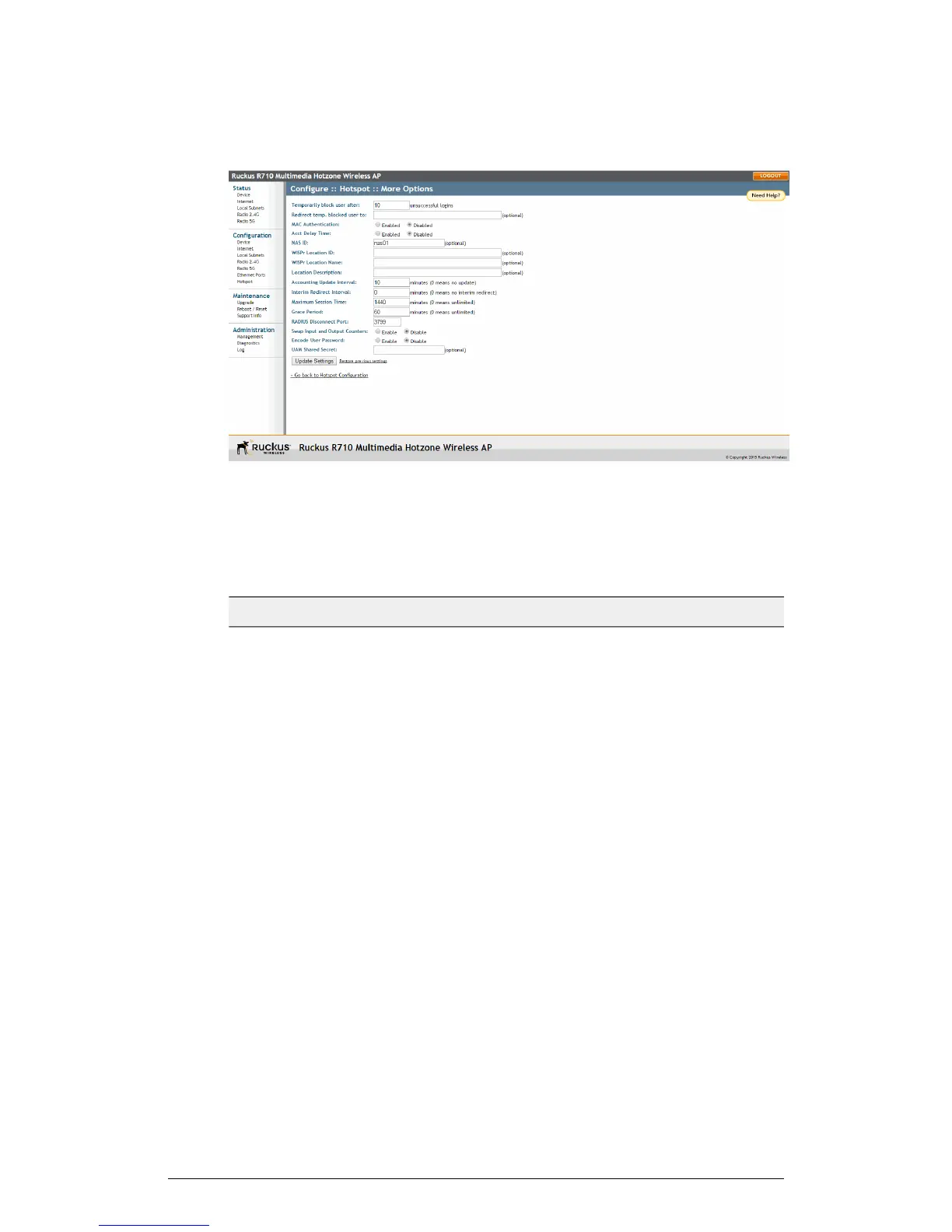
Figure 63: Configuring optional Hotspot options
The following Hotspot options can be configured from the Configuration > Hotspot
> More Options page:
Table 52: Optional Hotspot settings
DescriptionSetting
Specify the maximum number of repeated
authentication failures allowed.
Temporarily block user after __
unsuccessful login attempts
Enter a redirect URL to which blocked
users are redirected.
Redirect temp. blocked user to
If enabled, the Hotspot service attempts
to authenticate users based on their MAC
addresses if the local Hotspot
authentication has failed. If enabled, an
optional MAC authentication password
can be entered. If no password is
specified, the system uses the client’s
MAC address as the password.
MAC Authentication
ZoneFlex Indoor Access Point Release 104.0 User Guide
123
Configuration
Configuring the AP











 To Next Page