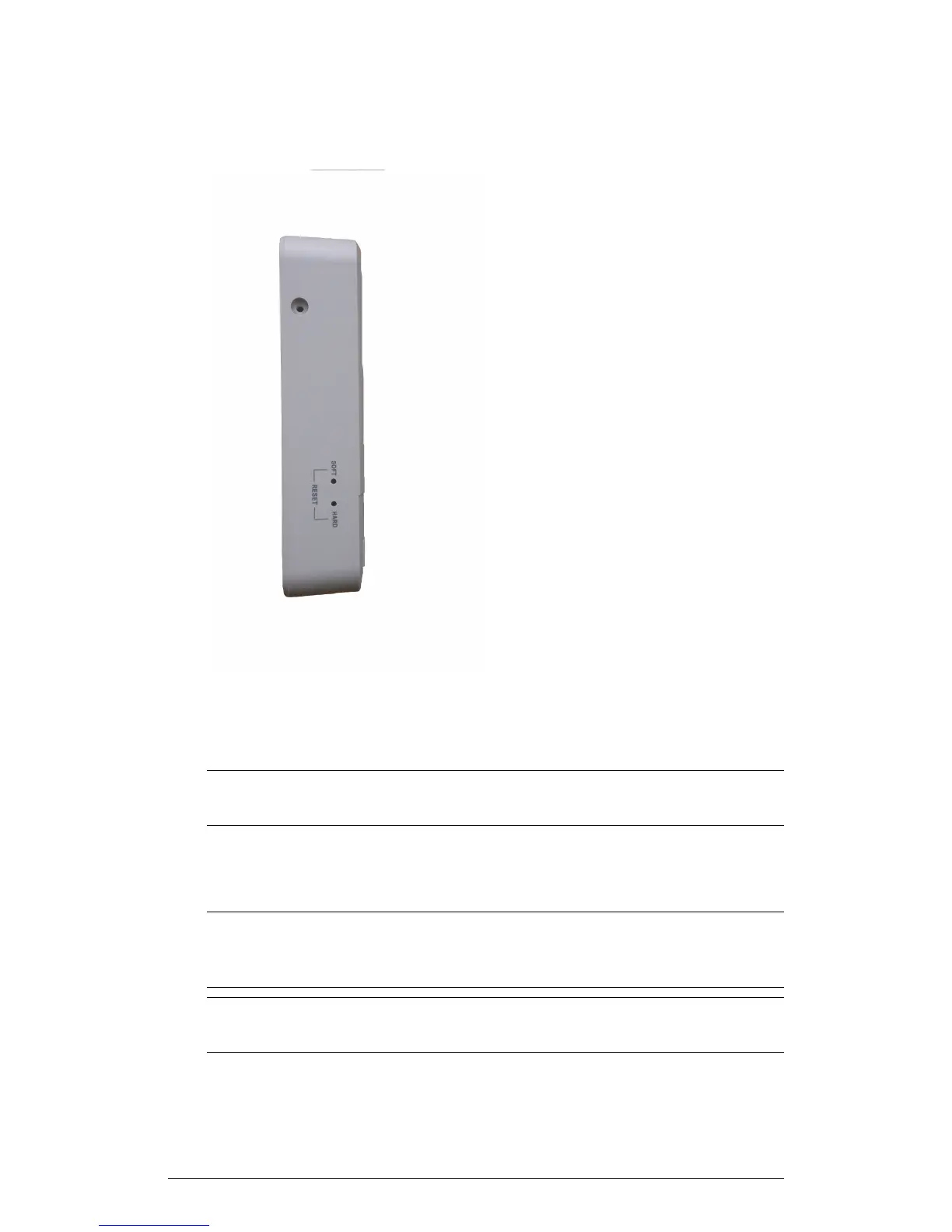
Figure 3: Reset buttons
Press and hold the Soft Reset button for three seconds or more to reset the AP to
factory defaults. Press and release the Hard Reset button to restart the AP.
NOTE On the 7055, the Hard reset button restarts the AP, while the Soft reset button
reverts the AP to factory default settings.
7055 Physical Installation
This section describes the physical installation instructions for mounting the 7055 to an
electrical outlet box.
CAUTION! The AP and all interconnected equipment must be installed indoors within
the same building, including the PoE powered network connection as described by
Environment A of the 802.3af standard.
CAUTION! Ensure that you use a Cat5e or better Ethernet cable to supply PoE power
and LAN connectivity running to the outlet box where the AP will be installed.
14
ZoneFlex Indoor Access Point Release 104.0 User Guide
Introduction
Getting to Know the AP Features











 To Next Page