Log Into the AP's Web Interface
Log into the AP to preconfigure the AP for standalone/FlexMaster operation.
1. On the administrative computer, open a web browser window.
2. In the address or location bar, type the following address:
https://192.168.0.1
3. Press Enter on the keyboard to connect to the AP's web interface. A security alert
message appears.
4. Click Yes or OK or Proceed anyway (depending on the browser) to continue. The
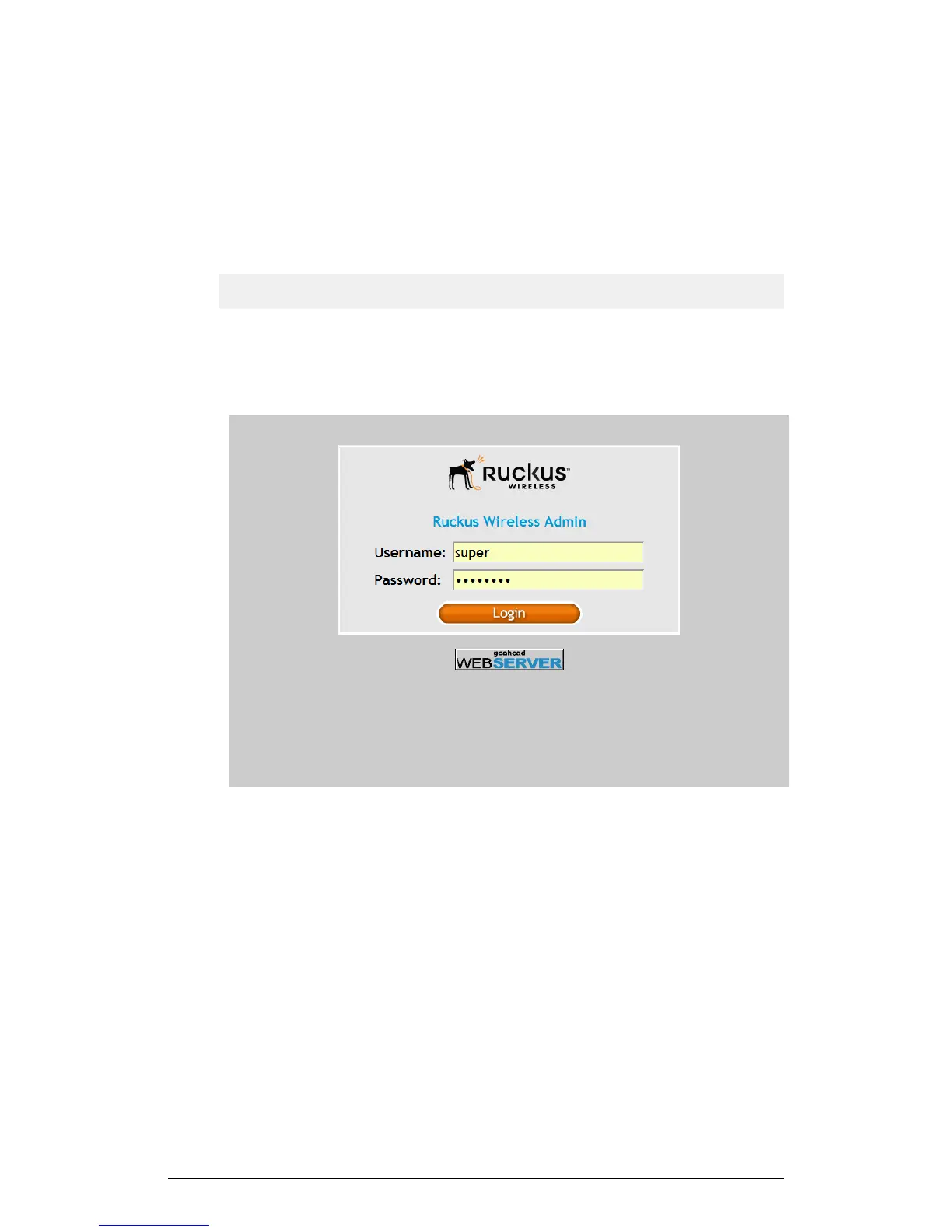
AP's login page appears.
Figure 41: The Ruckus Wireless AP login page
5. In User name, type super.
6. In Password, type sp-admin.
7. Click Login. The web interface appears, displaying the Status > Device page.
8. Continue to Configure the Wireless Settings on page 79.
78
ZoneFlex Indoor Access Point Release 104.0 User Guide
Installation
Step 1: Preconfiguring the AP











 To Next Page