• IPv4 Primary DNS Server: The IP address of the primary Domain Name System
(DNS) server.
• IPv4 Secondary DNS Server (optional): The IP address of the secondary DNS
server.
8. Click Update Settings to save your changes.
Configuring L2TP Connection Settings
Use the following procedure to configure Layer 2 Tunneling Protocol settings.
You can implement transparent bridging by using L2TP (Layer 2 Tunneling Protocol)
tunneling. By tunneling traffic from an AP to a centralized data center, access controllers
with policy enforcement software can apply rules and services. In a typical WLAN
implementation, these rules include a captive portal to authenticate users' credentials.
In the case of L2TP, the Ruckus Wireless AP functions as a remote bridge. As such, it
forwards traffic into PPP sessions over the L2TP tunnel. This implementation ensures
that you have complete visibility into MAC addresses of users, as individual Wi-Fi clients
are essentially placed (bridged) onto the ISP's core network.
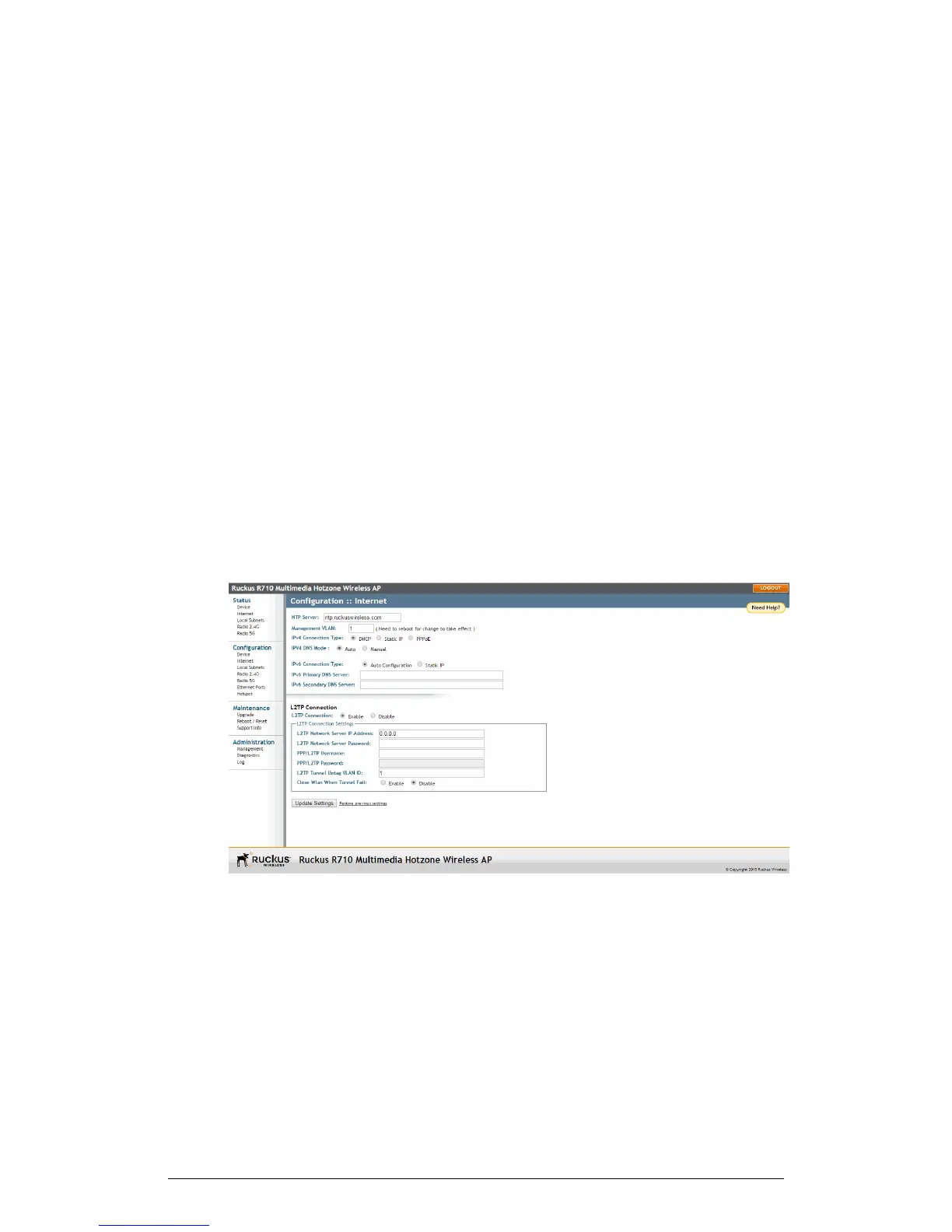
1. Go to Configuration > Internet.
2. Under L2TP Connection, click Enable.
Figure 50: L2TP Connection
3. In L2TP Network Server IP Address, type the IP address of the L2TP network
server (LNS) to which the device connects.
4. In L2TP Network Server Password, type the L2TP server password.
5. If your network requires PPP authentication, configure the following fields under
L2TP/PPP Authentication:
ZoneFlex Indoor Access Point Release 104.0 User Guide
97
Configuration
Configuring the AP











 To Next Page