Web-based Configuration Guide Networks Settings
71
3.26 Configuring PPTP VPN
3.26.1 Overview
The device can support Point-to-point Tunneling Protocol (PPTP) server or client, enabling enterprises to
connect to branch offices on the public network through private tunnels. A VPN connection can be established
with other network devices that support PPTP.
3.26.2 Configuring PPTP Server
Note
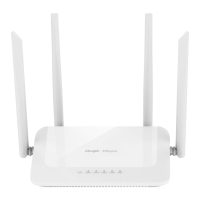
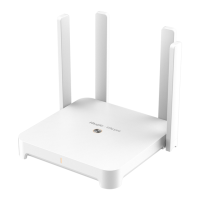
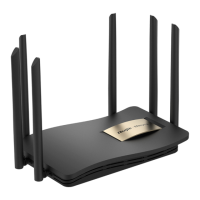
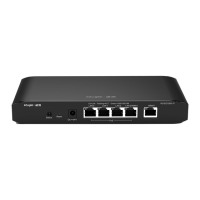
This feature is not supported on RG-EW300 PRO, RG-EW1200G PRO and RG-EW1200 routers.
Mobile Phone View: Choose More > Switch to PC view-> More-> VPN-> PPTP.
PC View: Choose More-> VPN-> PPTP.
1. Click Enable to enable the function of PPTP and select Server.
Local Tunnel IP: Enter the local address. It is used as the local virtual IP address of the VPN tunnel for the
client to access the server after dialing in.
VPN Subnet/Netmask: Enter the range of IP addresses. The IP addresses in this range will be assigned to
clients.


 To Next Page
 Loading...