Installer reference guide / Mono tank integrated type 121
8.1 Outdoor unit
Setting the outdoor options via K-button tactile switches
Setting the correct options for the outdoor unit for site specific conditions via K-button tactile switches and explanation of
their functions.
Setting the option
1 Press and hold K2 to enter the option setting. (Only available when the operation is stopped)
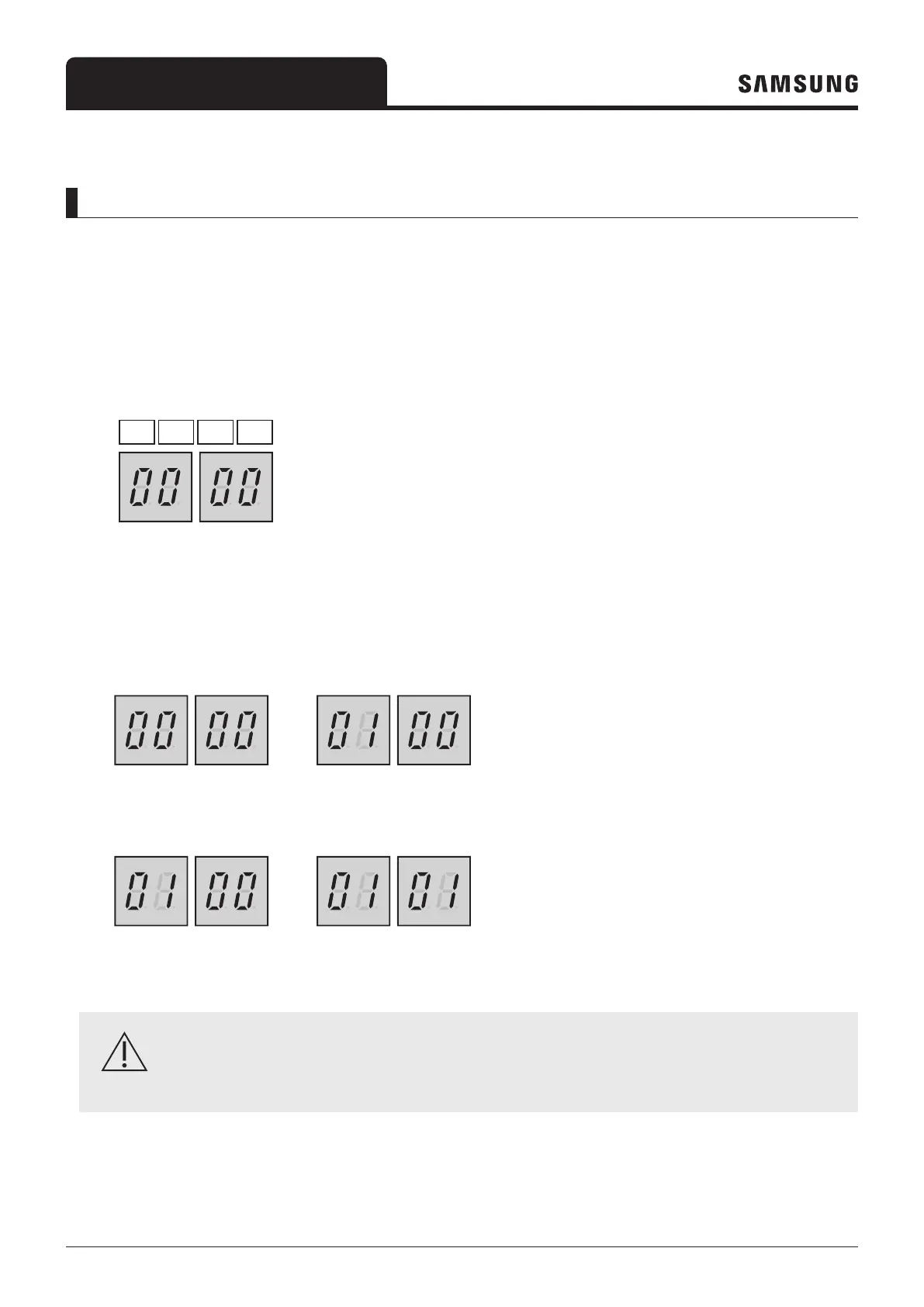
– When entering the option setting, the display will show the following :
Seg 1 Seg 3Seg 2 Seg 4
– Seg 1 and Seg 2 will display the number for the selected option.
– Seg 3 and Seg 4 will display the number for the set value of the selected option.
2 After entering the option setting mode, shortly press the K1 switch to go to the desired option to change, indicated by
Seg 1, Seg 2 and select the desired option.
Example)
3 After selecting the desired option, you can shortly press the K2 switch to adjust the value of the option, as indicated by
Seg 3, Seg 4 and change the function setting for the selected option.
4 After selecting the function setting for the selected options, press and hold the K2 switch for 2 seconds to store the
value. The changed value of the option will be saved when the entire segment display blinks and tracking mode begins.
CAUTION
• If the above instruction is not exactly followed, there is a risk that changed option settings are not saved.
To restore previous setting, press and hold the K1 button.
To call for the factory default setting, press and hold K4 during the option setting mode.
– After the factory default value is displayed, it needs to be saved. Press and hold the K2 button. When the segments
shows that tracking mode is in progress, the setting is saved.




 To Next Page