29
Deleting the BLF Group
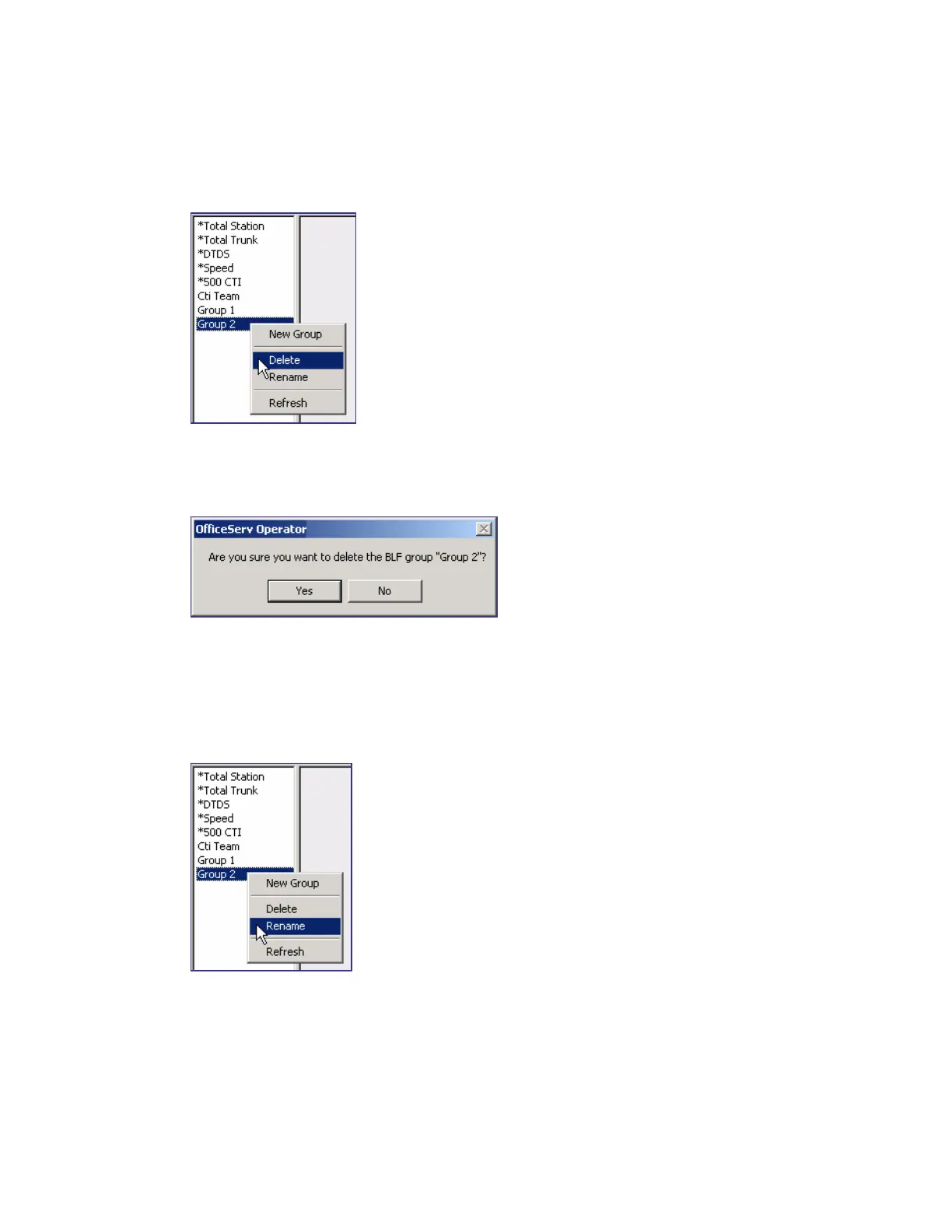
Select a BLF group to be deleted from the list box of the <BLF> window and right-click on the
group to select the [Delete] menu.
Once the window that prompts the user to delete the group appears, click [Yes] to delete the
selected BLF group.
Changing the BLF Group Name
Select the BLF group whose name will be changed from the list box of the <BLF> window.
Right-click and select the [Rename] menu. Otherwise, press the selected group by using the
mouse to change the name.















 To Next Page