30
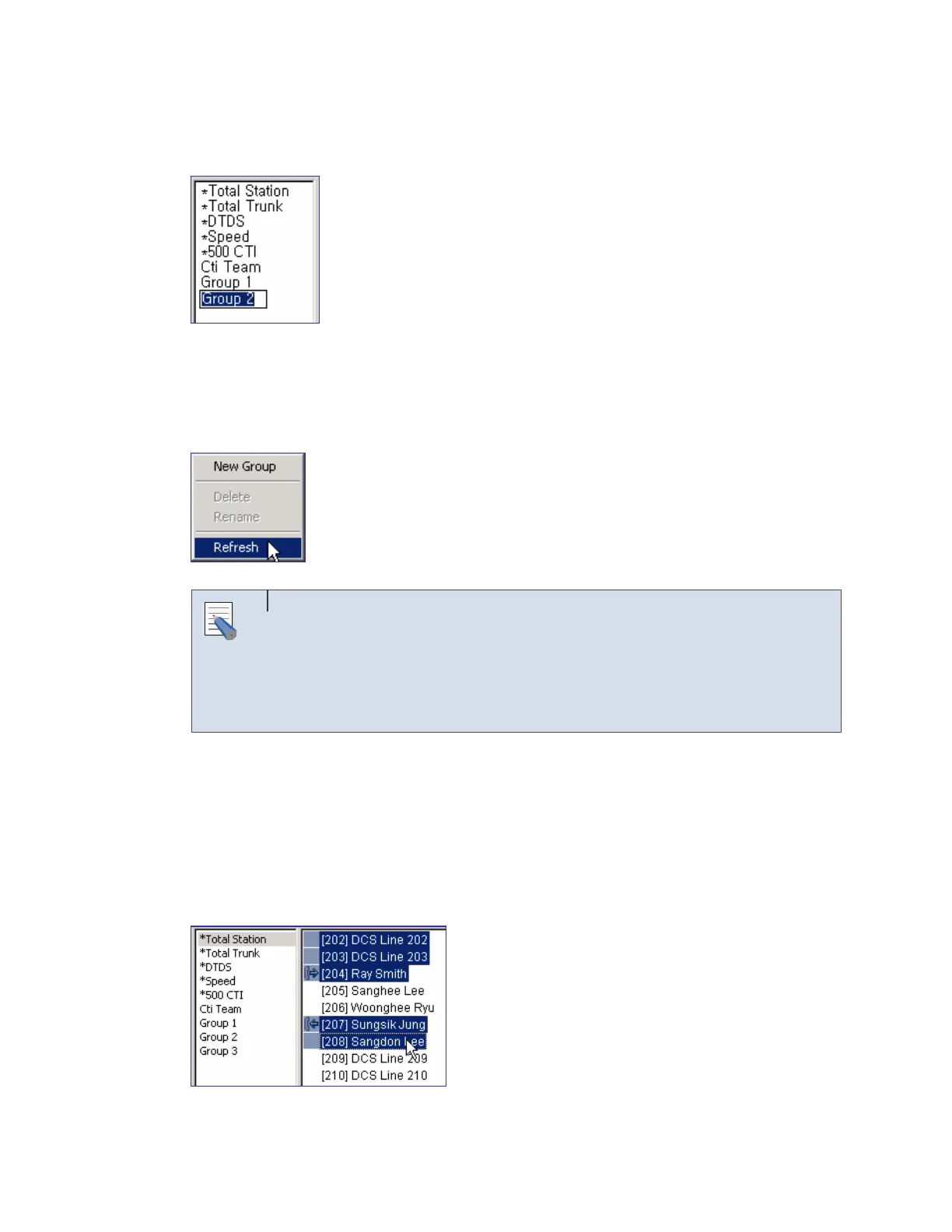
Enter the name to be changed once input is active. The name of the default group marked as
‘*’ cannot be changed.
Refreshing the BLF Group
Right-click on the list box of the <BLF> window and select [Refresh] to change the list of the
BLF group to the recent data.
Selecting the Refresh Menu
Select a BLF group from the <BLF> window and [Refresh] to import and
display the list of the devices included in the selected group. To import the
group data newly, select the blank from the group list of the <BLF> window
and [Refresh].
Adding the Existing Device to the BLF Group
The method of adding the devices included in the existing BLF group such as ‘*Total Station’ to
another BLF group is described below:
Select a device to be added while pressing [Ctrl] in the BLF group. The user can select a
device list only from the list view.
NOTE















 To Next Page