34
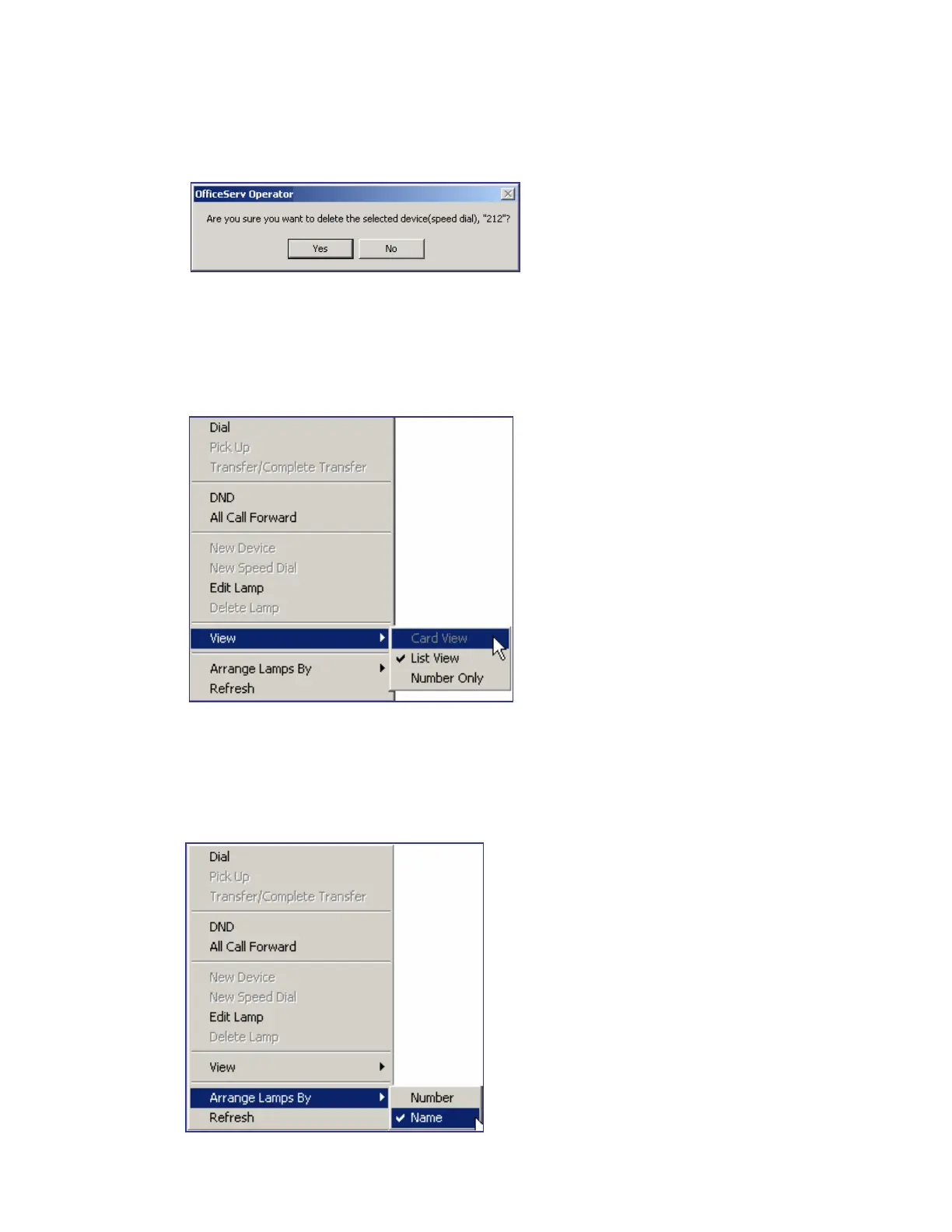
Once the window that prompts the user to delete the device appears, click [Yes] to delete the
selected device.
Device View Type
The device view types in the BLF area include Card View, List View, and Number View.
Right-click on the BLF area and select the desired view type from [View] to select a device
view type.
Sorting out Devices
The BLF devices are sorted in the sequence of number or name. Right-click on the BLF area
and select the desired sorting method (number or name) from the [Arrange Lamps By] menu
to change the device sorting method.















 To Next Page