35
Refreshing the Device
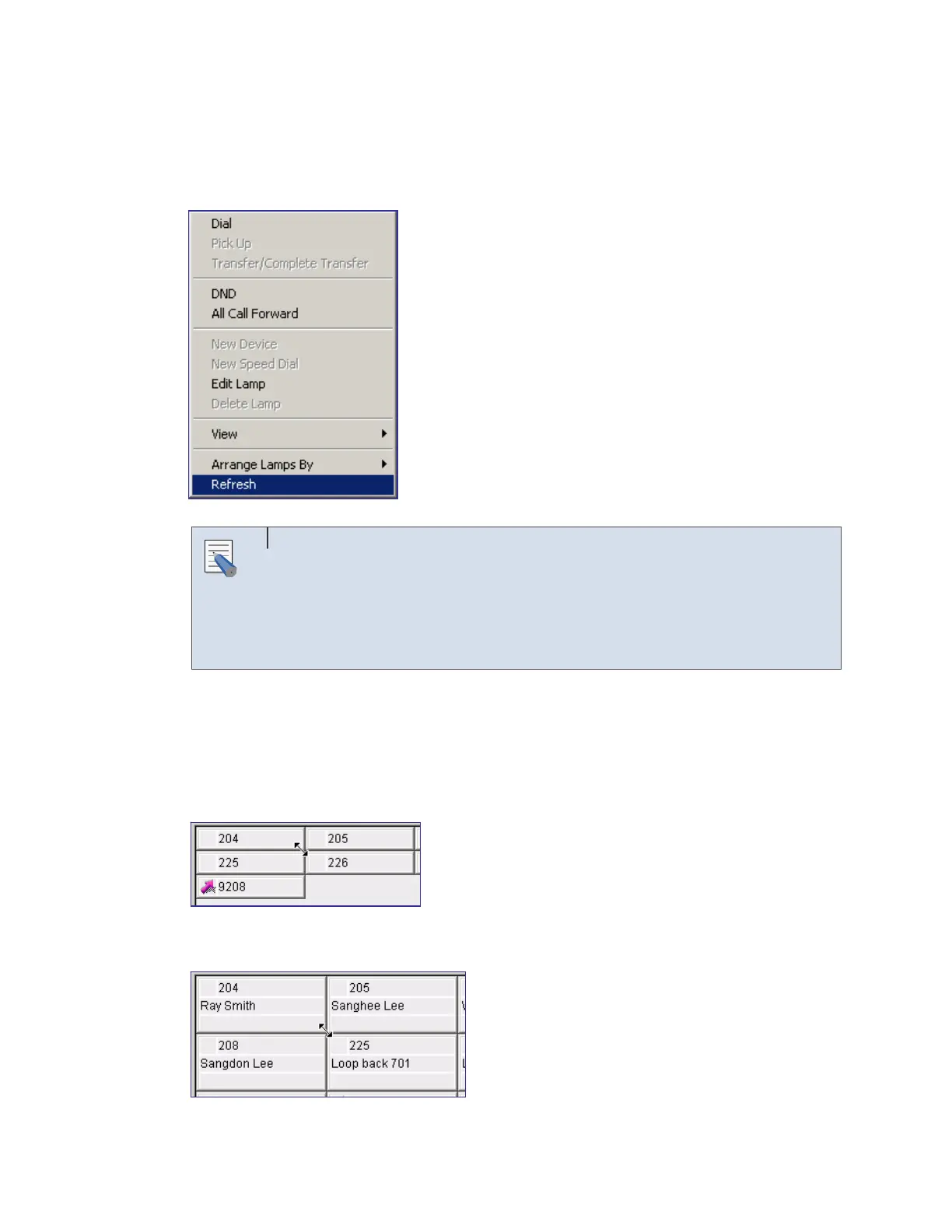
Right-click on the BLF area and select [Refresh] to change the status of the BLF device to new
data.
Selecting the Refresh Menu
Select a BLF device from the <BLF> window and [Refresh] to import and
display the status of the selected device. Select [Refresh] without selecting a
device to import and display the status of all the devices included in the
current group.
Adjusting Device Size
The user can adjust the size of the BLF device in [Card View]. When putting the mouse cursor
to the corner of the first device as shown below, the arrow that allows the user to adjust device
size appears.
Drag the arrow to change the device to the desired size. Then, drop the mouse.
NOTE















 To Next Page