4.Troubleshooting
►ErrorCode
A1–1110
►Errormessage
Error#A1-1110:Turnoffthenon.
►Symptom
HarnessormainBLDCmotorormainboardisdefective./OPCcouplerinthetonercartridge(orimagingunit)has
overloaded.
►Troubleshootingmethod
1)Turnthemachineoffthenon.Iftheerrorpersists,refertothefollowing.
2)Removetherightcover.
3)Checkifthemotorconnectoronmainboardisconnectedproperly.Reconnectit.
4)OPCcouplerhasoverloaded.Afterremovingthetonercartridge/imagingunit,rotatetheOPCcoupler.
Ifthereisanydamage,theOPCcouplercan’trotatewell.Replacethetonercartridge/imagingunit.
5)Removetheleftcover.
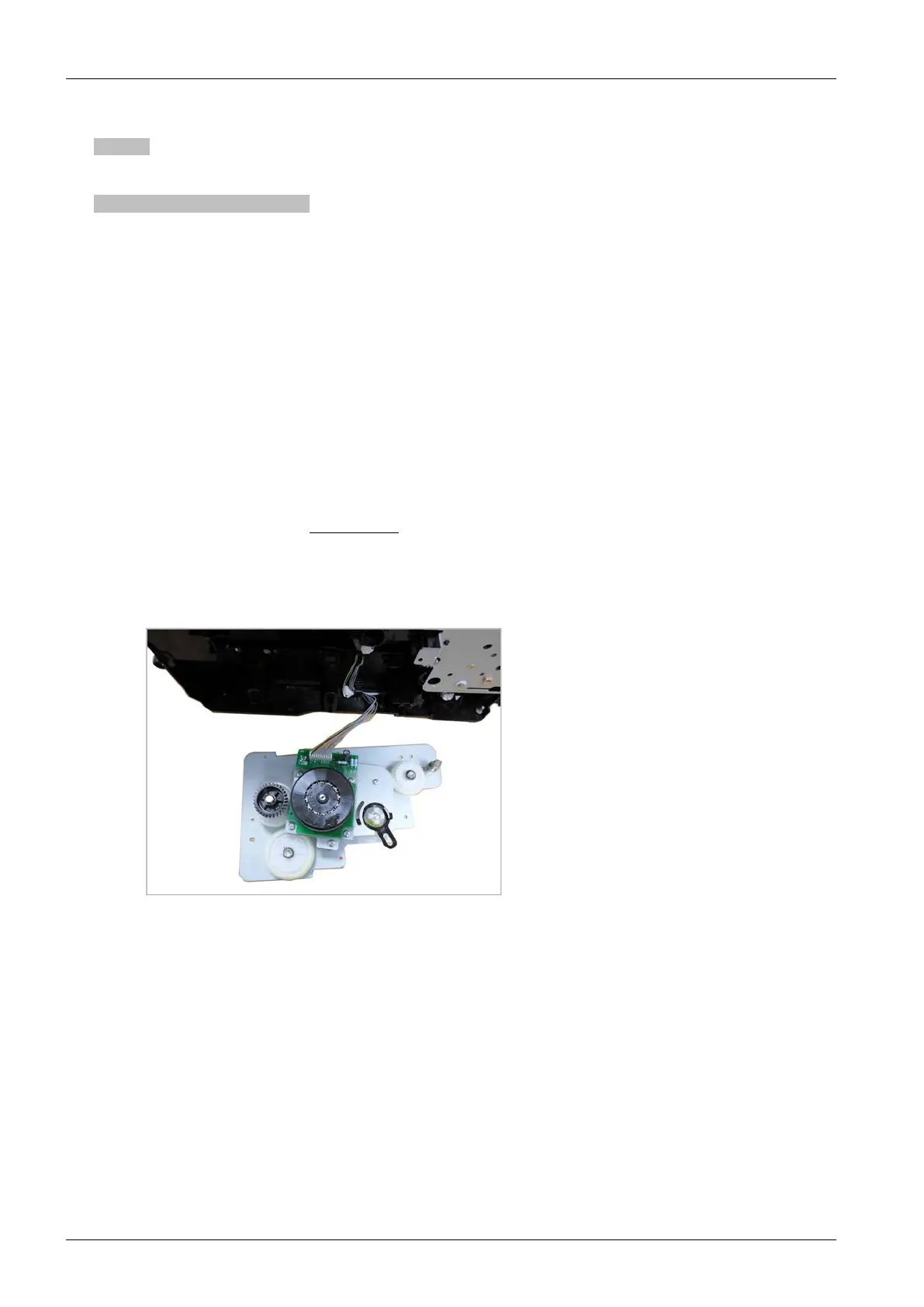
6)Removethemaindriveunit.(Referto3.3.9
)
7)ThemainBLDCmotorisdefective.
a)Unplugtheconnectorfromthemotorcarefully.
b)ReplacethemainBLDCmotor(JC31-00075A)withnewone.
8)Iftheproblempersists,replacethemainboard.
4-36Copyright©1995-2016SAMSUNG.Allrightsreserved.



 To Next Page
 Loading...






