4.Troubleshooting
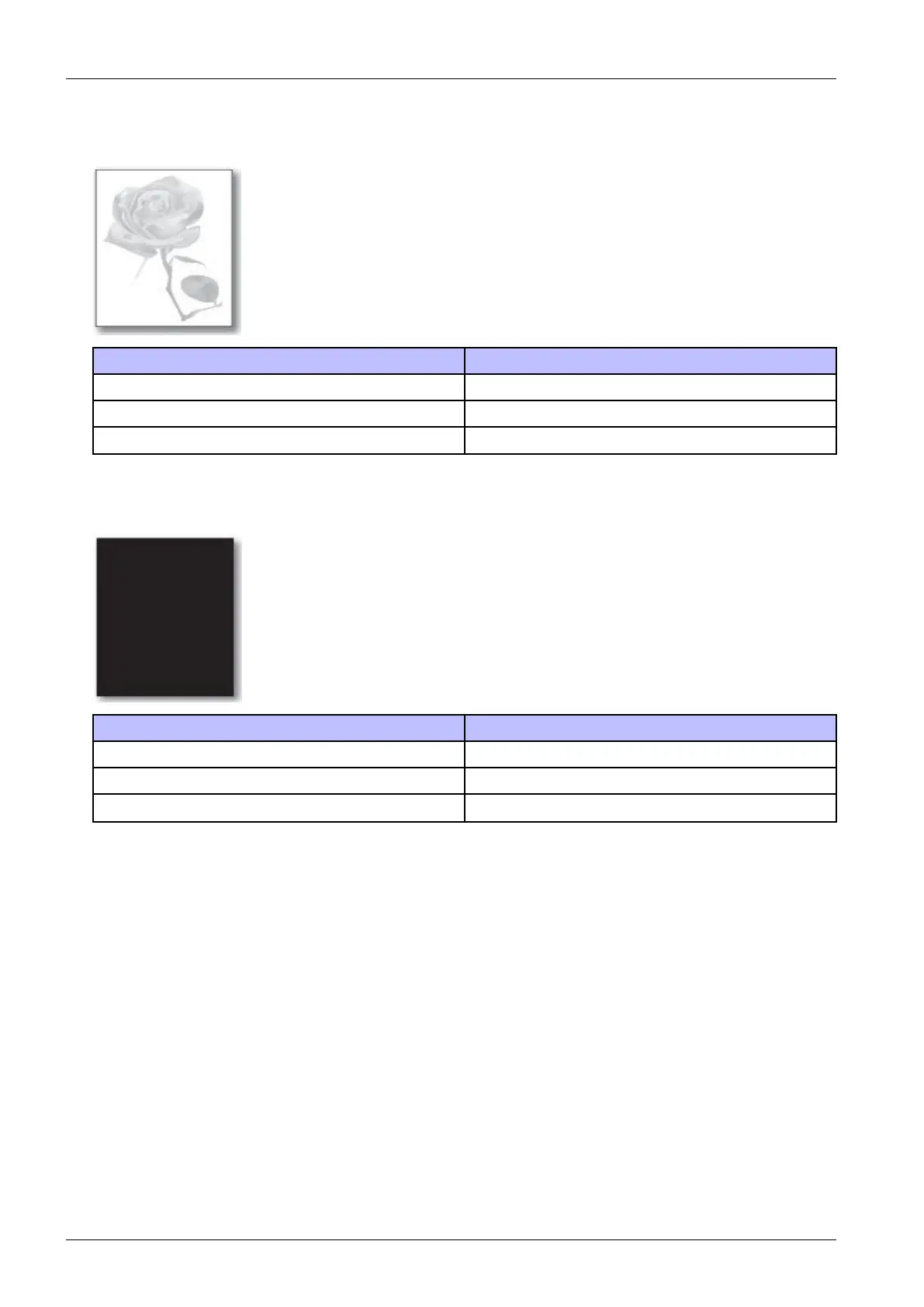
5)Lightimage
Description:Theprintedimageislight,withnoghost.
CheckandcauseSolution
Tonercartridgelifeisexpired.Replacethetonercartridge.
HVPSterminaliscontaminated.Cleanthecontaminatedterminal.
TheoutputfromtheHVPSisabnormal.ReplacetheHVPSboard.
6)DarkorBlackpage
Description:Theprintedimageisdarkorblack.
CheckandcauseSolution
Checkifthehighvoltageterminaliscontaminated.Cleanthehighvoltageterminal.
Thechargingrollerisdefective.Replacethelasertonercartridgeorimagingunit.
TheoutputfromtheHVPSisabnormal.ReplacetheHVPSboard.
4-64Copyright©1995-2016SAMSUNG.Allrightsreserved.



 To Next Page
 Loading...






