MULTI-PORT OPTICAL POWER METER MPM-210H
25 / 59
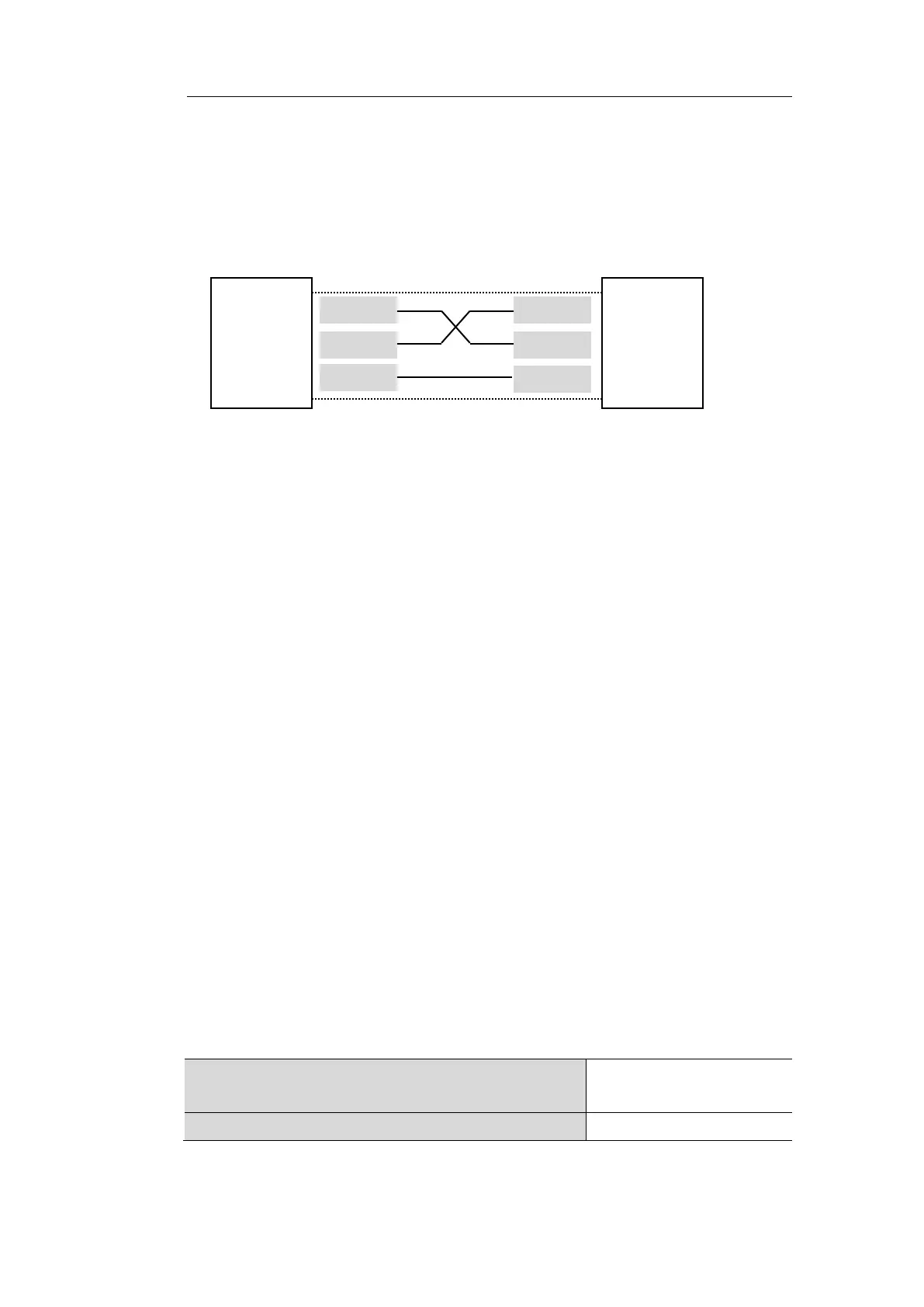
5.3.2 RS-232 Connection
The PC and & the MPM-210H are connected each other by D-SUB 9 pin female
serial cable. Methods of Serial cable pin connection is as follows. Uses the cross
cable.
5.4. Commands Form
Structures of commands are formed by Commands and Parameter.
Basic structures are as follows.
COMMAND<wsp> [<Parameter1>][,<Parameter2>][,<Parameter3>]
[ ] : Optional.
・ COMMAND is not case-sensitive.
・ <wsp> stands for the white space.
・ There are string type, integer type and real type in Parameter, decimal
notation is used for real type.
・ When receiving with RS232C and TCP/IP, the end of Commands character
string is determined by using ASCII <LF> and <CR> will be ignored.
When receiving with GPIB, the end of Commands character string is
determined by EOI and <CR>, <LF> will be ignored.
・ Query Command is an answer command. Users have to put ‘?’ (Question
mark) at the end all the time.
・ If there are multiple parameters that are received as answers for Query
Commands, it separated by ‘,’(comma), have <CR><LF> at the end of
parameters in case of RS232C and TCP/IP, and have <CR> at the end of
parameters in case of GPIB.
No acceptable for COMMAND & Parameter
' % ', ' & ', ' $ ', ' # ',
'~ '
Dividing character for COMMAND & Parameter



 To Next Page