26/95
User manual SCAIME: NU-soft-eNod4B-E-0716_236704-C.doc
5.7 Access to the object dictionary
The most important element of a CANopen® compatible device is its object dictionary (OD). Each node object that can
be accessed via the bus is part of a table called object dictionary. The dictionary entries can be addressed by a couple
of an index (2 bytes) and a sub-index (1 byte) with the following organization:
manufacturer specific complex data bytes
device profile specific static data types
device profile specific complex data types
communication profile area
manufacturer specific profile area
standardized device profile area
Only the greyed elements of the table are accessible through eNod4 OD.
The whole object dictionary is accessible and can be configured from usual CANopen® configuration tools. This can be
done using eNod4 available EDS file.
5.7.1 SDO communication
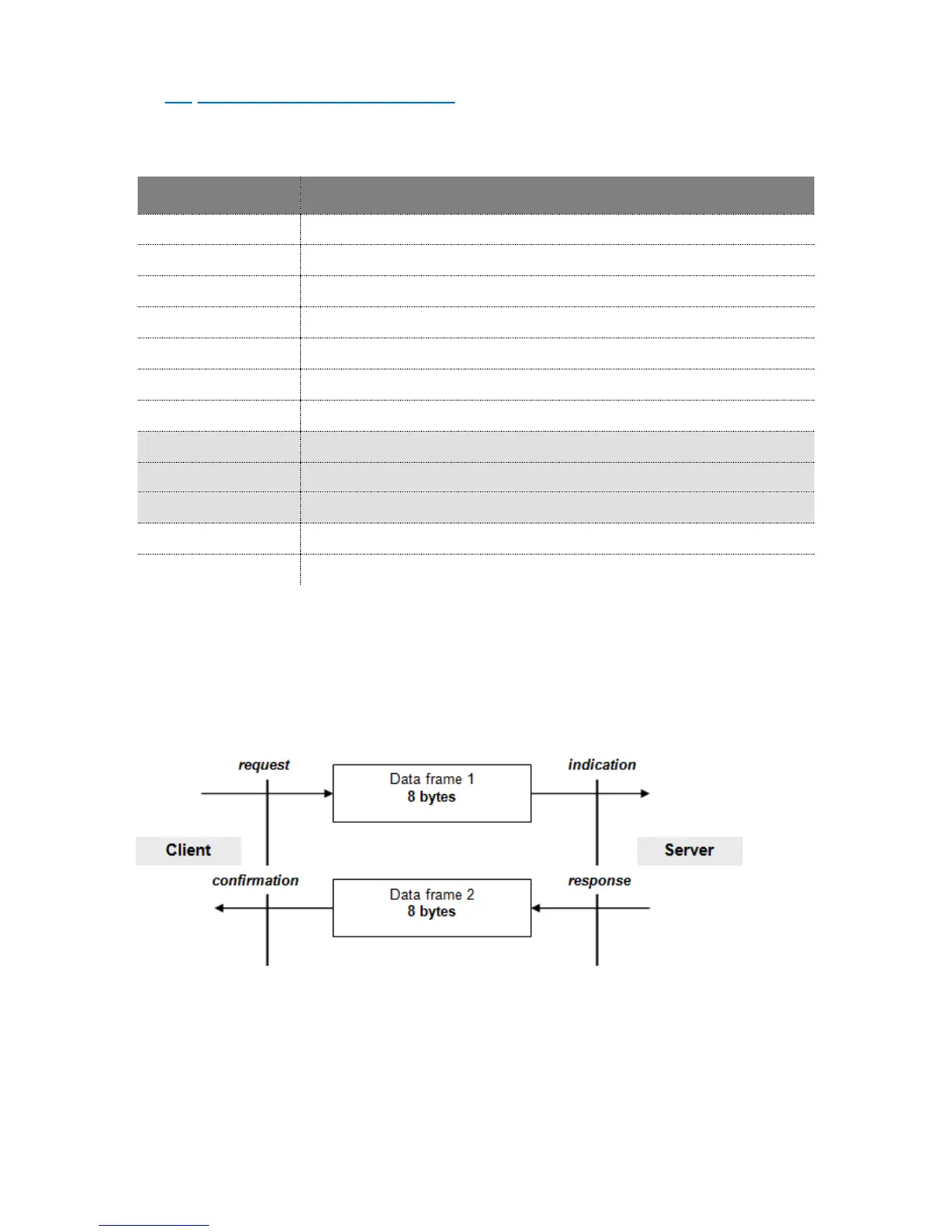
The model for SDO communication is a client/server model as described below:
The node that sends the request is the client application whereas eNod4 only behaves as the server application. There
are two types of requests, write and read requests. Both have the same structure:



 To Next Page