Page 19
Operation Overview 3
AT-10 plus Service Handbook Selecting menu options using the arrow keys 3.2
Art.-no.: 2.540043 Rev.: a
3.2 Selecting menu options using the arrow
keys
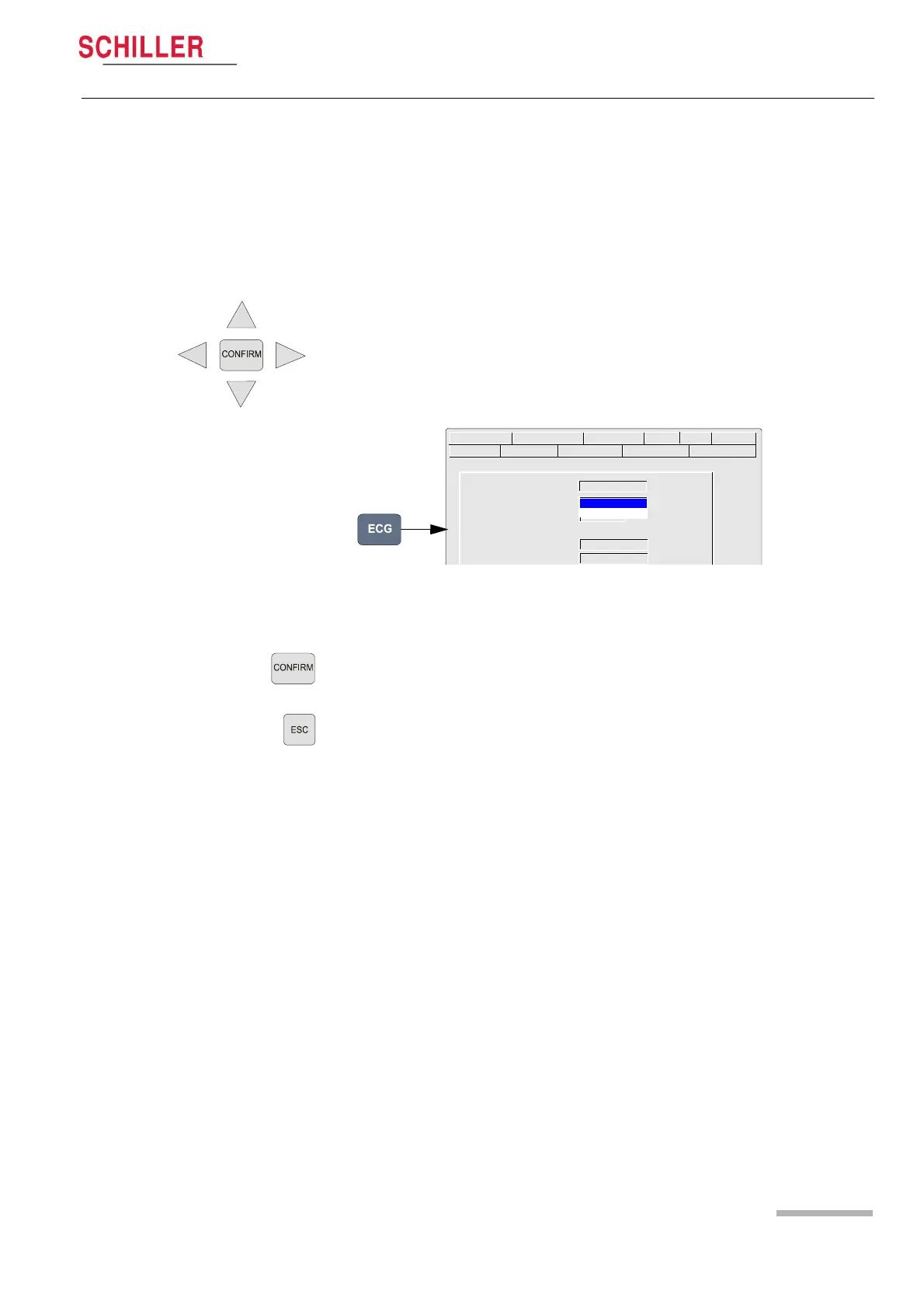
When any of the setting keys are pressed (ECG, Exercise, NIBP, Menu etc.), menu
tabs are displayed and menu options displayed, as given in the ECG example below.
The general principal of navigating and option selection is the same for all menu keys
as follows:
1. Press the left /right keys to select (highlight) the tab on the top of the screen.
2. Use the up/down keys to select the field/icon - the entry field appears blue (as
shown in the example below for ‘signals‘).
3. Press Confirm to select.
4. Use up/down keys to toggle through the options available.
5. Press Confirm to set.
• When all entries are made, press the Esc key to exit and register the entered data.
sequential
Lead Sequence Standard
Signals simultaneous
Auto-Centring
Rhythm lead group NO
Left posterior (V4 - V9) NO
Lead Test Pacemaker Interpretation Rhythm Rec Late Potential
HR Variability Autom. Format Prog. Leads GeneralLead Filter














 To Next Page