Page 31
Service Screen 4
AT-10 plus Service Handbook Saving the settings 4.11
Art.-no.: 2.540043 Rev.: a
4.11 Saving the settings
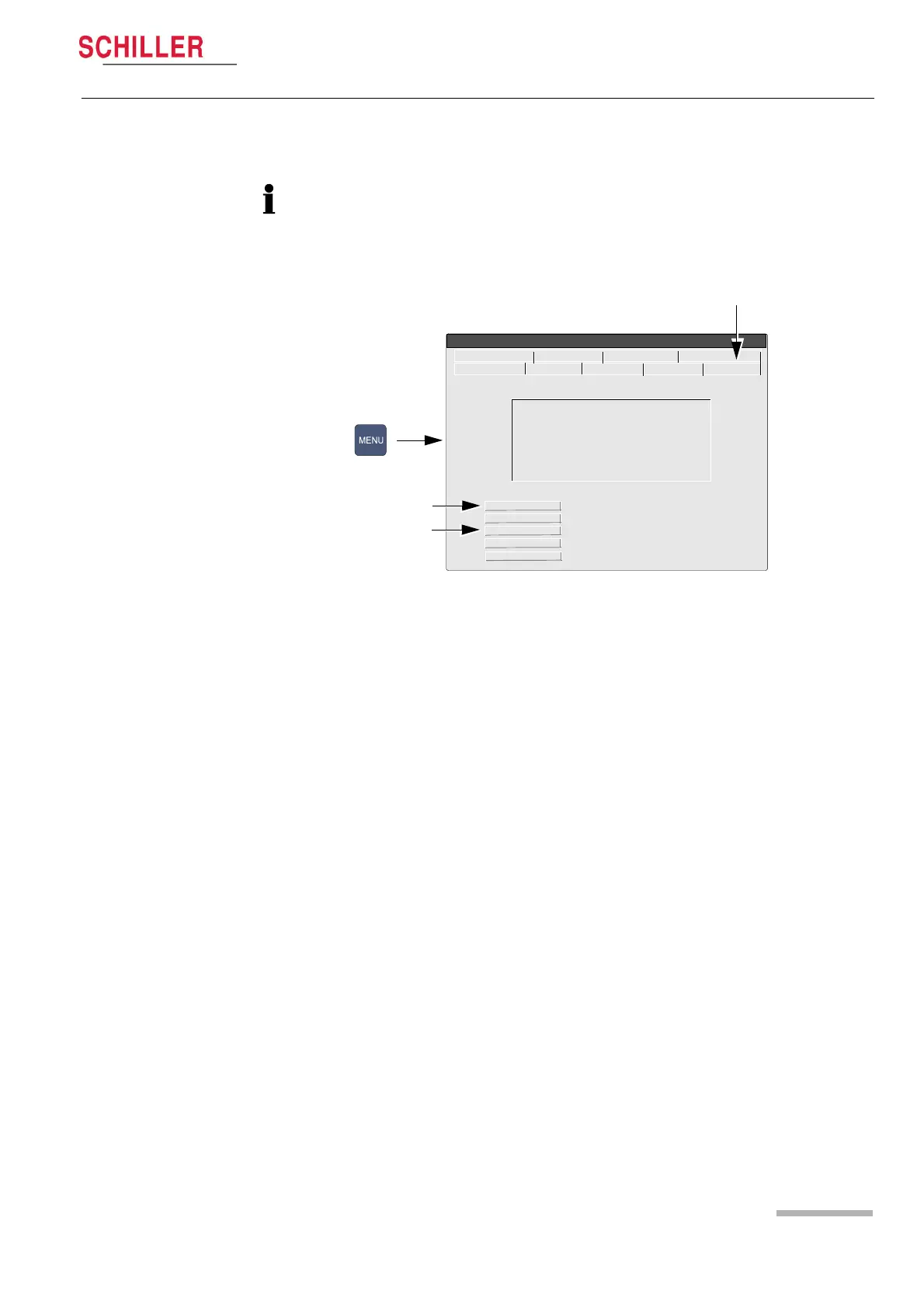
All changed settings are remembered until the unit is switched off. If you wish to keep
the settings as default, the Menu key must be pressed and software screen must be
entered (1), and the ‘save as default‘ icon (2), pressed before the unit is switched off.
To set the default to the factory setting, click the ‘Factory Default‘ icon (3).
AT-10 plus
V 1.04 Ctms RI5.73
S/N : 173.000057 11.01.2005
Copyright (c) 2004 by
SCHILLER AG, Switzerland
Save as Default
Restore Default
Factory Default
Send Default
Receive Default
2
1
RS-232 Network Modem Peripherals
Identification Macro System Config. Software
System Menu
3














 To Next Page