5 Functional Checks
5.3 Functional checks and tests
AT-10 plus
Page 40
Art.-no.: 2.540043 Rev.: a
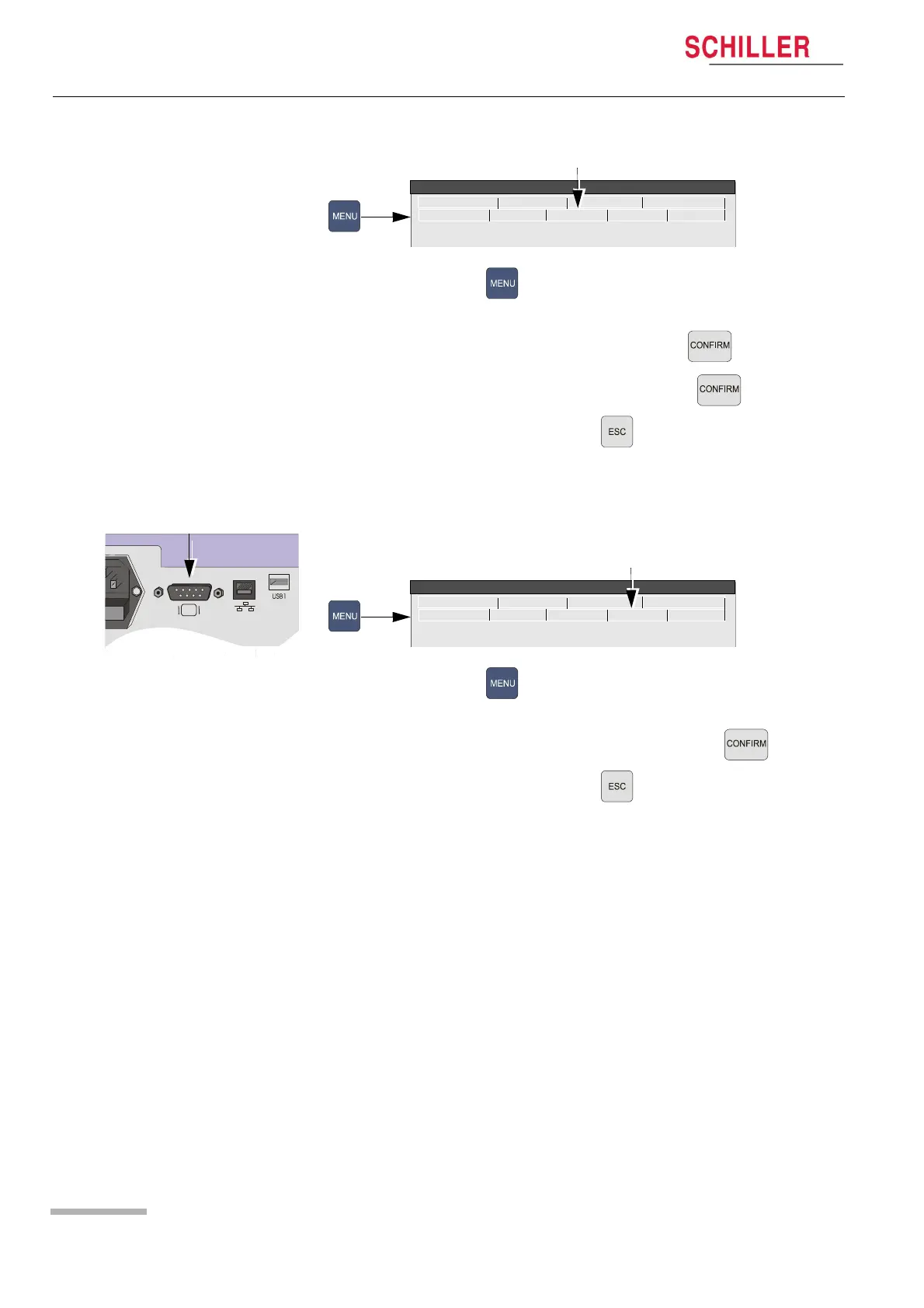
5.3.12 Language, date and time
1. Press the Menu key .
2. Select the System tab.
3. Check and select language and press the confirm key .
4. Check and set time and date and press the confirm key .
5. Press the Escape key to set and leave .
5.3.13 External monitor
1. Connect an external VGA monitor to the external monitor connector on the back
panel.
2. Press the Menu key .
3. Select the Config. tab.
4. Set the External Display to Yes, and press the confirm key .
5. Press the Escape key to set and leave .
6. Check that the external monitor displays the same data as the LCD display.
RS-232 Network Modem Peripherals
Identification Macro System Config. Software
System Menu
RS-232 Network Modem Peripherals
Identification Macro System Config. Software
System Menu














 To Next Page