Page 57
Unit Settings 8
AT-10 plus Service Handbook General and unit settings 8.3
Art.-no.: 2.540043 Rev.: a
8.3 General and unit settings
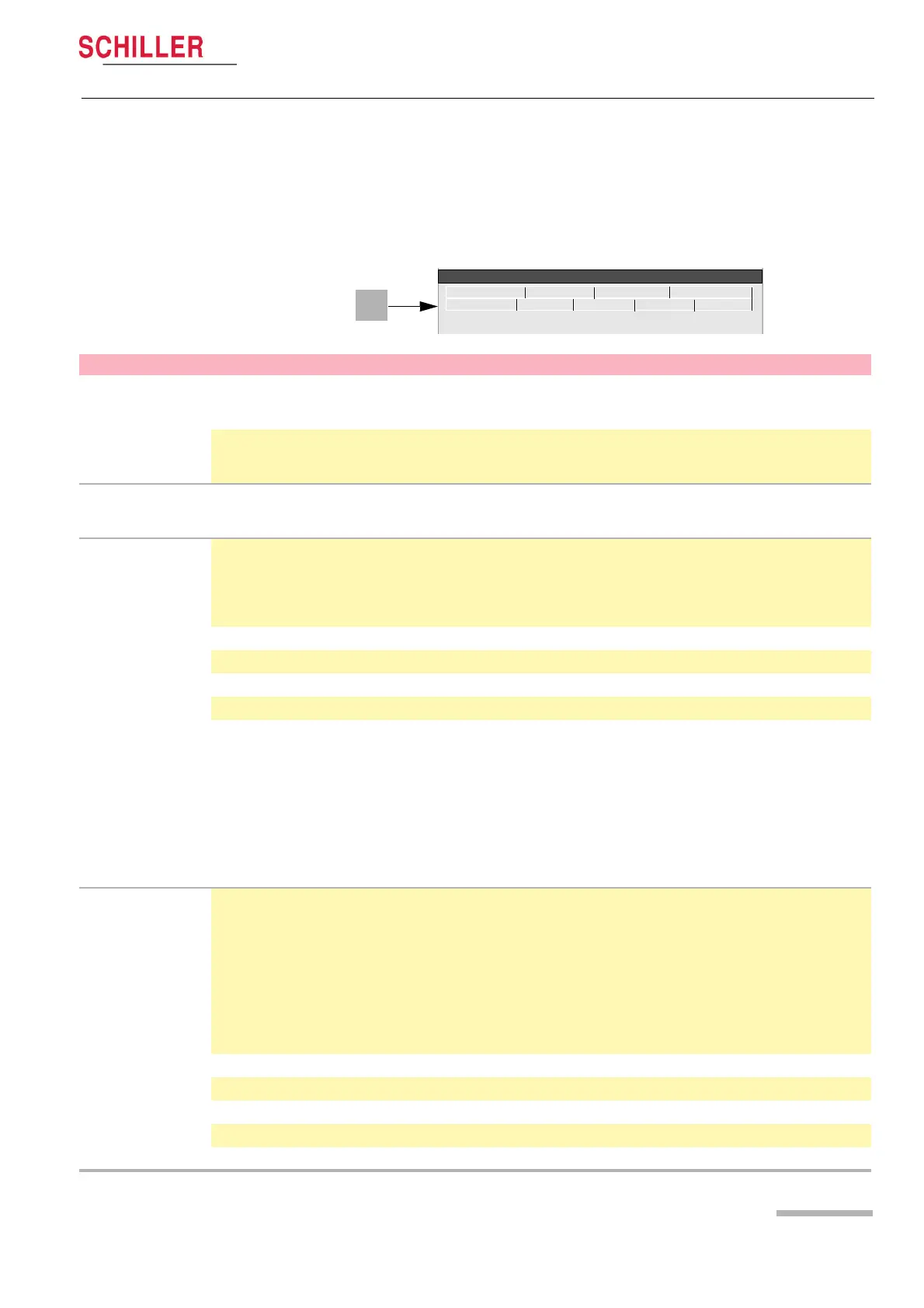
When the Menu key is pressed a screen is shown with a number of tabs at the top.
When the tabs are selected system and general options and settings are available.
This section gives an overview of all the settings and tabs available in the following
table.
RS-232 Network Modem Peripherals
Identification Macro System Config. Software
System Menu
Parameter Options Description
Identification
MTA Identification
This function is to register the name of the medical assistant or doctor carrying
out the recording. The MTA is identified on each automatic printout. The
maximum number of characters is 23.
User Identification
This function is to register the name of the practice, department, or hospital,
clinic etc. It is identified on each automatic printout.The maximum number of
characters is 23.
Macro (not
available at time of
print)
Enables a series of key stokes or actions, to be stored and recalled by pressing
a single key.
System
Language
Select required language between German, English, French, Swedish,
American, Italian, Spanish or Portuguese. Note that the difference between
‘English‘ and ‘America‘ is that some of the designations used on the display
and prinout are different. For example, American use V1-V6 lead designation,
and the heart rate is BPM.
Time
Set current time
Date
Set current date
System (continued)
Date Format
Set required date format
Time Format
Set required time format
Colour
Set the display colour to Cyan, Grey, Black or Blue. The colour must be
confirmed as default as follows:
1. Set colour in this menu option.
2. Click the software tab, and in the software screen confirm Save as
Default. Exit the menu.
3. Switch the unit off, and then on again to confirm.
Note that the screen can also give a reverse image. This is defined in ECG >
General tab - see page 51.
Config.
Patient Data Input Add an additional data field in the patient data input menu as follows:
– Med./Rem. (Medication / Remarks)
– Med./Doc. (Medication / Doctors Name)
– Med./Room (Medication / Room No.)
– Room/Doc.(Room No. / Doctors Name)
– Room/Rem.(Room No. / Remarks)
– Doc./Rem.(Doctors Name / Remarks)
The selected field will be displayed in the patient data entry - see user guide.
Units
Define units in cm/kg or inch/lbs
Speed
Define speed in k/ph or mph
Temperature
Celsius or Fahrenheit
Ambient Pressure
mmHg or hPa
External Display Output
Set to Yes or No














 To Next Page