4 Service Screen
4.7 Colour
AT-10 plus
Page 24
Art.-no.: 2.540043 Rev.: a
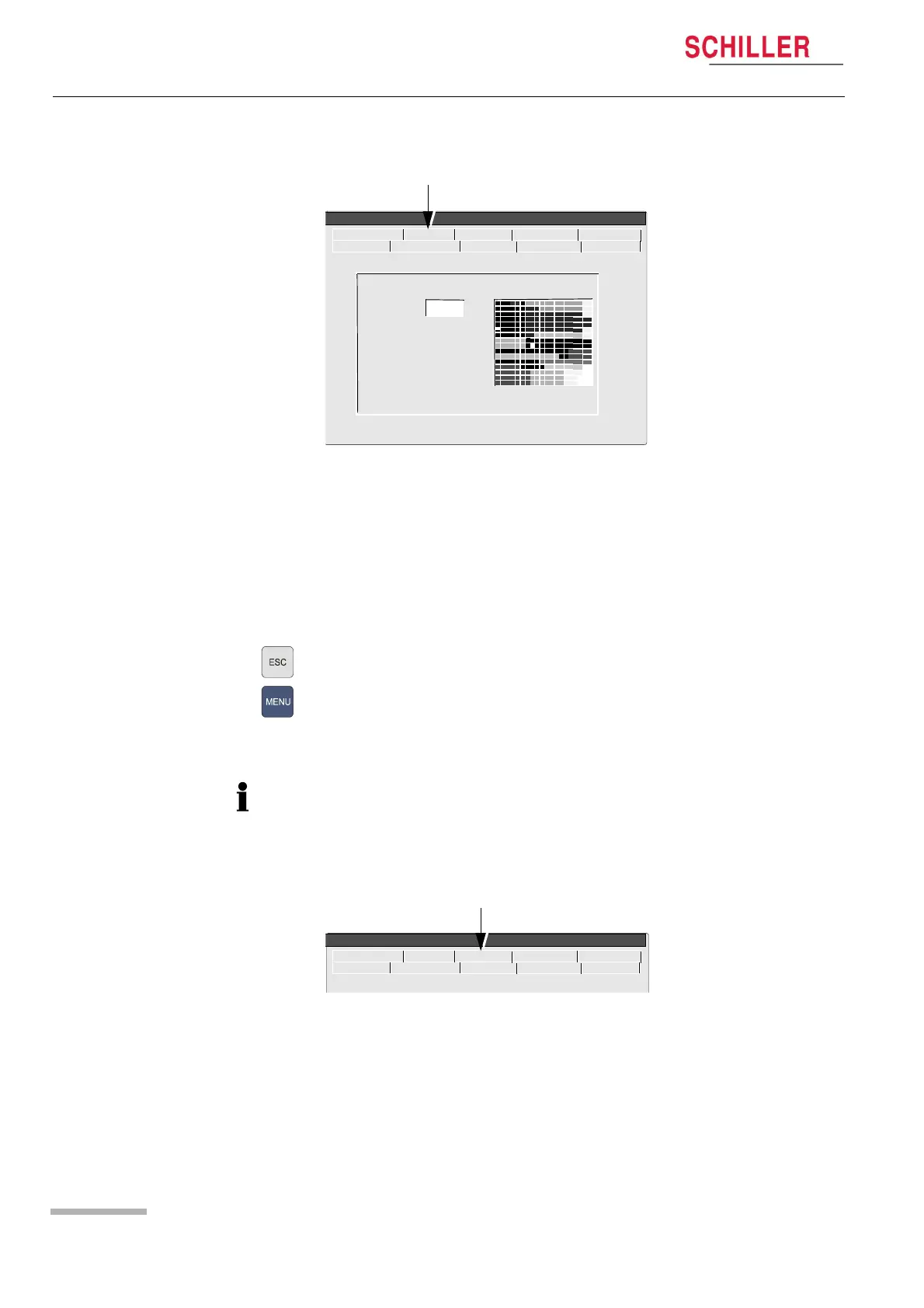
4.7 Colour
In this screen the default background colour can be selected. Choose between:
• Cyan
•Grey
•Blank
•Blue
To set the background colour proceed as follows:
1. Set the colour.
2. Press the Escape key.
3. Press the Menu key and select the Software tab.
4. In the software screen click the Save as Default icon (see page 31).
5. Switch the unit off and on again. The defined setting is displayed.
4.8 Test
In this screen some test and check functions can be performed as follows:
• Battery capacity test
• Print quality and print alignment check
Palette : Cyan
ECG NIBP Spiro HW-Config. I/O + ports
Service
Character Colour Test Battery
Software
The ECG display can also be inverted. This is carried out in the ECG menu:
• ECG key > General > ‘In. ECG Monitor‘.
ECG NIBP Spiro HW-Config. I/O + ports
Service
Character Colour Test Battery
Software














 To Next Page