Page 55
Unit Settings 8
AT-10 plus Service Handbook Exercise settings 8.2
Art.-no.: 2.540043 Rev.: a
8.2 Exercise settings
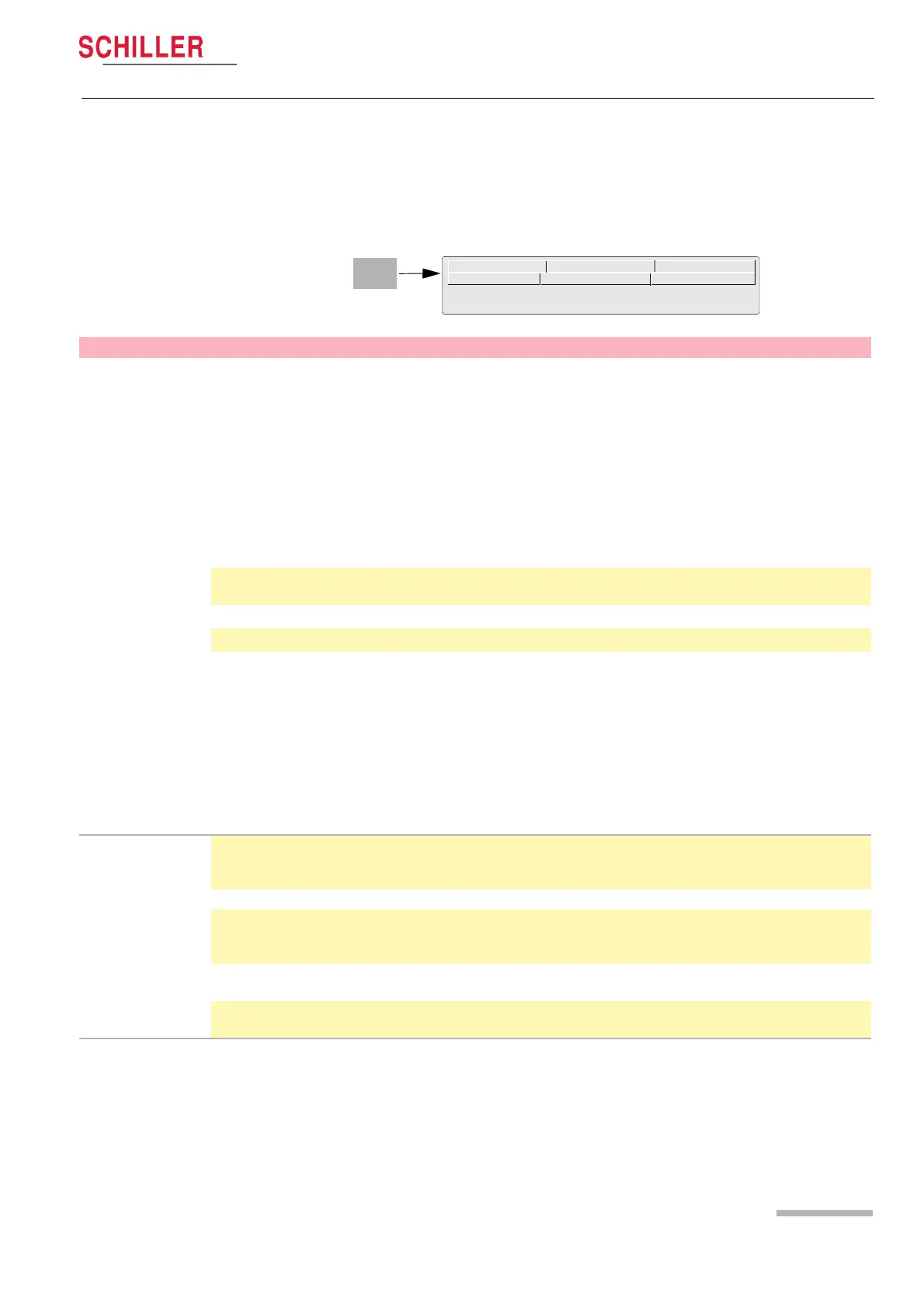
When the Exercise key is pressed a screen is shown with a number of tabs at the top.
When the tabs are selected further exercise options and settings are available. This
section gives an overview of all the settings and tabs available in the following table.
Stage report
Rhythm settings
QRS Settings
Interpretation
Final Report
HR target
Parameter Options Description
HR target
Heart Rate Target Mode
An audible and visual target (heart rate indication flashes) is initiated if the HR
target is breached. The target setting is shown in parenthesis after the HR
measurement. The HR target can be automatically set or manually defined as
follows.
• Off - no HR target set
• ‘Use formula below‘ - Manual input: This option allows for any heart rate tar-
get setting to be defined. See below.
• 90% of 220 – age
• 220 – age
• 200 - age
Percent of Target HR
This factor is applied to the defined target HR, or the Target HR - age, as
defined below.
HR Target
Manually define a target HR within the range of 100 to 250 beats/min.
Age
Age - yes or no - the patient‘s age is/is not subtracted from the target HR.
Notes:
• The age is calculated from the patient data.
• When automatic calculation mode is set, the heart rate target limit is calcu-
lated automatically for any new patient for which data has been entered.
When manual input is set, or changed from an automatically calculated val-
ue, the target HR is not automatically recalculated for a new patient.
Regardless of the settings made in this menu, only the formula ‘220 - age‘ is
used in the final report to give the percentage that the maximum heart rate
achieved during the test, against the maximum calculated heart rate.
Stage Report
Stage print format During the exercise and recovery phase, periodic printouts can be obtained at
preset intervals defined below. The format of the printout can be either 4*3 + 1
rhythm (r1), or 2*6 at 25mm/s.
Print Resting ECG Select Yes or No to print the resting ECG format (auto format 1).
Stage printout Interval Set the writing interval at any interval between every minute and every 9
minutes (applies to bicycle and treadmill). This interval is also set during the
recovery phase if set (see next entry).
Recovery print interval Define the print interval as for the stage printout or select ‘Non cyclic‘ and
define the time intervals (below).
Printout after Select the time interval for up to 5 printouts in the recovery phase (when set to
‘non cyclic‘ above.














 To Next Page