Page 23
Service Screen 4
AT-10 plus Service Handbook Character 4.6
Art.-no.: 2.540043 Rev.: a
4.5.2 Checking the analogue ports
The following ports (on the side panel) can be checked:
•DC In
•DC Out
•ERGO
DC In / DC Out Ports
Proceed as follows:
1. Using the test cable assembly, connect the DC in and DC out ports together.
2. After a few moments while the circuit counts up, the red squares (2) change to
green to indicate that the port is functioning.
Checking the ERGO Port
1. Plug the test plug and switch assembly in the ERGO port on the side panel.
2. With the switch in the TMUP position, the TMUP red square changes to green to
indicate that the port is functioning.
3. With the switch in the TMDOWN position, the TMDOWN red square changes to
green.
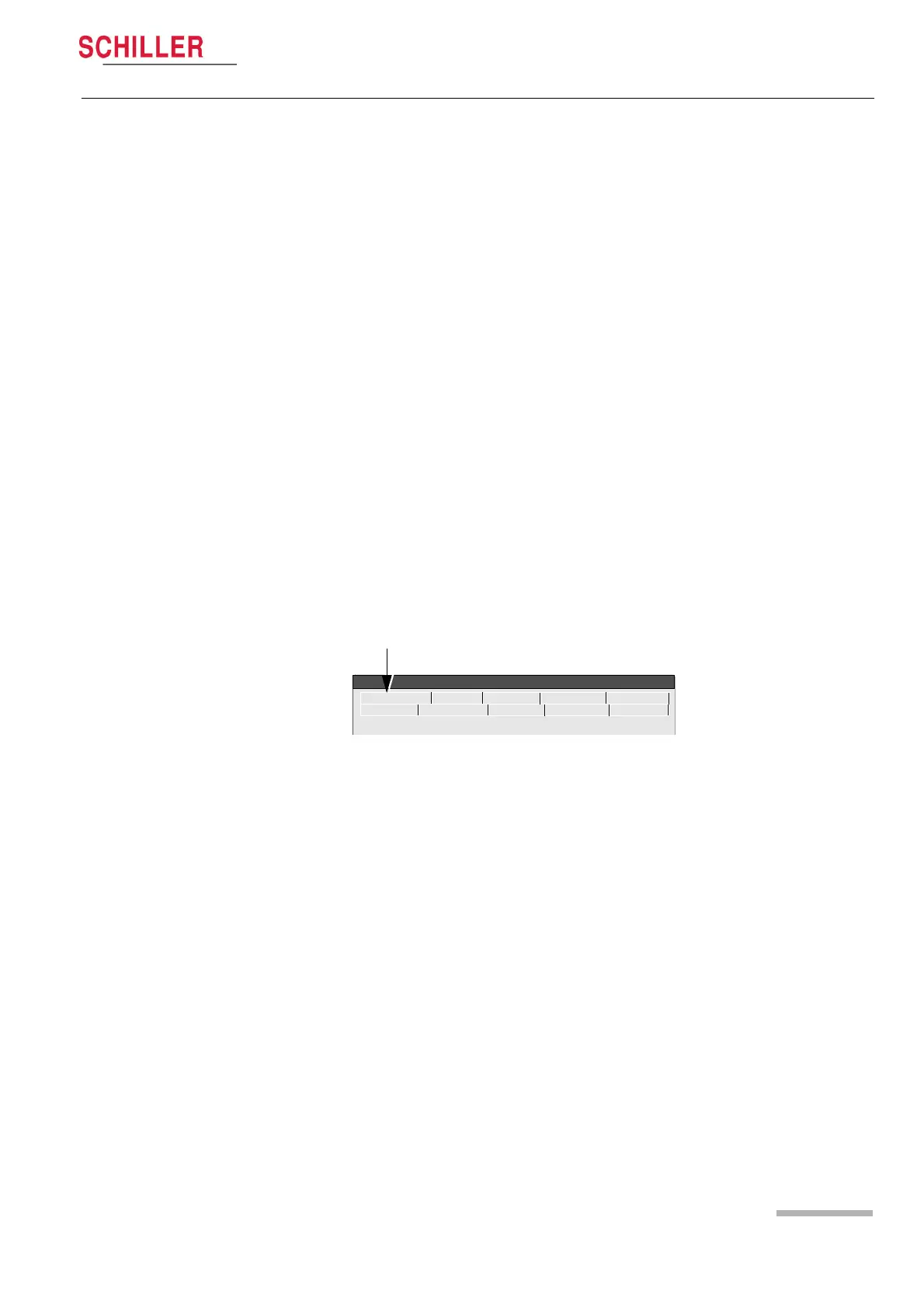
4.6 Character
Select this screen to display the complete character set of the unit.
ECG NIBP Spiro HW-Config. I/O + ports
Service
Character Colour Test Battery
Software














 To Next Page