Page 33
Functional Checks 5
AT-10 plus Service Handbook General unit integrity check 5.2
Art.-no.: 2.540043 Rev.: a
Continuous printout
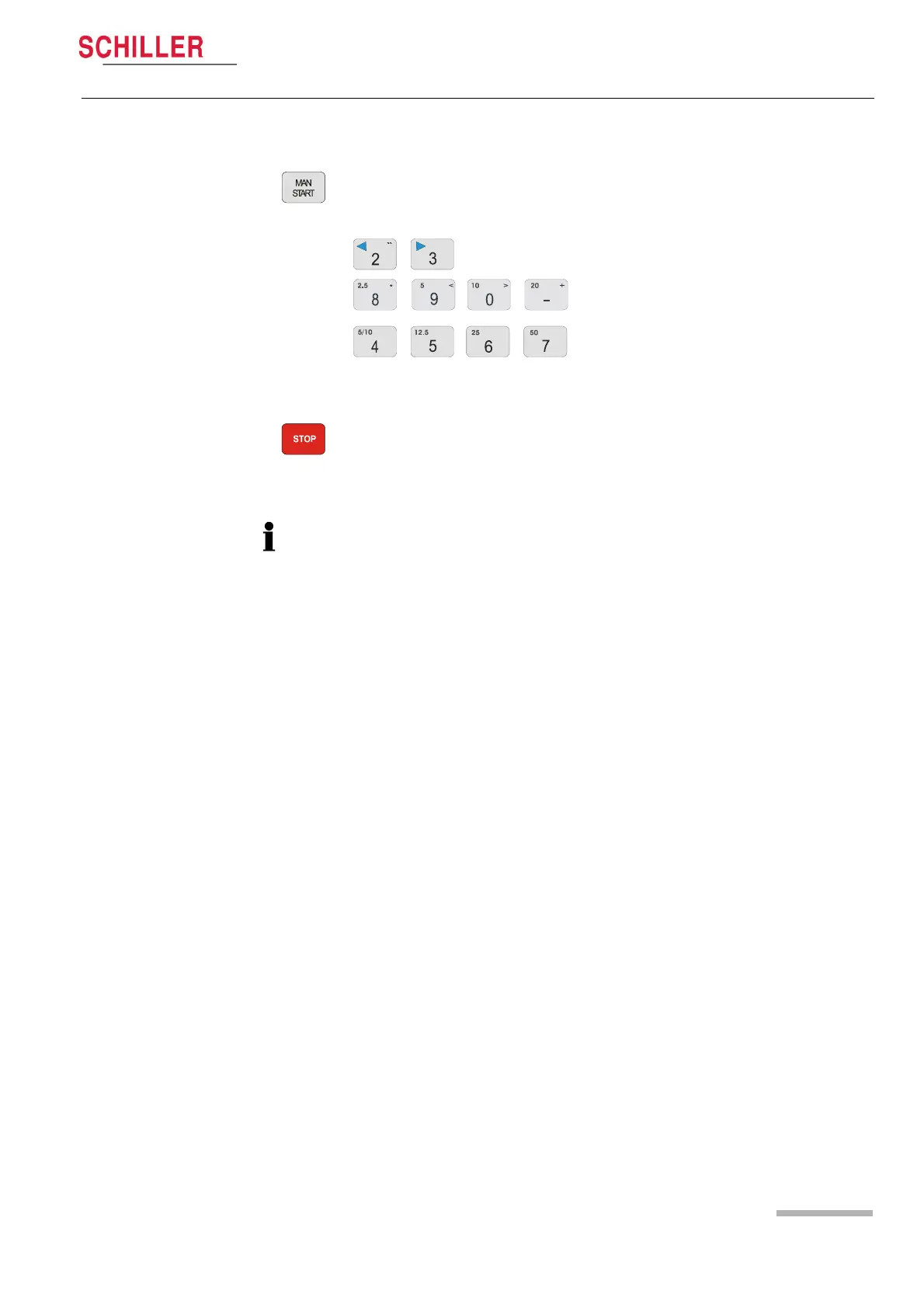
8. Press the Man Start key to start a continuous printout. Check the printout
changes when the following keys are pressed:
Lead Group*
Sensitivity (Amplitude)
Speed
9. To stop the printout, press the Stop key.
If any function is suspected of malfunction, calibration is not correct, or the printout is
not correct for any reason etc., the full functional check must be carried out -see fol-
lowing.














 To Next Page