Page 45
Replacing Major Components 6
AT-10 plus Service Handbook Opening the case 6.4
Art.-no.: 2.540043 Rev.: a
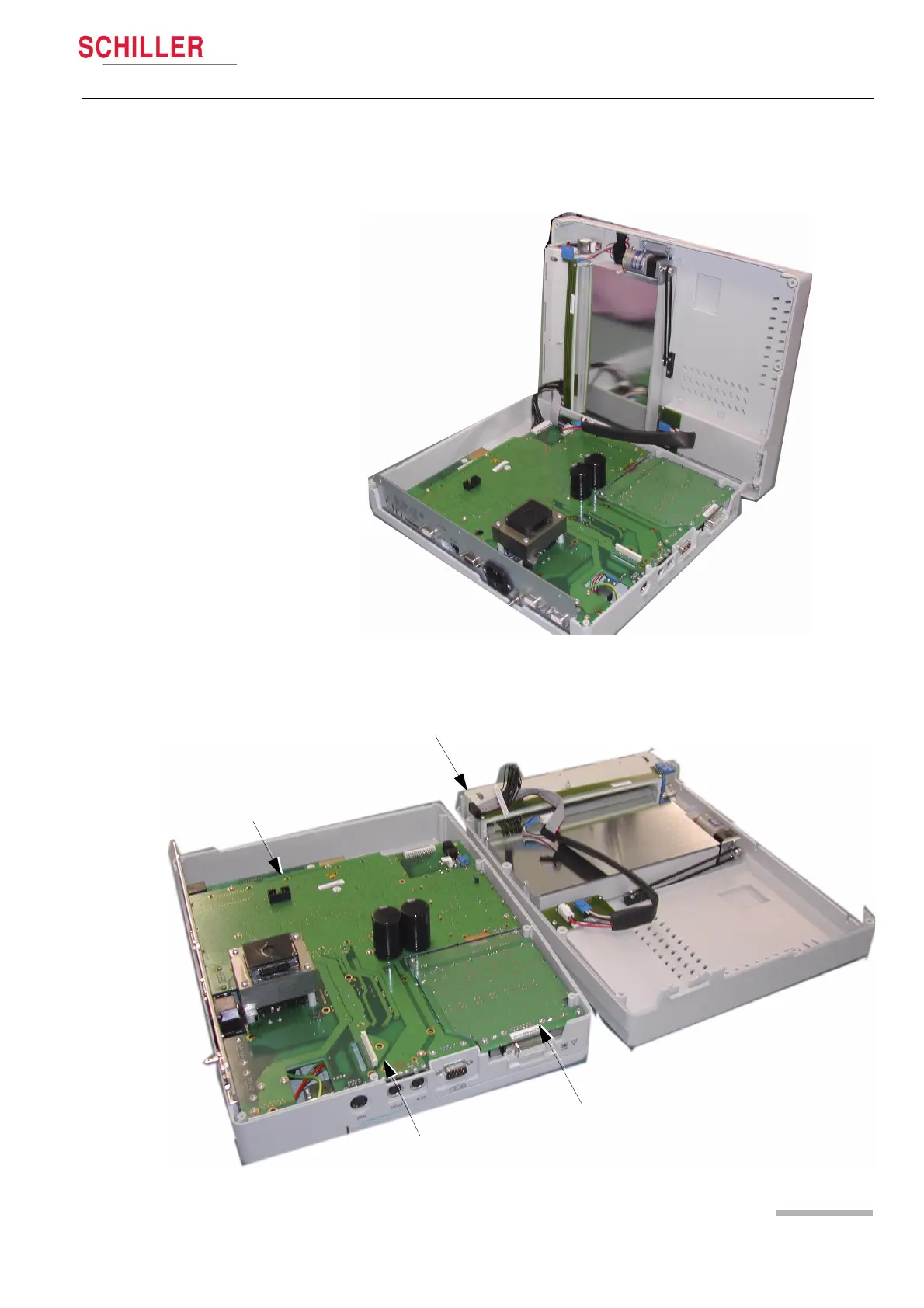
4. Gently lift the Top Assembly sufficiently to gain access to the interconnecting
cables. Disconnect the cable assembly between the main board and the printer
(two cable assemblies) and the power cable between the main board and the
battery.
5. Gently lift the Top Assembly away from the Base Assembly and place on a soft
cloth.
Thermal Printer
ECG Board MK 22-2
Communications Module
Main Board MK 22-1














 To Next Page