Opening your Inbox and emails
When only one email account is configured in the app, your account’s Inbox is the default Aqua
Mail startup screen. All received emails will be displayed in your Inbox.
• To open an email, use the
Navigation key
to select the email, press
OK key
to open.
Replying to emails
• To access the “
Navigation drawer”
situated at the bottom of each email press the
DOWN Navigation key
until the “
Navigation drawer”
is selected.
• The
Navigation drawer
allows to
Reply
,
Reply all
or
forward
an email. Also, allows to
open the
Options
⁝
menu
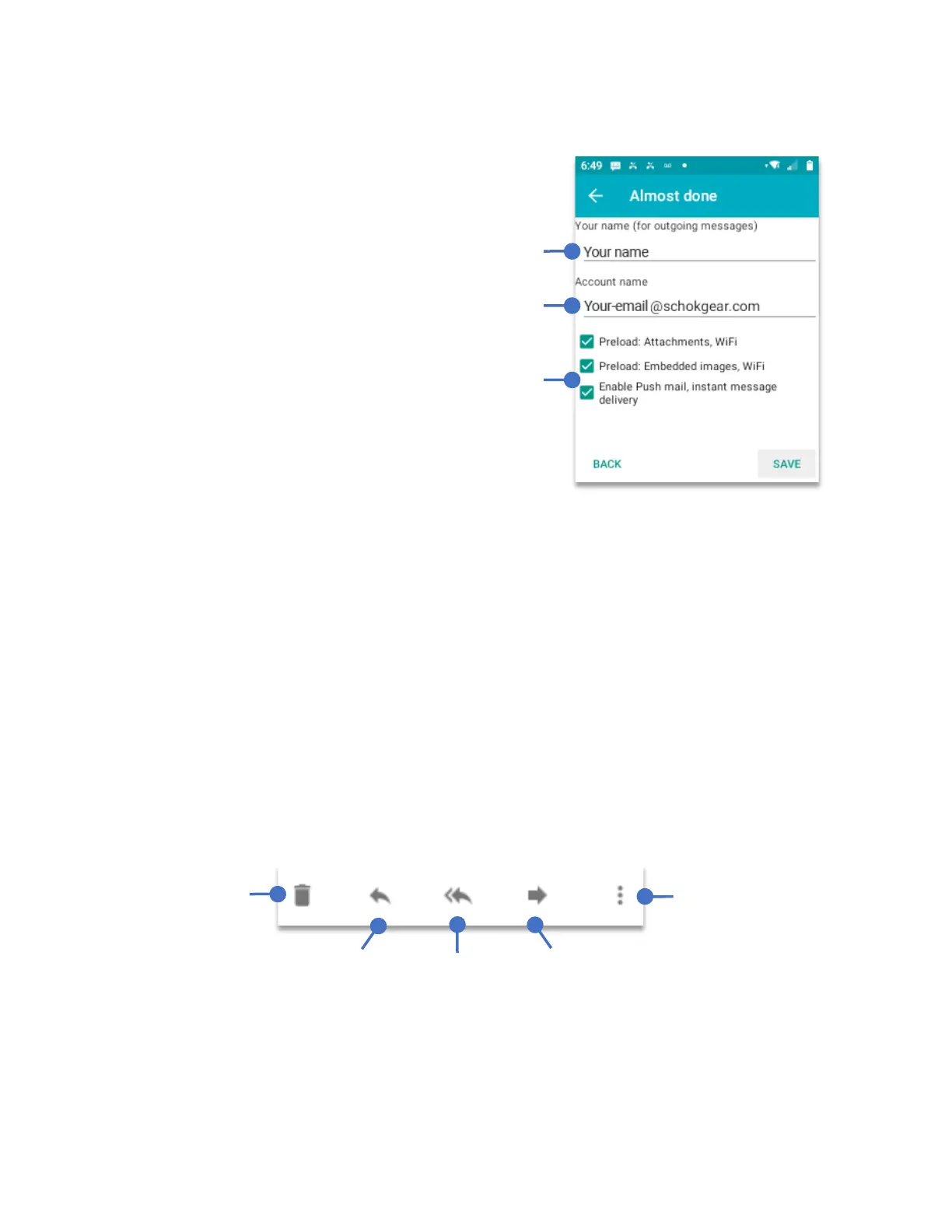
After the system verifies that the email is working,
it will ask for the name that it will be shown to the
recipient every time you sent an email.
Do not modify this line as it the email that was
verified in the previous screen.
By default the Preloads and Enable Push mail are
unchecked. This is to save battery. If you want to
receive attachments or embedded images when
connected to Wi-Fi please check these boxes.



 To Next Page