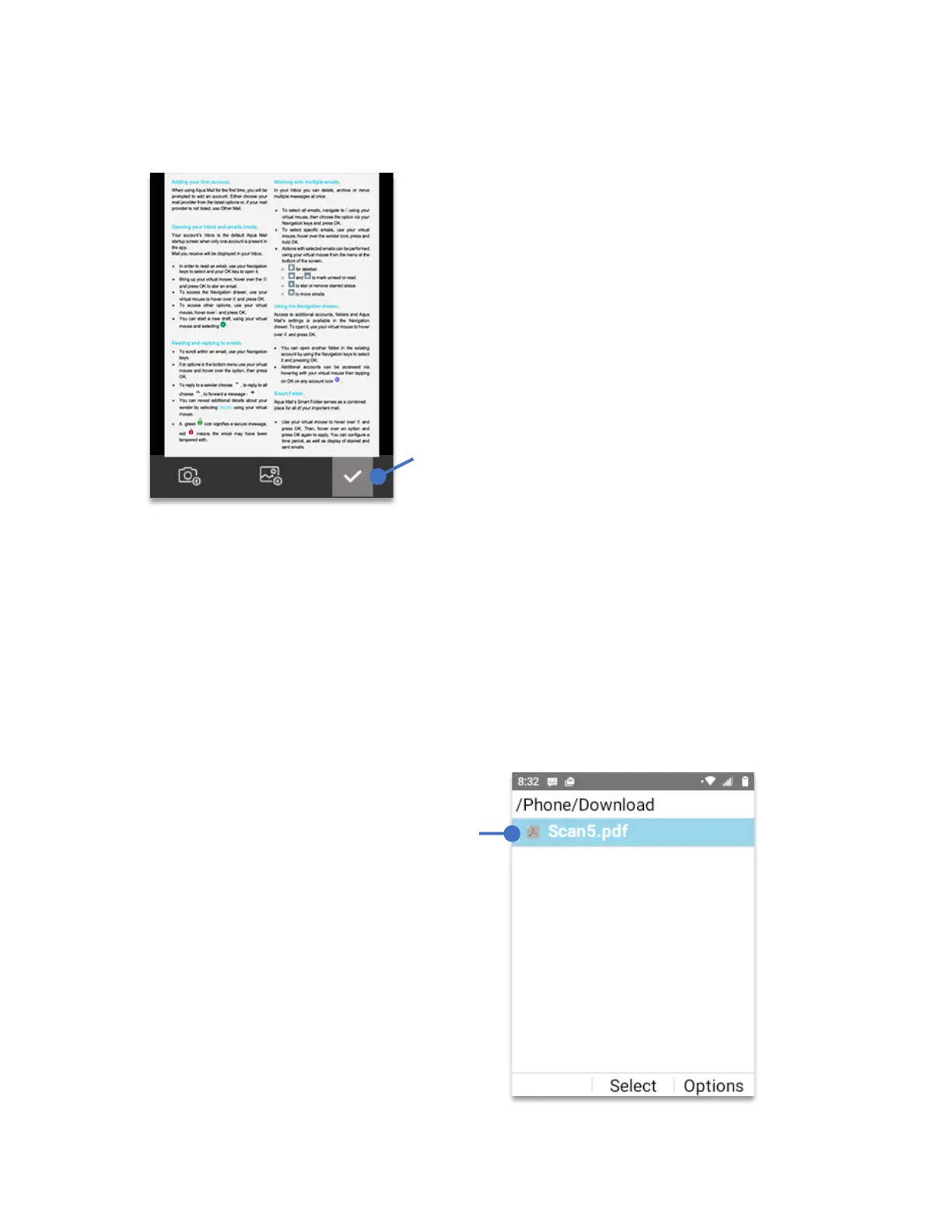
• After pressing the
OK key
, a third window will appear. Using the
Navigation key
, select
the “
checkmark”
and press
OK key
.
The image is now converted into a PDF file and has been saved to the
“Download”
folder.
To open the converted file
• From Home Screen, press
OK key
• Using your
Navigation key
scroll to
“Files”
, press
OK key.
• Using your
Navigation key
, select
“Phone”
, press
OK key
.
• Using your
Navigation key
, select
“Download”
, press
OK key
.
• Using your
Navigation key
, select the PDF file, press
OK Key
.
Using the
Navigation key
select the
“checkmark” to
convert the
document.
Using the Navigation key, select
the file that you want to open and
press the OK Key.



 To Next Page