RADIO36
The following settings are possible in radio setup:
Band function
Selecting frequency band
The frequency band selection determines which radio
stations are received.
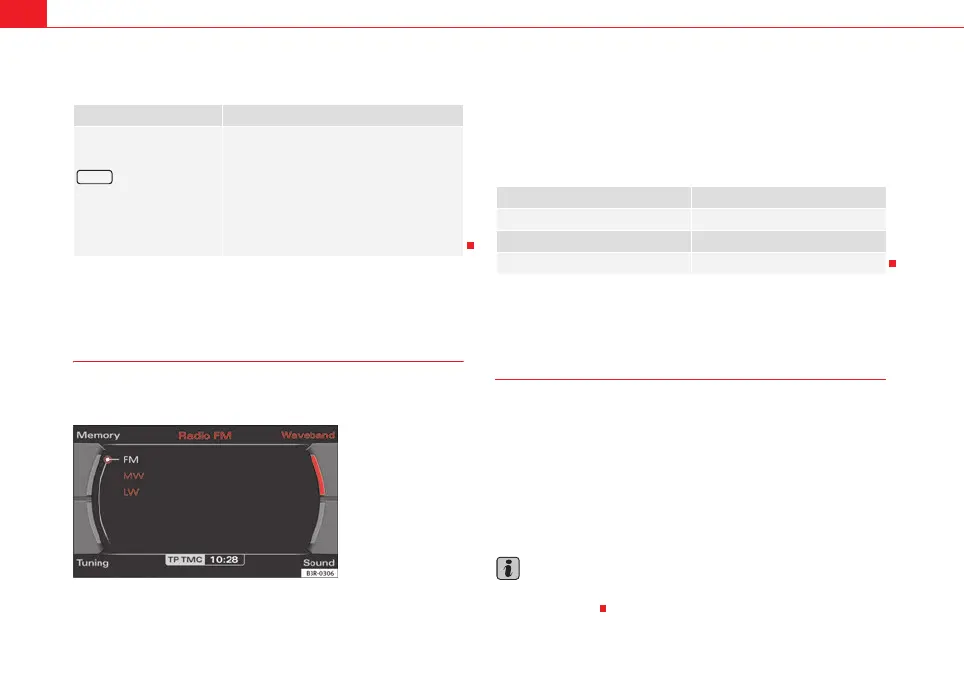
– Press the Band control button in the radio menu.
– Select the desired frequency band by rotating the control knob
⇒ fig. 35.
– Confirm your selection by pressing the control knob.
The following frequency bands are available:
Main radio menu
Introduction
The radio station list for the selected frequency band is
displayed in the main radio menu.
The station lists for the FM, MW and LW range differ in their behaviour. The FM
station list is updated automatically (dynamic), whereas the MW and LW
station lists must be updated manually (static).
The title line of the display shows whether the radio station is operating in FM
(frequency modulation), MW (medium wave) or LW (long wave). The
frequency band can be selected using the Band control button ⇒ page 36.
Note
The radio station currently set and the frequency band is shown in the instru-
ment panel display.
Radio submenus
Press the
function button in the
RADIO function
⇒ page 41
Traffic programme
Regional stations
Station reception
Station display
Alternative frequency
PTY filter
Delete last stations
Delete stored stations
SETUP
Fig. 35 Radio: Frequency
band
Frequency band Abbreviation
Frequency modulation FM
Medium wave MW
Long wave LW
media_systemE_EN.book Seite 36 Montag, 21. September 2009 1:48 13



 To Next Page