SETUP156
Factory settings
Settings can be reset to default factory settings in this func-
tion.
– Press the Settings control button in the Setup menu.
– Select Default settings ⇒ page 154, fig. 194.
–Confirm Reset system to factory presets? with Yes. The settings
(e.g. navigation* setup and route criteria*) are reset to default
settings.
User data is not deleted.
Deleting user data
You can delete user data from the navigation system.
– Press the Settings control button in the Setup menu.
– Select Delete user data ⇒ page 154, fig. 194.
–Confirm Are you sure you want to delete all user data? with Yes.
User data (e.g. directory data, last destinations, radio memory
list) will be deleted.
Display control button
Switch off display
Switch off the display
–Press the Display control button in the Setup menu.
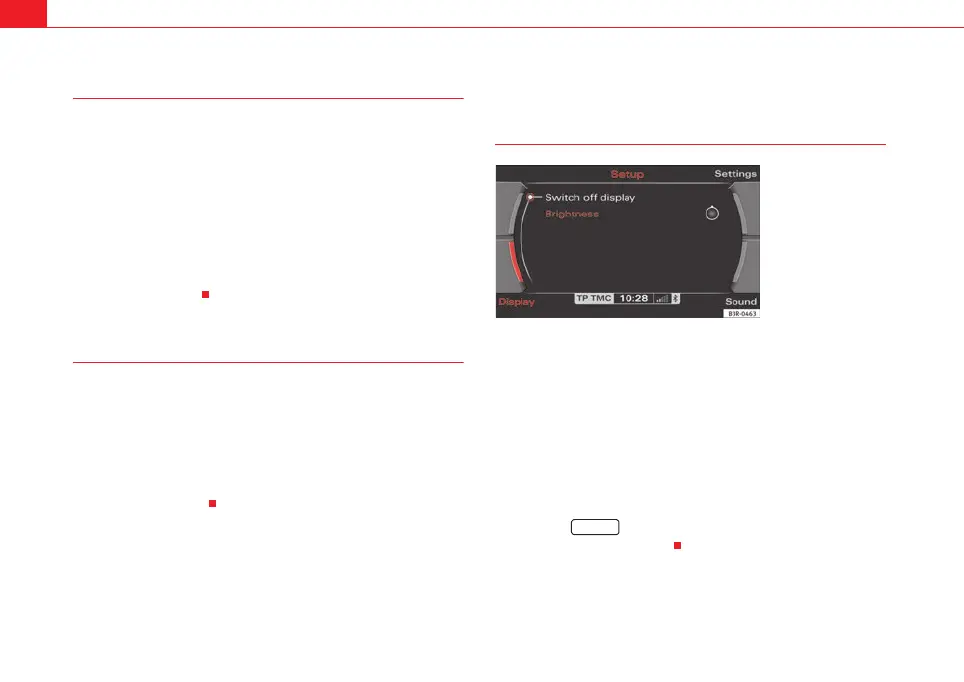
– Select Switch off display ⇒ fig. 196. The display is switched off,
the navigation systems remain on.
Switch on the display
– Press or rotate the control knob ⇒ page 9 or
– Press a function selector button ⇒ page 9, or
–Press the ⇒ page 9 button or
⇒ page 5 button to
switch the display back on.
Fig. 196 Setup: Switch
off the display
RETURN
media_systemE_EN.book Seite 156 Montag, 21. September 2009 1:48 13



 To Next Page