SETUP 157
Operating RADIO, MEDIA (audiovisual
systems)
NAME, TEL NAV, INFO CAR, SETUP
Brightness
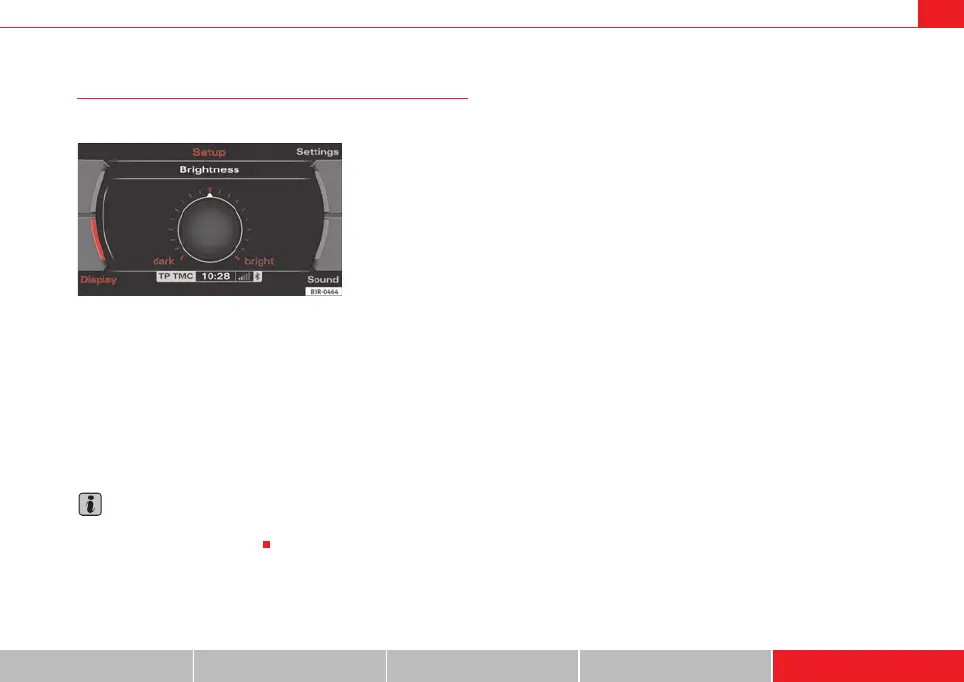
You can set display brightness manually.
– Press the Display control button in the Setup menu.
–Select Brightness ⇒ page 156, fig. 196.
– Rotate the control knob to change the brightness of the display
⇒ fig. 197.
The brightness of the display adjusts automatically to ambient light. In addi-
tion, the brightness of the display can be adjusted with the general instru-
ment lighting settings and the Brightness function in the navigation system.
Note
For further information on how to adjust the instrument lighting settings,
please refer to the Owner's Manual.
Fig. 197 Setup:
Adjusting the brightness
of the display
media_systemE_EN.book Seite 157 Montag, 21. September 2009 1:48 13



 To Next Page