Navigation (NAV)*120
Note
Options that are not available due to your preset criteria cannot be selected
(these are greyed out in the display).
Deleting a route
– Press the Memory control button in the navigation menu.
– Select Delete route.
– Select the route that you want to delete from the list of names.
–Confirm Are you sure you want to delete the route? with Yes. The
selected route is deleted.
Route control button
Route with/without stopover
Only the route guidance mode that is not currently active is shown
on the display as available.
–Press the Route control button in the navigation menu.
– If you would like to visit stopovers on the way to your final desti-
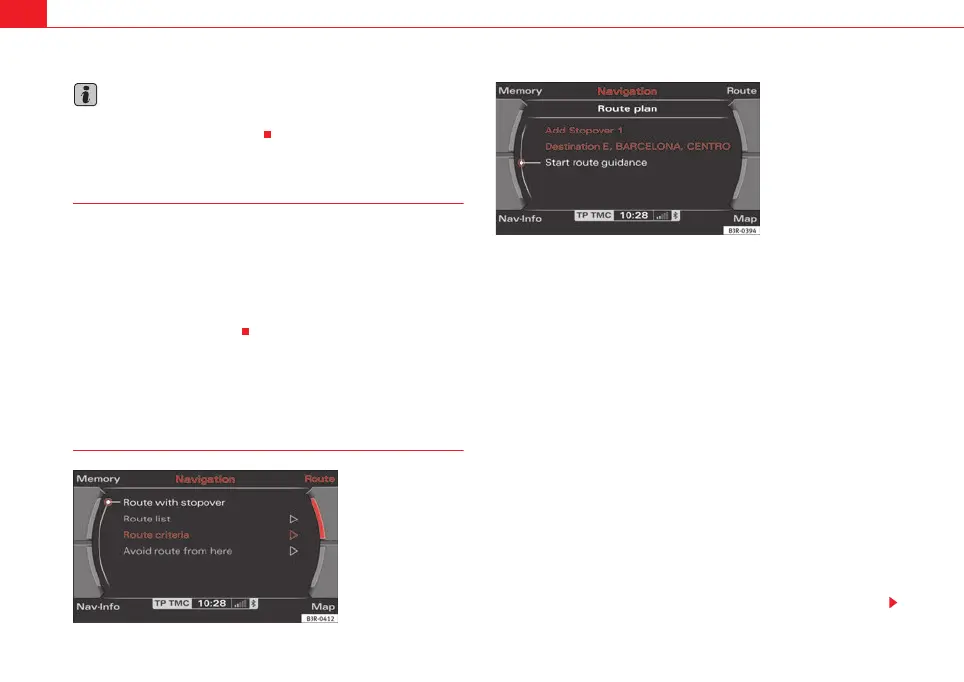
nation, select Route with stopover ⇒ fig. 142 and enter your
driving route ⇒ fig. 143with a maximum of 3 stopovers and your
final destination ⇒ page 106.
– Otherwise, select Route without stopover and enter your final
destination (direct navigation) ⇒ page 104.
The navigation system remains in the mode which is currently set until you
change it. For example, if you have selected the mode Route with stopover for
a journey which you have completed, the navigation will stay in this mode
until you manually select the mode Route without stopover.
Route with stopover
Select this option to be guided to your final destination with stopovers.
You can also select special destinations as stopover destinations
⇒ page 110.
Fig. 142 Navigation
system: Route with stop-
over
Fig. 143 Navigation
system: Route planned
media_systemE_EN.book Seite 120 Montag, 21. September 2009 1:48 13



 To Next Page