NAME (Directory) 63
Operating RADIO, MEDIA (audiovisual
systems)
NAME, TEL NAV, INFO CAR, SETUP
NAME, TEL
NAME (Directory)
Introduction
Selecting the directory
Using the function button, a user-specific directory
can be created.
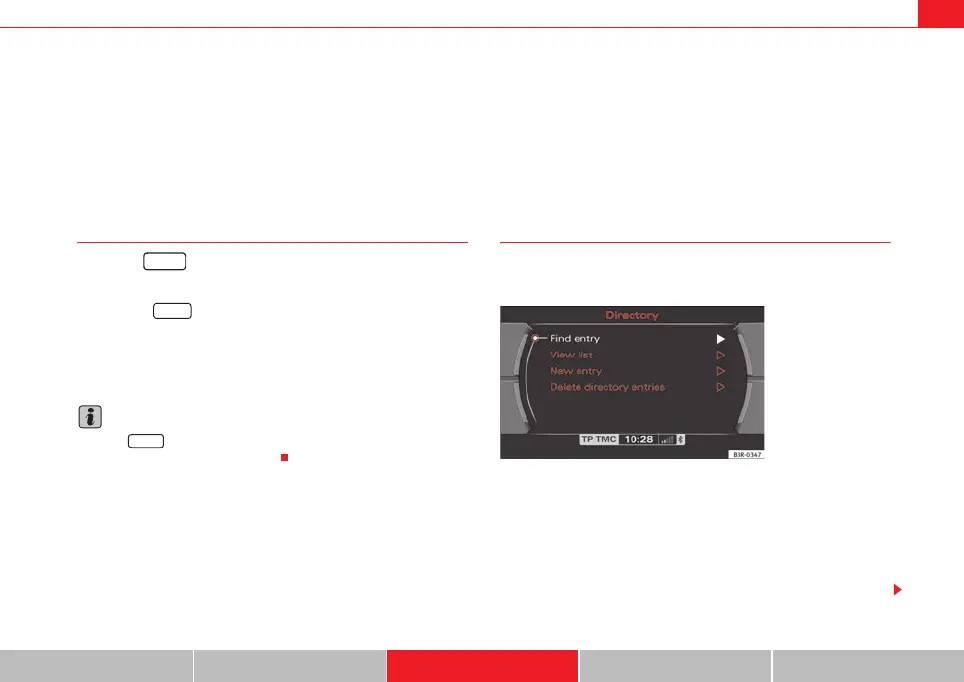
– Press the ⇒ page 9 function button. The main directory
menu ⇒ fig. 78 or the previously active directory function menu
appears on the display.
The directory can be used to store business and personal contact addresses.
Note
Press the button to make adjustments to the sound, settings and
display while using the NAME function.
Main directory menu
Introduction
You can administer directory entries from the main NAME
menu.
Entries in the directory are filed as directory cards. Each directory card
contains data fields for storing data specific to that person. This data can also
be used for the navigation system* ⇒ page 118.
You can store two navigation destinations* for one directory entry, one for the
“business” category and one for the “private” category ⇒ page 66. These
navigation* destinations can be accessed from the Memory* control button
(load from directory) ⇒ page 118.
NAME
NAME
SETUP
Fig. 78 Display: Main
directory menu
media_systemE_EN.book Seite 63 Montag, 21. September 2009 1:48 13



 To Next Page