Instructions for Use
Resting & Stress ECG with seca
ct330/331 and seca diagnostic 5.9
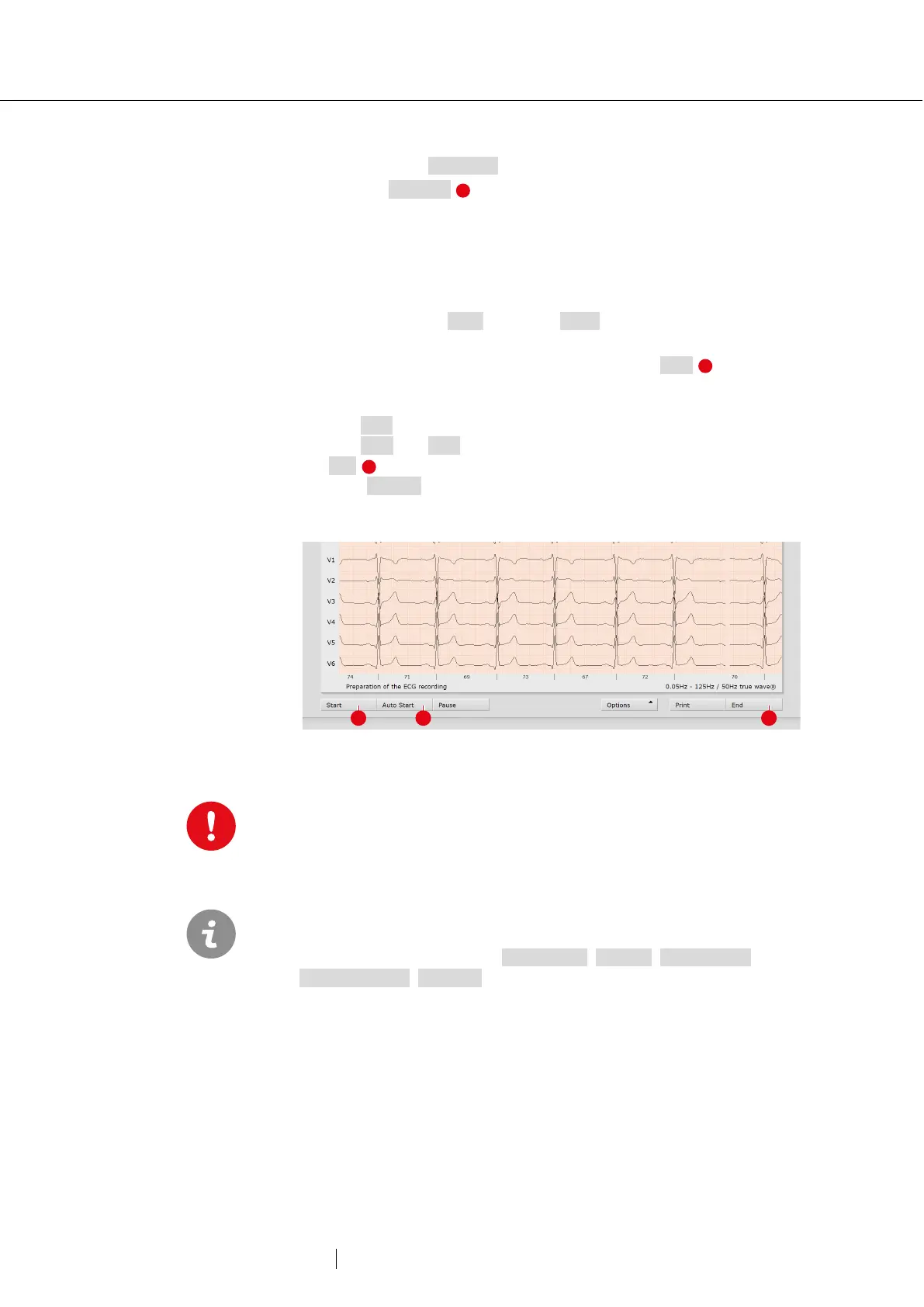
Automatic ECG - Autostart button
→ Click on Autostart to start the automatic recording.
→ The default setting for the duration of automatic recording is ten
seconds.
→ After the ten seconds have elapsed, the recording is automatically
ended, saved, measured and printed out.
Manual recording – Start button or Enter key:
→ If you want to perform a recording without a time limit (e.g., if you
suspect irregularities), trigger the recording with Start .
→ At least ten seconds of the ECG must be recorded before a
recording can be ended.
→ Use Stop to end the recording, the ECG interface remains open.
→ Use Start and Stop to record additional sections.
→ End closes the recording.
→ Click Confirm in the End dialogue so that the recording is saved,
measured and displayed as an evaluation.
Fig. 17: Start resting ECG recording
Note on recording with a tablet PC: Before starting a
recording, the
system asks for the battery capacity. If this is less than 15%, no new
recording can be performed.
The preset standard work steps for automatic ECG and manual
recordings are described here. This workflow can be changed in the
seca diagnostic settings, see
Examination, Settings, Resting ECG,
, Workflow.



 To Next Page