Instructions for Use
Resting & Stress ECG with seca
ct330/331 and seca diagnostic 5.9
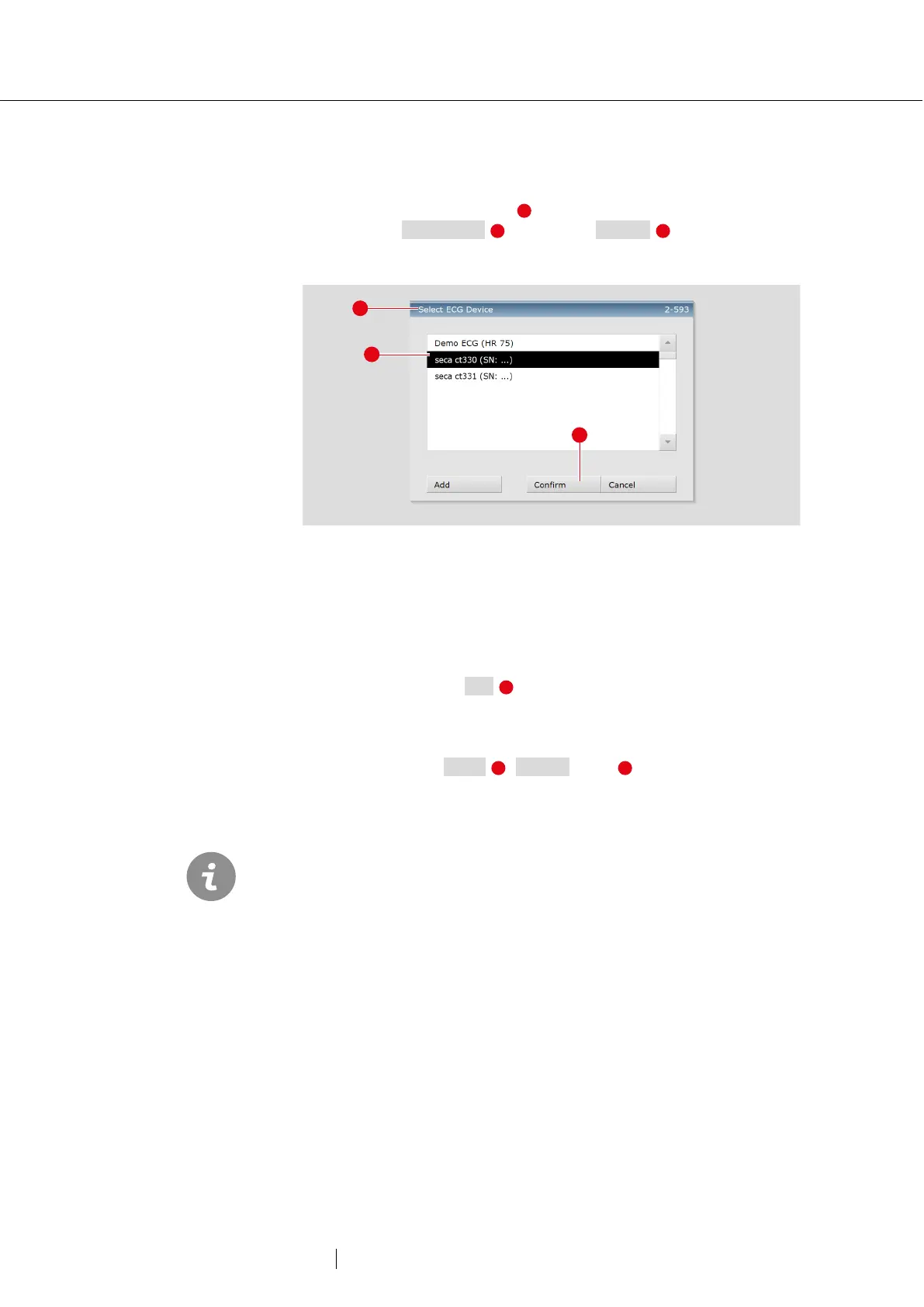
Selecting ECG device
→ If several ECG devices are connected to the workstation, the “Select
ECG Device” dialogue box is displayed.
→ Select the ECG device and click on Confirm .
→ If only one ECG device is connected, this step can be omitted.
Fig. 24: Select ECG device
Monitoring and electrode control
The patient's ECG signal will be shown on the display but not recorded
(monitoring). Work steps before the start:
→ Change the type of lead if necessary.
→ If there are red lines on the screen, the contact between the skin
and electrode(s) is insufficient. The corresponding electrodes will
need to be reattached.
→ Set the required Filters (Options menu ).
ECG filters limit the signal range and can suppress
diagnostically
relevant portions of the ECG signal. Muscle filters (45 Hz) and ergo
filters in particular reduce the transmission range of the ECG signal.
Information for the ECG analysis may be lost as a result.
Therefore, do not always switch on ECG filters, but only in specific cases
where an ECG filter is required.



 To Next Page