COIN SELECTOR
103
1
Turn OFF the main power switch on the cabinet.
2
Refer to "14-1" and take off the coin selector.
3
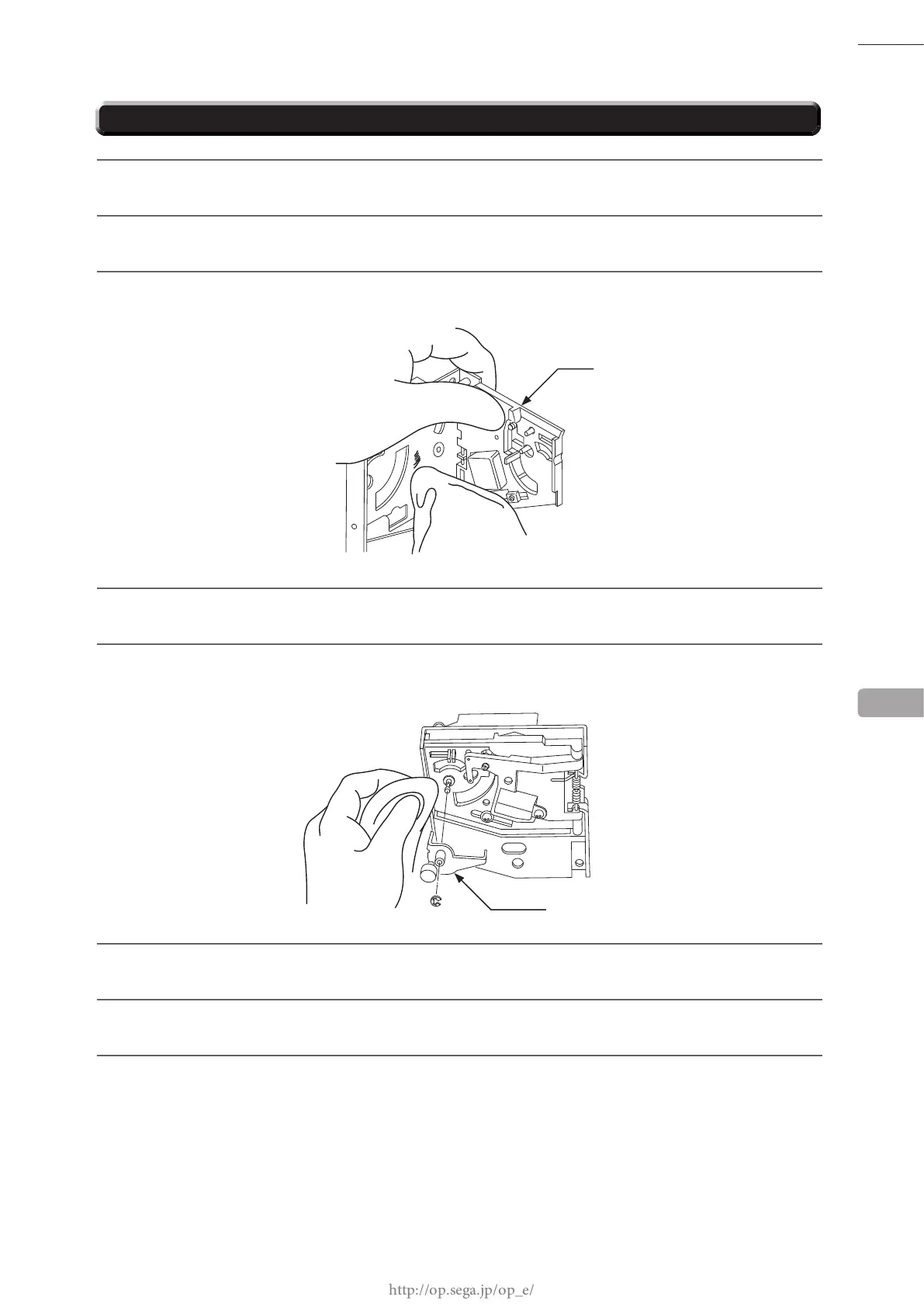
Open gate and wipe away dirt with animal hairbrush or other soft brush.
4
Dip a soft cloth in water or a diluted mild cleaning agent, wring it out and wipe the parts off.
5
Take off the cradle. When removing the retaining ring (E-ring), be very careful not to bend its rotation
axle.
14-3 CLEANING THE COIN SELECTOR
6
Wipe any dirt off the rotation axle and bearing with a soft cloth.
7
Once you are done, dry the coin selector with a dry cloth, and then let it air dry.
8
Refer to "14-1" and work in reverse order to attach the coin selector.
14
GATE
CRADLE














 To Next Page