62
TROUBLESHOOTING
PROBLEMS CAUSE COUNTERMEASURES
Touch panel responsiveness
is unsatisfactory.
Dirt between the touch panel and the
monitor mask.
Clean between the touch panel and the
monitor mask.
[See 13-6 (P. 98).]
Foreign object between the touch panel
and the monitor mask.
Check whether the touch panel and the
monitor mask t together correctly, and
if a foreign object has adhered to a part,
remove the object. [See 13-6 (P. 98).]
Touch panel adjustments are incorrect. Conrm whether reading is possible in
TEST MODE.
(See S/M 4-9.)
Touch panel is
unresponsive.
Dirt on the screen. Cleaning the screen.
[See 13-2 (P. 78).]
Large touch Touch an area of approximately 20 mm
(0.8 in) square or less when using the
screen.
(See S/M 1-1-2.)
Double touch The screen will not respond if you
touch 2 or more areas at once. Only
touch 1 area at a time.
(See S/M 1-1-2.)
Dirt between the touch panel and the
monitor mask.
Clean between the touch panel and the
monitor mask.
[See 13-6 (P. 98).]
Touch panel malfunctioning. Replace the touch panel.
[See 13-5 (P. 94).]
Cannot conduct network
play.
Mistake in server machine settings. Congure settings correctly.
[See "DIP SWITCH SETTING" in
15-3 (P. 113).]
LAN cable is not fully connected.
LAN cable connection is faulty.
Correct connection of LAN cable.
[See 6-4 (P. 31).]
Damaged LAN cable. Replace the LAN cable.
[See 6-4 (P. 31).]
Router malfunctioning. Contact the ofce listed in this manual
or the point-of-purchase for this
product.
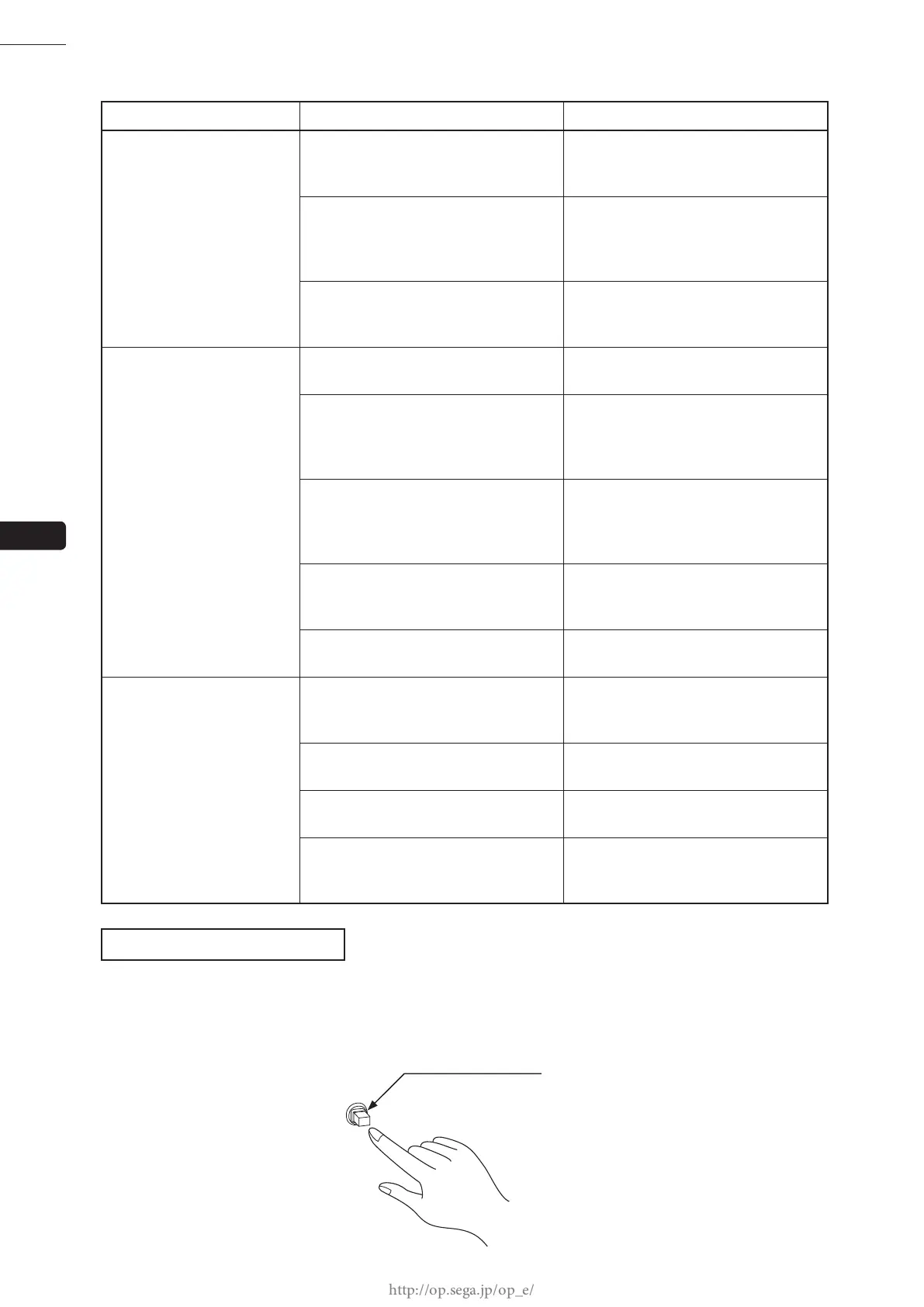
CIRCUIT PROTECTOR
Functions due to the activation of bimetal. To restore the function, wait for approximately one minute or longer until
the bimetal cools off. (Press the button.)
CIRCUIT PROTECTOR
10














 To Next Page