ASSEMBLY AND INSTALLATION
39
6-5 ATTACHING THE DVD DRIVE
Be careful not to damage the USB cable for installation or installation cable by
getting it caught between objects, etc. Damaged cables may cause an electric
shock, short circuit or re.
The DVD cable is not used. Do not connect it to any open connectors.
To install software on the Nu, connect the DVD drive to the server machine.
Prepare the USB cable for installation and the installation cable that come with the cabinet, and the DVD drive (sold
separately.)
Preparation for software installation is performed only on the server machine.
When operating multiple cabinets, upon software installation, the cabinet set as the server machine will automatically
install software on the other cabinets.
For safety and to prevent incorrect operation, connect the DVD drive (sold separately) before connecting the power.
1
Check that the Nu's DIP switch number 1 is ON for the cabinet on which software installation is to be
performed (the server machine.)
2
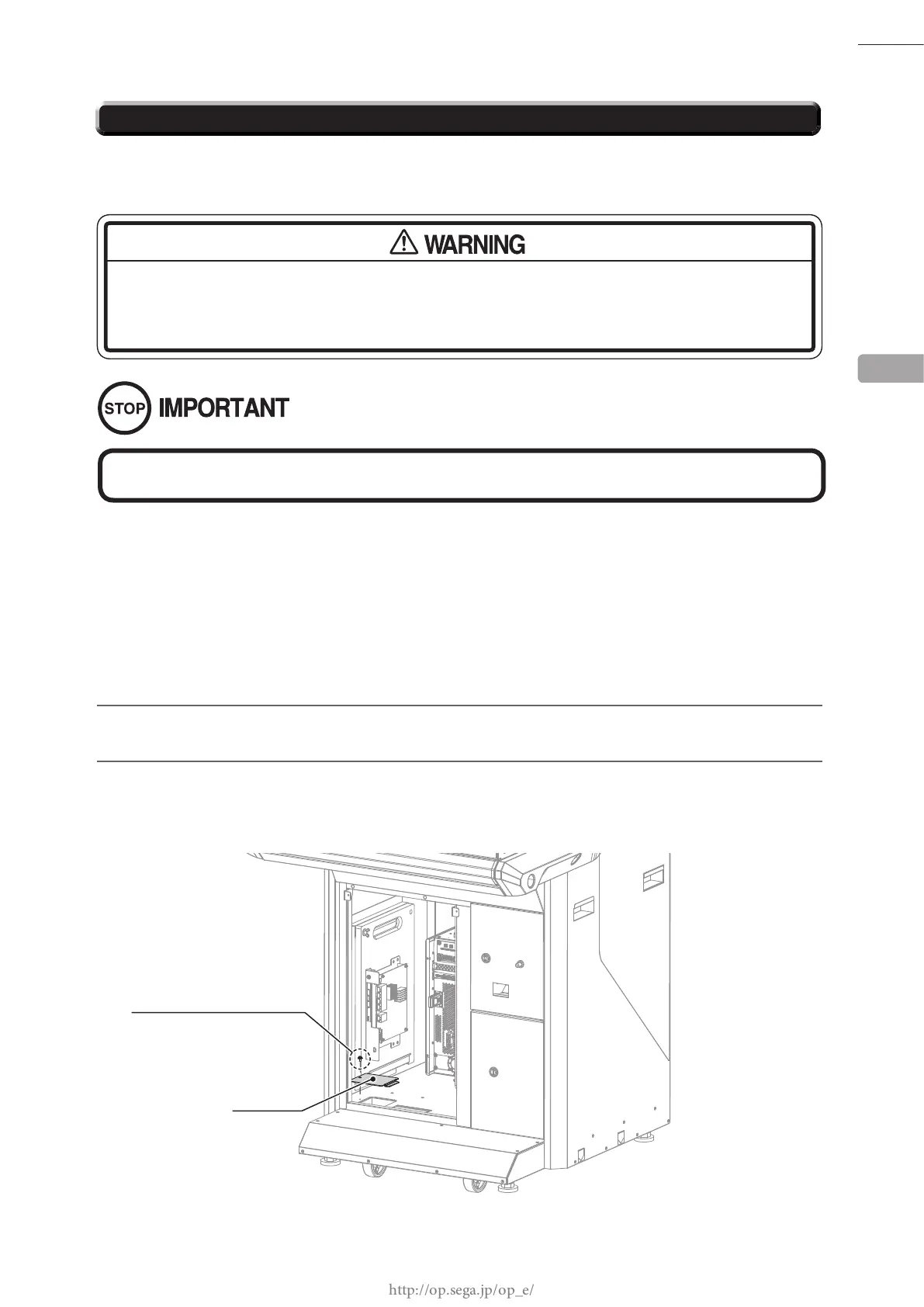
Remove 1 screw and take off the oor lid. When the oor lid has been taken off, you will see a round hole.
The oor lid will be returned to its original position after the software installation has been completed, so
do not lose it.
There is no need to work the following procedure if the software has been installed.
Proceed to "6-6 CONNECTING THE POWER CABLE AND EARTH."
6
M4 x 8, w/at & spring washers
FLOOR LID
SCREW (1)














 To Next Page