TOUCH SLIDER
69
11
1
Turn OFF the main power switch on the cabinet.
2
Remove the slider lm from the slider cover. When doing this, grasp the edge of the slider lm and peel it
off slowly. Also, take care that the slider cover does not become scratched or dirty.
3
If there is any adhesive remaining on the slider cover, use a cloth to remove it. Do not use chemical
detergents or other chemical agents under any circumstances.
4
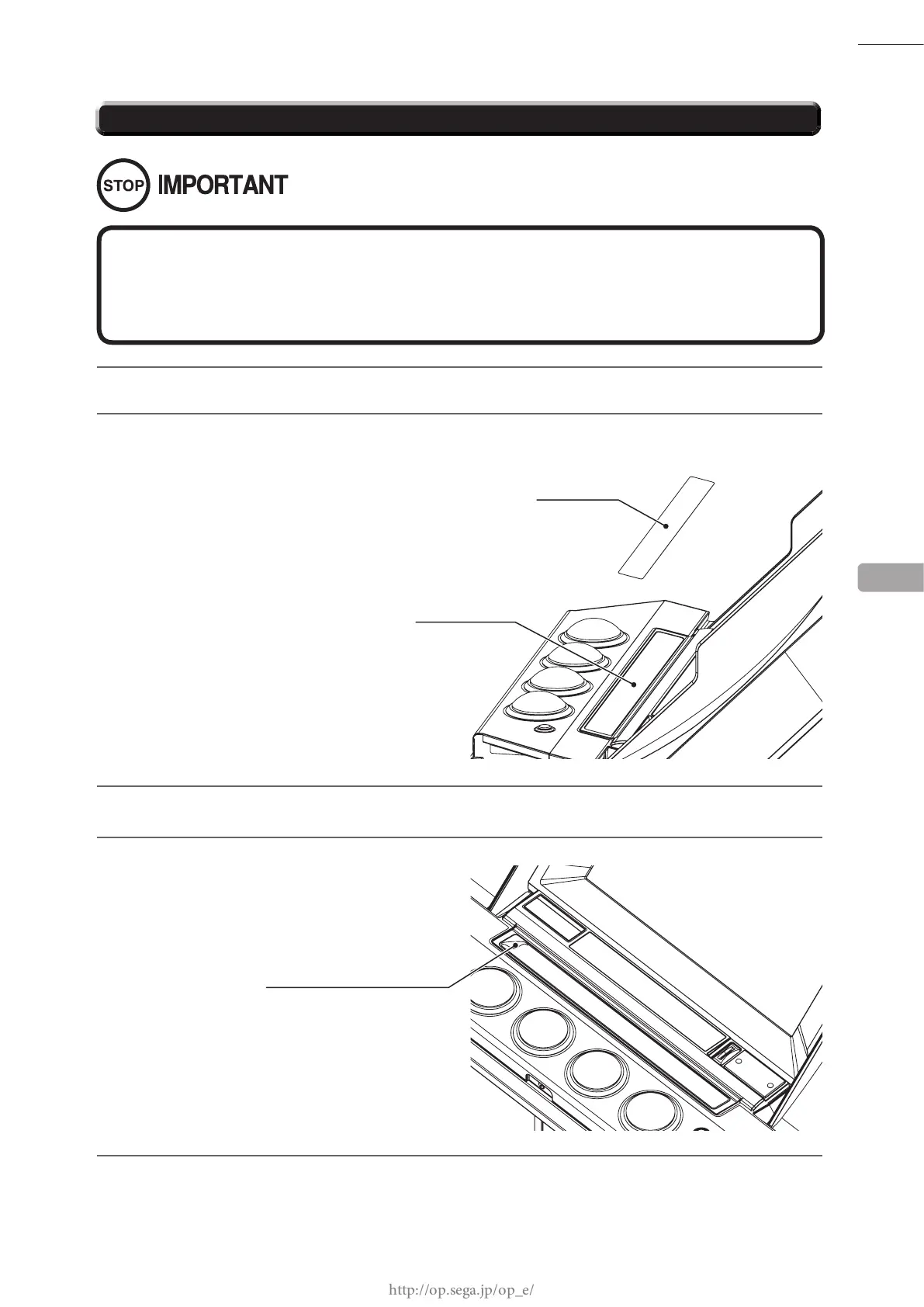
Temporarily place the new slider lm over the
slider cover.
5
Slightly peel back the separate paper, and afx one edge of the slider lm.
Slowly afx the remainder of the slider lm, peeling off the separate paper as you go and ensuring that
there are no air pockets.
If there are air pockets under the lm, or if the lm is crooked, peel it off and reposition it.
The slider lm is thin and easily scratched and creased, so be sure to peel it off slowly when repositioning it.
11-3 REPLACING THE SLIDER FILM
Undertake this task carefully to ensure that there are no air pockets or dust under the
lm.
If there is any debris on the lm′s adhesive surface, apply tape to the affected areas
and peel it off to remove the debris.
SLIDER FILM
Temporarily place the slider lm.
SLIDER COVER














 To Next Page