PRECAUTIONS REGARDING PRODUCT OPERATION
13
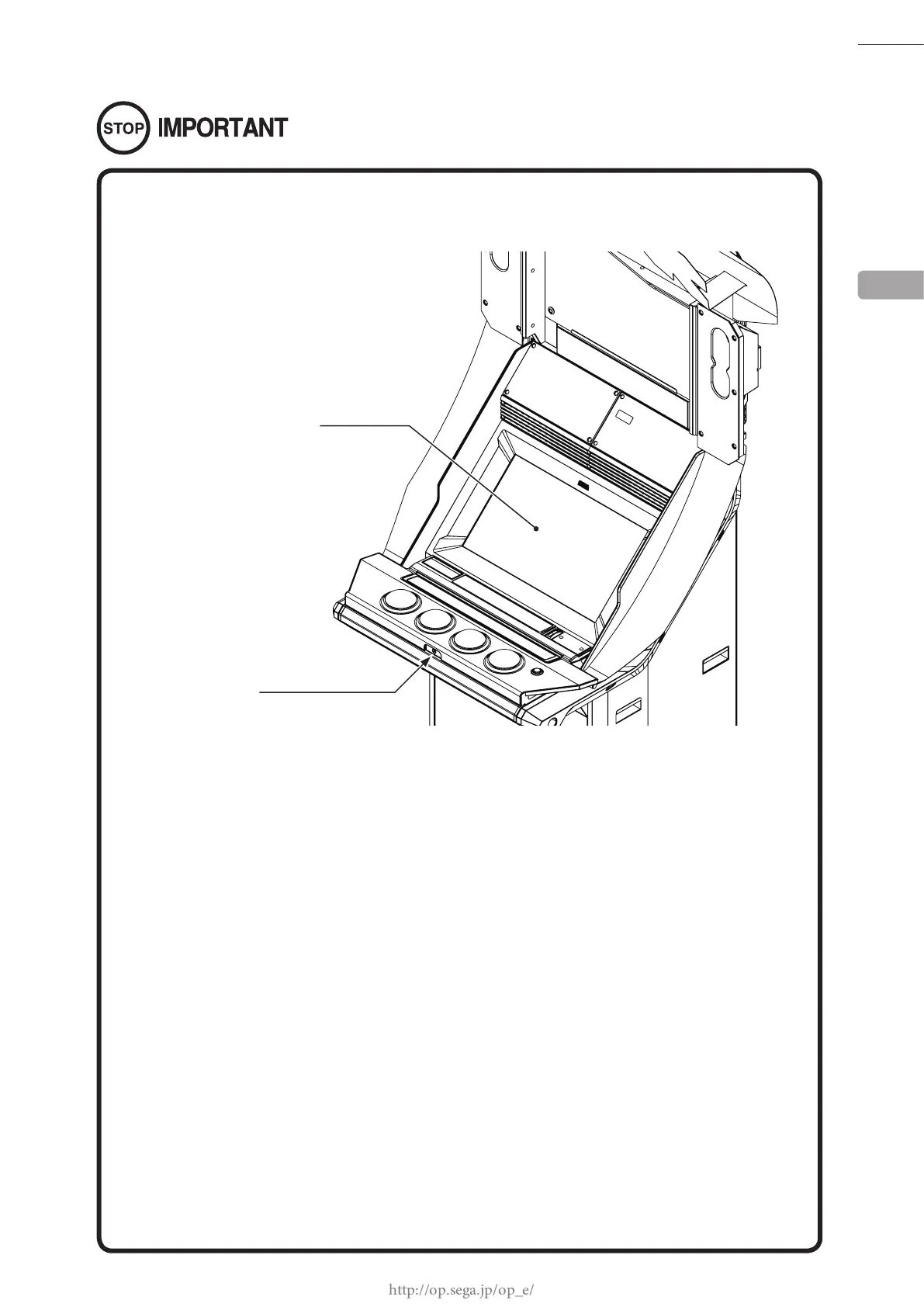
● Be sure to periodically check the operability of the control panel and the touch
panel. Readjustment or parts replacement may become necessary due to wear
and tear.
● When operating without store closing settings enabled, be sure to check for any
players before turning the power OFF.
● If store closing settings are enabled, various procedural functions will be
performed in order to shut down all games at the specified closing time.
Messages are displayed whenever these procedural functions are performed, but
be sure to have a clear understanding of the functions involved during the store
closing procedure in case trouble with players arises. See ″1-5 STORE CLOSING
PROCEDURE″ in the Service Manual for details.
● If the product is in operation at 7:00 AM, it will reboot automatically. During this
time, various procedural functions will be performed. Messages are displayed
whenever procedural functions are performed, but make sure to have a clear
understanding of the functions involved during automatic reboot processing in
case trouble with players arises. See ″1-6 AUTOMATIC REBOOTING PROCESS″ in
the Service Manual for details.
● When turning the server machine′s main power switch OFF during operating
hours, ensure that there are no players using the connected cabinets before doing
so. Once the main power switch is turned OFF, network transmissions are no
longer possible.
Furthermore, start the server machine before powering up each cabinet. If
the server machine is started afterward, the in-store network may not operate
correctly.
4
TOUCH PANEL
HEADPHONE SOCKET














 To Next Page