30
www.seuservice.com
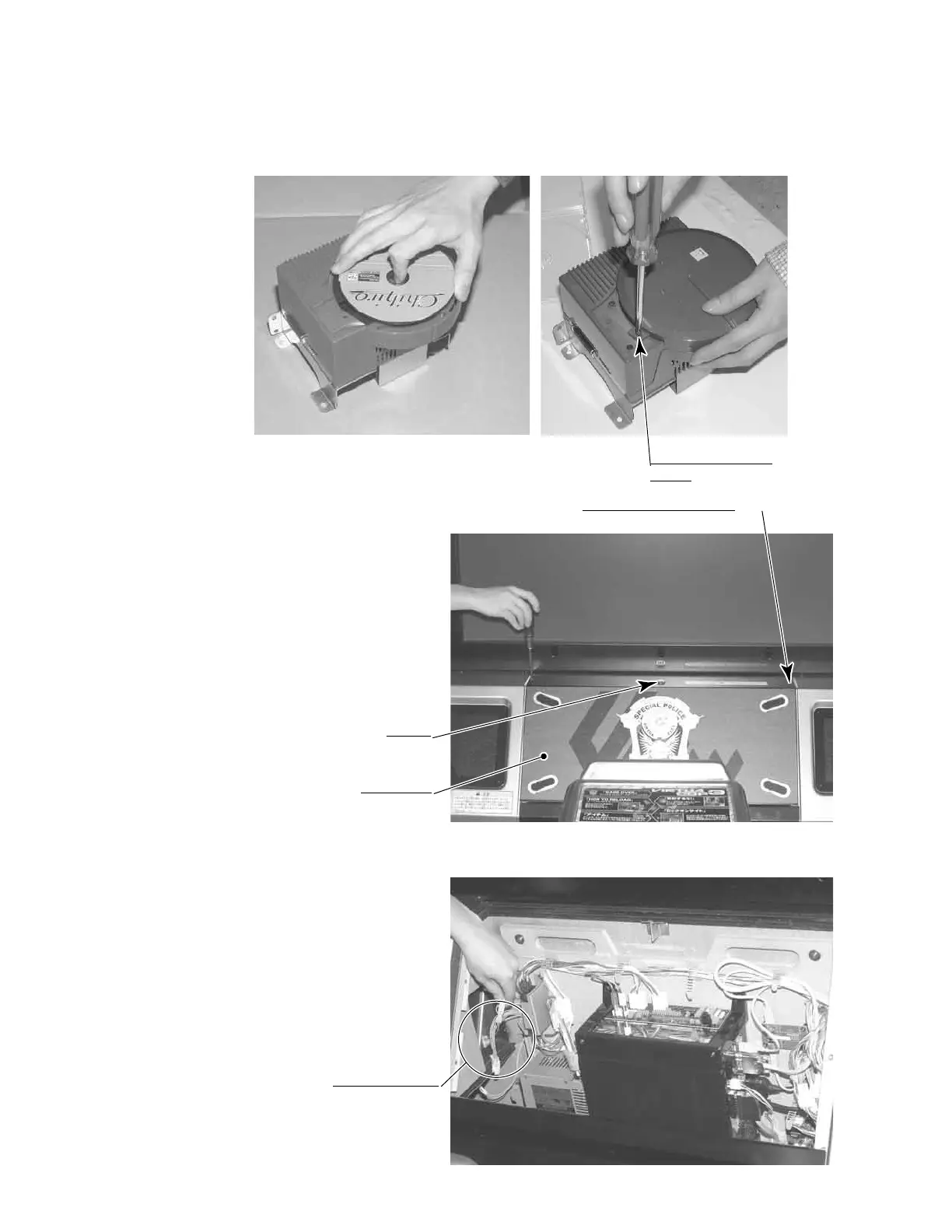
Set the GD-ROM disc onto the GD-ROM drive with its labeled side facing upward.
Return the lid to its original place, and x it with 1 truss head screw. Be careful not to fasten the
screw too tightly.
TRUSS SCREW (1)
M3×8
PHOTO 6. 6 c
TRUSS SCREW (2), black
M4×16
Unlock.
Remove the 2 truss head screws that
x the PTV cabinet lid upper, and
unlock. Thus remove the lid upper.
PHOTO 6. 6 d
Disconnect the connectors between
the ASSY MAIN BD inside the PTV
cabinet and the wires in the cabinet.
There are 3 connectors on the left
side.
CONNECTOR (3)
PHOTO 6. 6 e
LID UPPER









 To Next Page