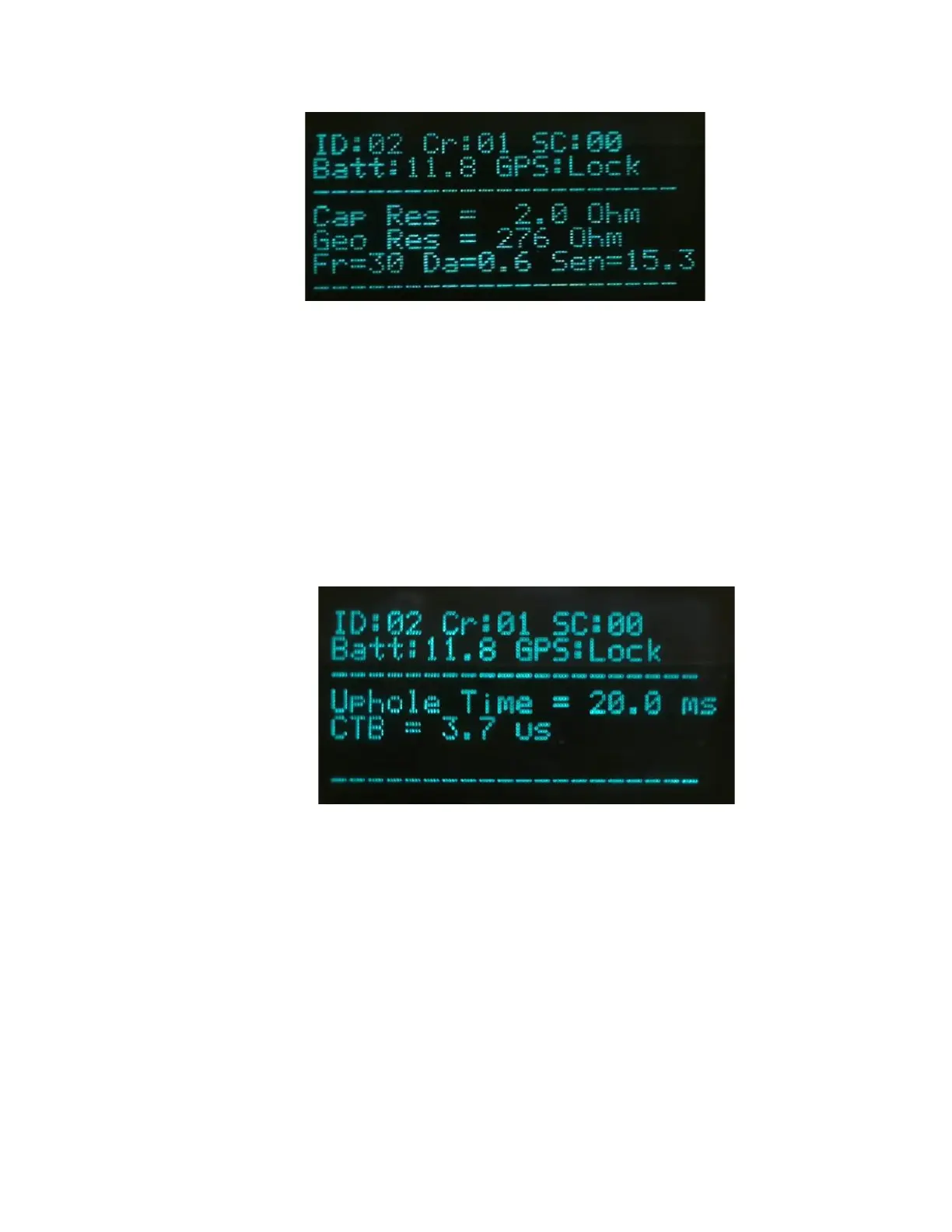
5.2.4 Fire Sequence – VP/UE Mode - Decoder
• Press both the Arm and Charge switch to Arm Boom Box 3 and charge internal capacitor.
• If the Ready Message is enabled the Ready Message will be automatically sent when the
high voltage capacitor is fully charged, and box is ready to fire.
• When valid Start Code is received from the Encoder unit, the shot sequence is started, and
the High Voltage is applied to the Cap line the Shot is fired.
• Test LED will flash green for 4 seconds after shot if Confirmed Time Break is OK
• Test LED will flash RED after shot if Confirmed Time Break is not detected
• GPS LED will flash green after shot if first break is detected on Uphole geophone
• GPS LED will flash red after shot if first break is not detected
• The display will show Uphole time, CTB value, and Battery voltage.
5.3 OSEIS Decoder Operation
5.3.1 OSEIS Decoder Operation
The OSEIS Decoder Mode of operation is used to detonate an OSEIS blasting cap for seismic
dynamite operation. Extreme caution needs to be exercised when working around dynamite and
detonation equipment. Review and follow all safety guidelines. The OSEIS mode requires the
Boom Box 3 unit with the internal Orica blaster board. The Boom Box 3 unit requires the switch
behind the front panel to be in OSEIS position to fire OSEIS blasting caps. The Boom Box 3 unit
needs to be placed into OSEIS mode. This can be done several ways.


 To Next Page