MRD 5800 – User Manual
Page 17 (116)
DHCP
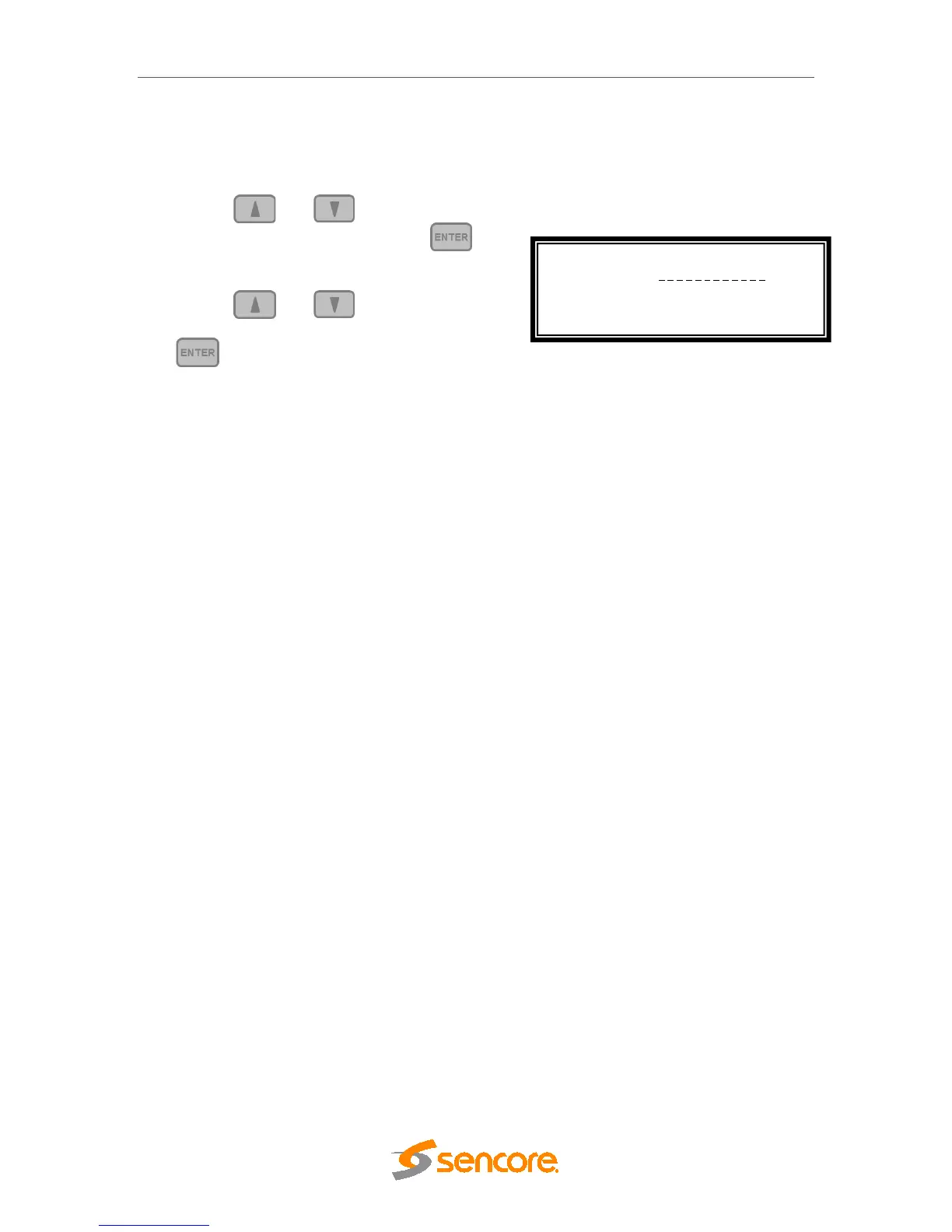
The MRD 5800 can be configured to use DHCP to obtain an IP address/Subnet
Mask/Gateway.
1. Use the and buttons to move the
cursor to “DHCP:” then press the
button.
2. Use the and buttons to change
the selection to “Enabled” then press the
button to save the selection.
Note: It may take up to a minute for the MRD 5800 to obtain an IP address. During
this time the unit will display a “busy” message next to DHCP.
Configure Network ↔↕
Host Name:
>DHCP: Enabled



 To Next Page