MRD 5800 – User Manual
Page 49 (116)
External
Setting to Disabled will synchronize video
output to the PCR carried in the transport
stream. Setting to External uses the user
provided external genlock reference.
Plus or minus half of the number of lines in
the genlock reference for SD formats.
Plus or minus half of the number of pixels in
the genlock reference SD formats.
Plus or minus 180 degrees of the color
subcarrier.
Plus or minus half of the number of lines in
the genlock reference for HD formats.
Plus or minus half of the number of pixels in
the genlock reference for HD formats.
Note: The Genlock reference connector if enabled requires external termination.
4.2.15 SCTE35
If the SCTE35 license is enabled, the following menus and options will be available for
configuration. The SCTE35 to SCTE104 and SCTE35 to Relay options are used in an
application where the MRD 5800 is receiving a transport stream with SCTE35 DPI splice
messages.
In an SCTE35 to 104 configuration, the MRD extracts SCTE 35 messages from the
transport stream and converts them to SCTE104 messages, and embeds them as
VANC packets on the SDI output.
In the SCTE35 to relay configuration the unit will trigger a relay based on SCTE35 DPI
splice message and user configurations for the relays.
The SCTE 35 insertion option contains configuration settings for manually triggered or
SNMP triggered SCTE 35 DPI splice messages.
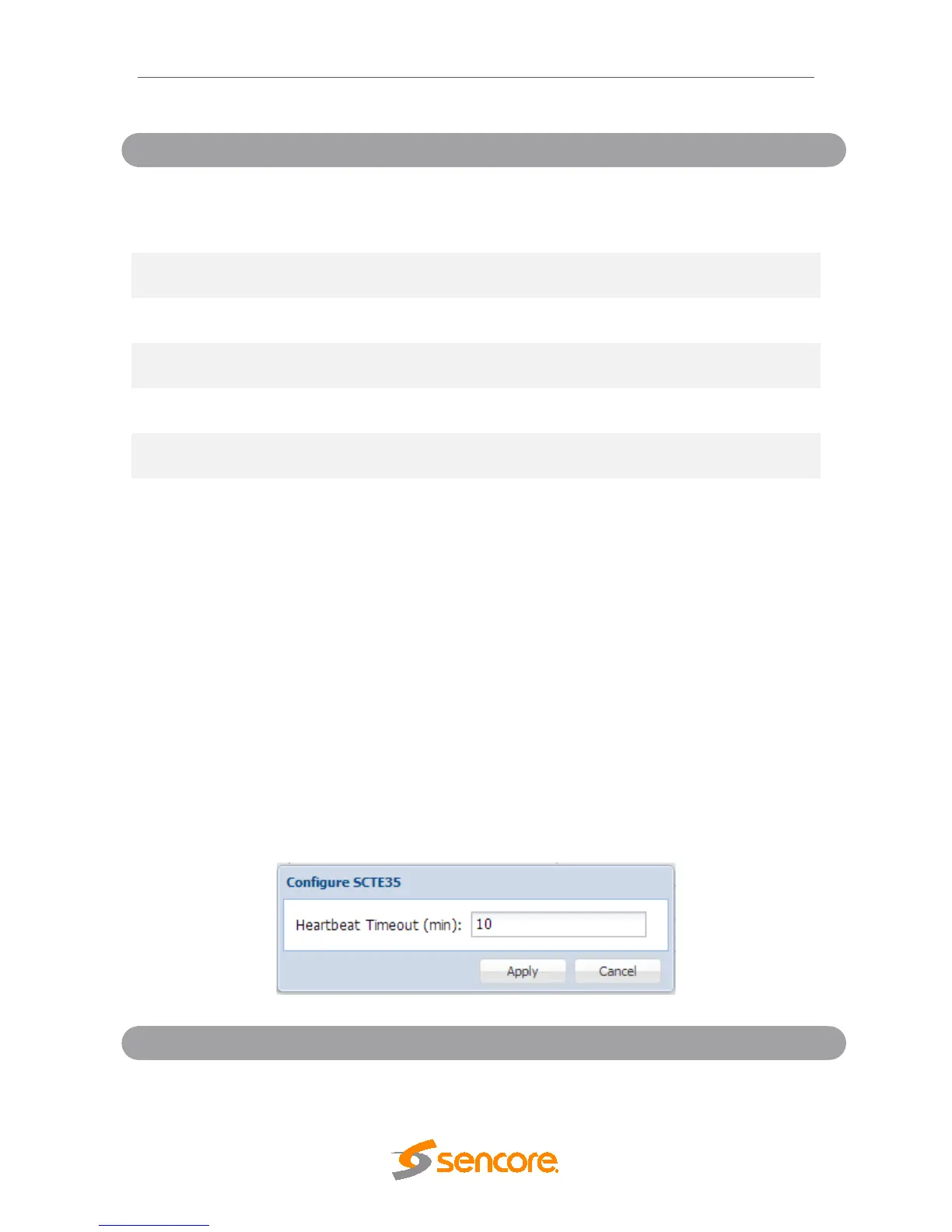
(min)
Setting this value will determine the time in
minutes between SCTE35 messages before



 To Next Page