MRD 5800 – User Manual
Page 48 (116)
Lt/Rt (Auto)
Dual Mono
Dual Left
Dual Right
channels can be configured using the
settings available in the drop down menu.
(Refer to
Appendix E)
Professional
This option selects the Dolby Digital format
mode. (Refer to Appendix E)
This setting will adjust the audio output timing
from -50 ms to +100 ms. This setting will
affect all interfaces configured to output this
audio service.
Advance 1 Frame
This setting will adjust the audio output timing
for if this audio service is a DolbyE audio.
Setting to None no timing changes are made.
Setting to Advance 1 Frame will advance the
audio 1 frame. This setting will affect all
interfaces configured to output this audio
service.
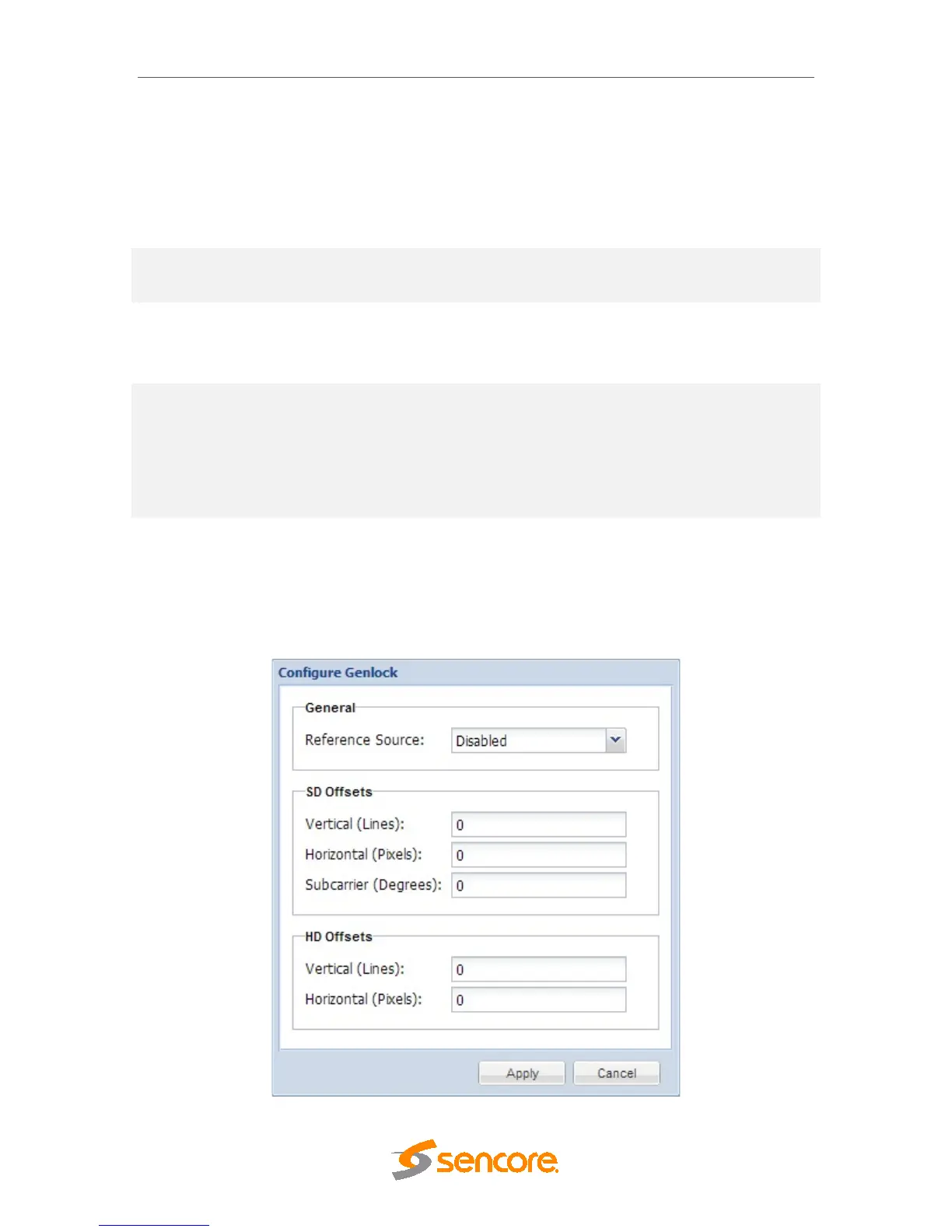
4.2.14 Configuring Genlock
If the Genlock Reference option was selected as a factory installed option, the following
menus and options will be available for configuration. This menu allows the user to
configure the genlock reference used by the MRD 5800. The MRD 5800 can be
configured to use an external user provided reference or disabled completely.



 To Next Page