MRD 5800 – User Manual
Page 23 (116)
4.2.1 Configuring Active Inputs
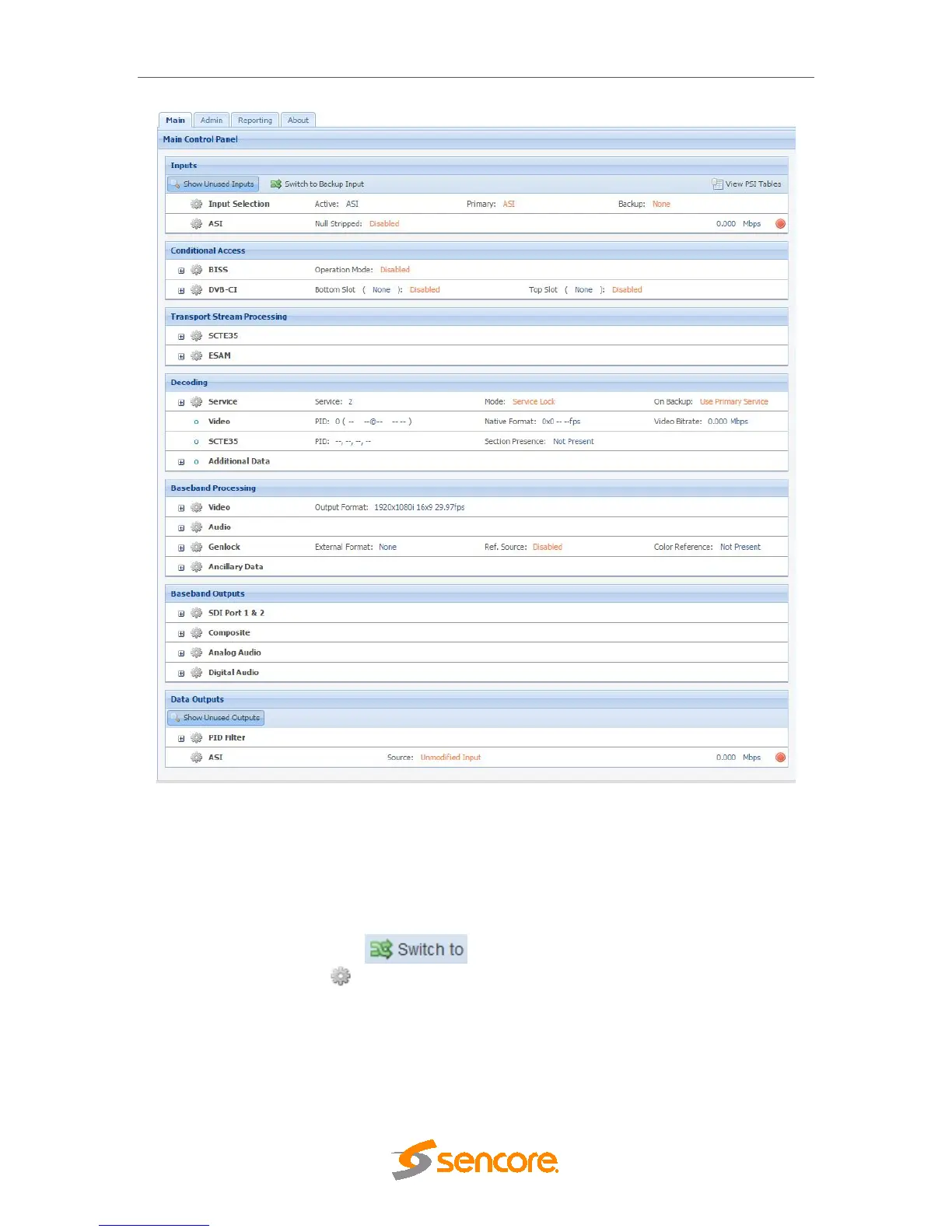
This menu allows the user to configure a primary and backup input. In case there is an
input failover the MRD 5800 is capable of detecting the failed state and switching to a
secondary backup input in order to provide a continuous output. Which input is primary
and backup, how the inputs switchover and restore and switchover timing is all user
configurable. The user can force the MRD 5800 to switch between the Primary and
Backup Inputs by clicking the button. To change the active input and
failover settings click the icon next to Input Selection:



 To Next Page