MRD 5800 – User Manual
Page 83 (116)
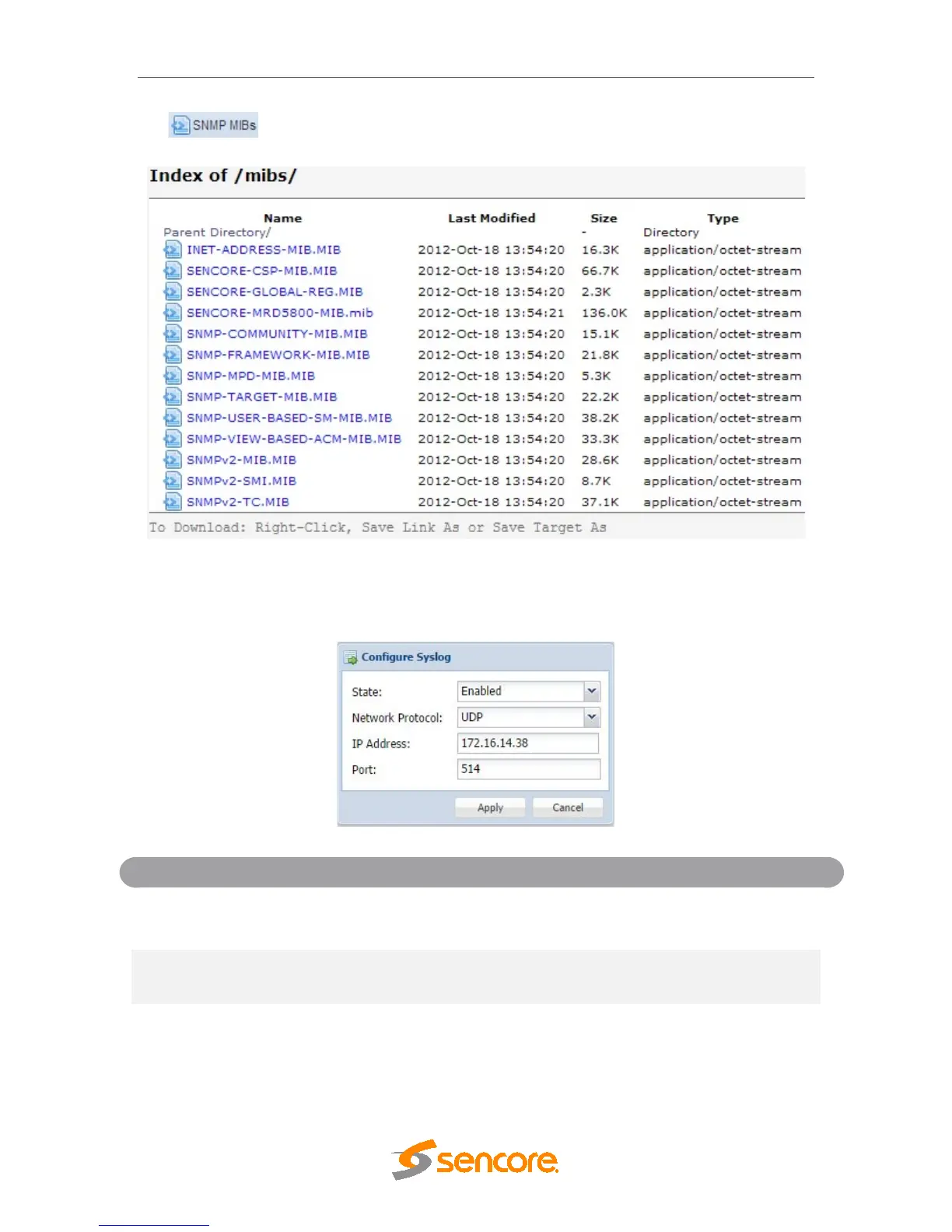
the button. The screen below will appear where the files can be downloaded
and saved off of the unit.
4.3.9 Syslog
The MRD 5800 can be configured to send error and event logs formatted in the syslog
protocol to a remote user specified Syslog server.
Disabled
Enable or Disable sending messages to Syslog
server.
TCP
Select which network protocol used to transmit to
the Syslog server
XXX.XXX.XXX.XXX
IP of the Syslog server. 0.0.0.0 and
255.255.255.255 are not permitted
Destination port of the Syslog server



 To Next Page