MRD 5800 – User Manual
Page 68 (116)
4.2.24 Configuring Digital Audio Output
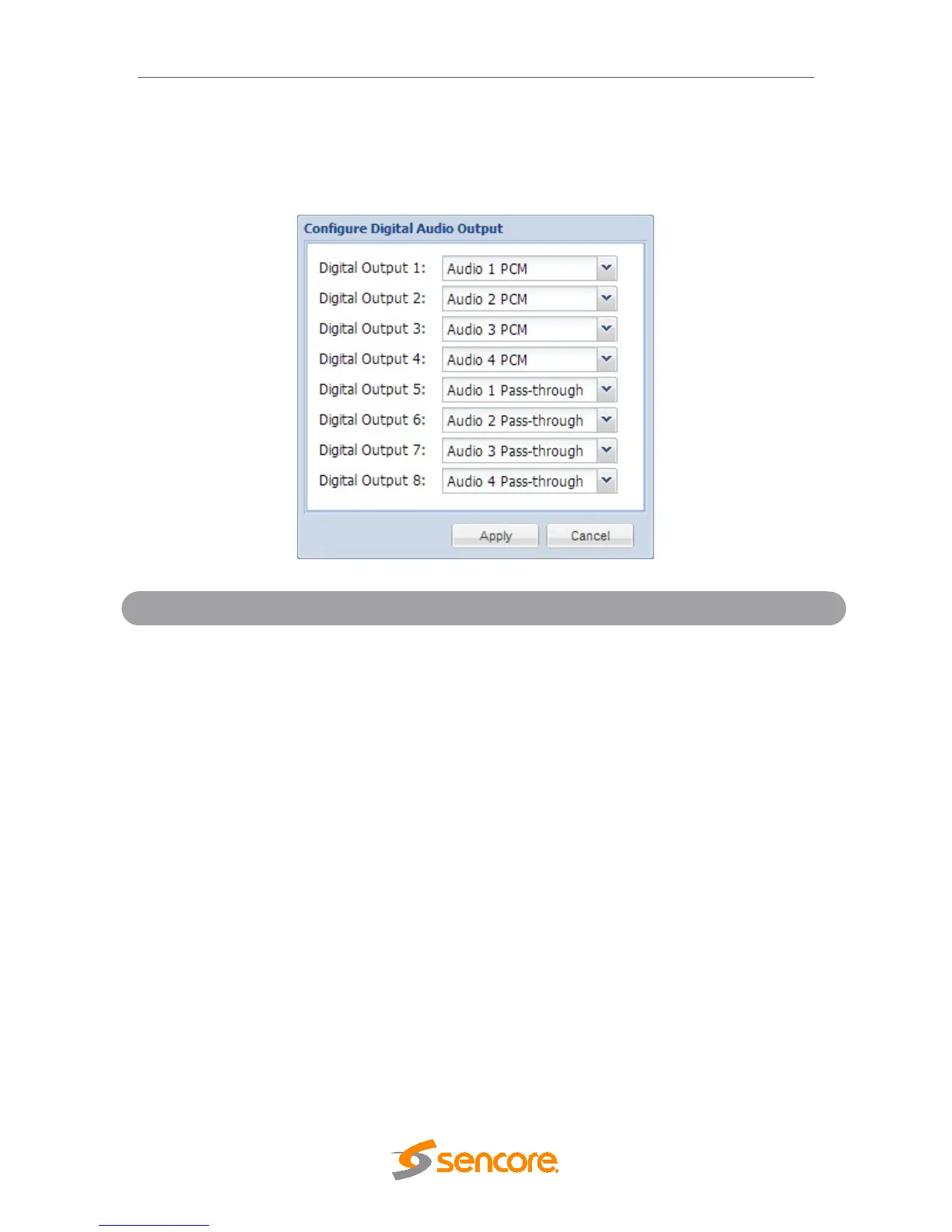
This menu allows the user to configure the digital audio outputs of the MRD 5800. The
number of outputs available directly correlates with the number of audio services the unit
is licensed to support. Up to eight digital audio outputs are available.
1-8
Audio 1-8 PCM
Audio 1-8 Pass-through
Assigning a PCM audio to a digital output will output
the decoded or downmixed two channel audio using
the settings defined in
Section 4.2.10. Assigning
Pass-Through to a digital output will output
unprocessed compressed audio. Selecting Off
disables the digital output completely.
4.2.25 PID Filter
If the PID/Service Filter license is enabled, the following menus and options will be
available for configuration. PID filtering will allow the user to create a new output TS by
selecting and dragging one or more services/PIDs from the incoming transport stream
into the Selected Services/Pids box or use the currently decoded stream. The user can
also configure a TS bitrate for each PID filtered stream and select different table
inclusion options.



 To Next Page