MRD 5800 – User Manual
Page 29 (116)
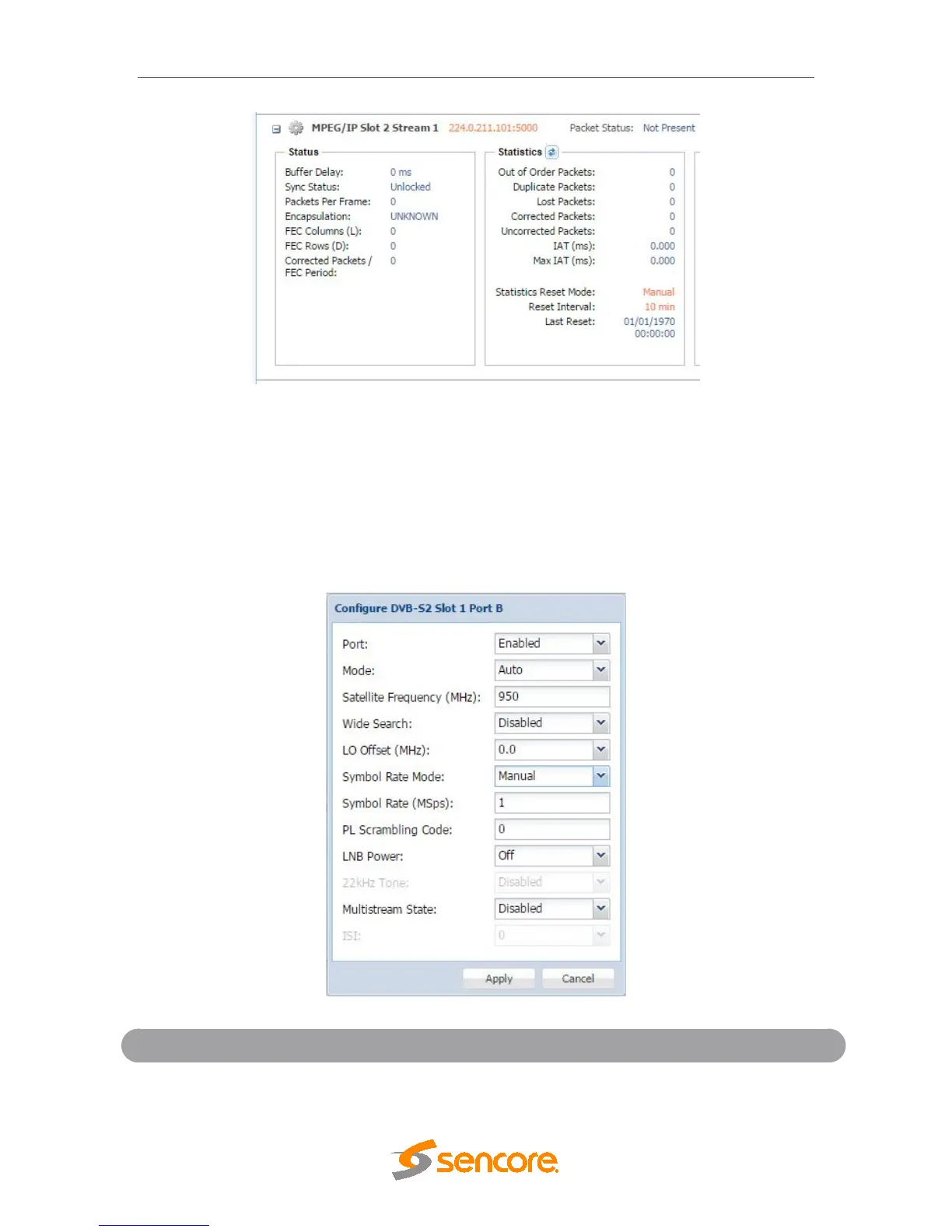
IP statistics menu
4.2.4 Configuring DVB-S/S2 Input
If the DVB-S/S2 Input card was selected as a factory installed option, the following
menus and options will be available for configuration. This menu allows the user to
configure the DVB-S/S2 inputs. Each DVB-S/S2 input card has four ports (labeled A, B,
C and D) which only one port can be active at a time. This menu is for setting up the
reception of DVB-S/S2 satellite signals. The menu for Port A, B, C and D have the same
settings.
Disabled
This setting allows the user to enable or
disable this reception port.



 To Next Page