MRD 5800 – User Manual
Page 32 (116)
2-158
(dBmV)
This is the Low RF Level threshold when the
Low Level Alarm will be triggered in dBmV
This is the Low MER threshold when the Low
MER Alarm will be triggered in dB.
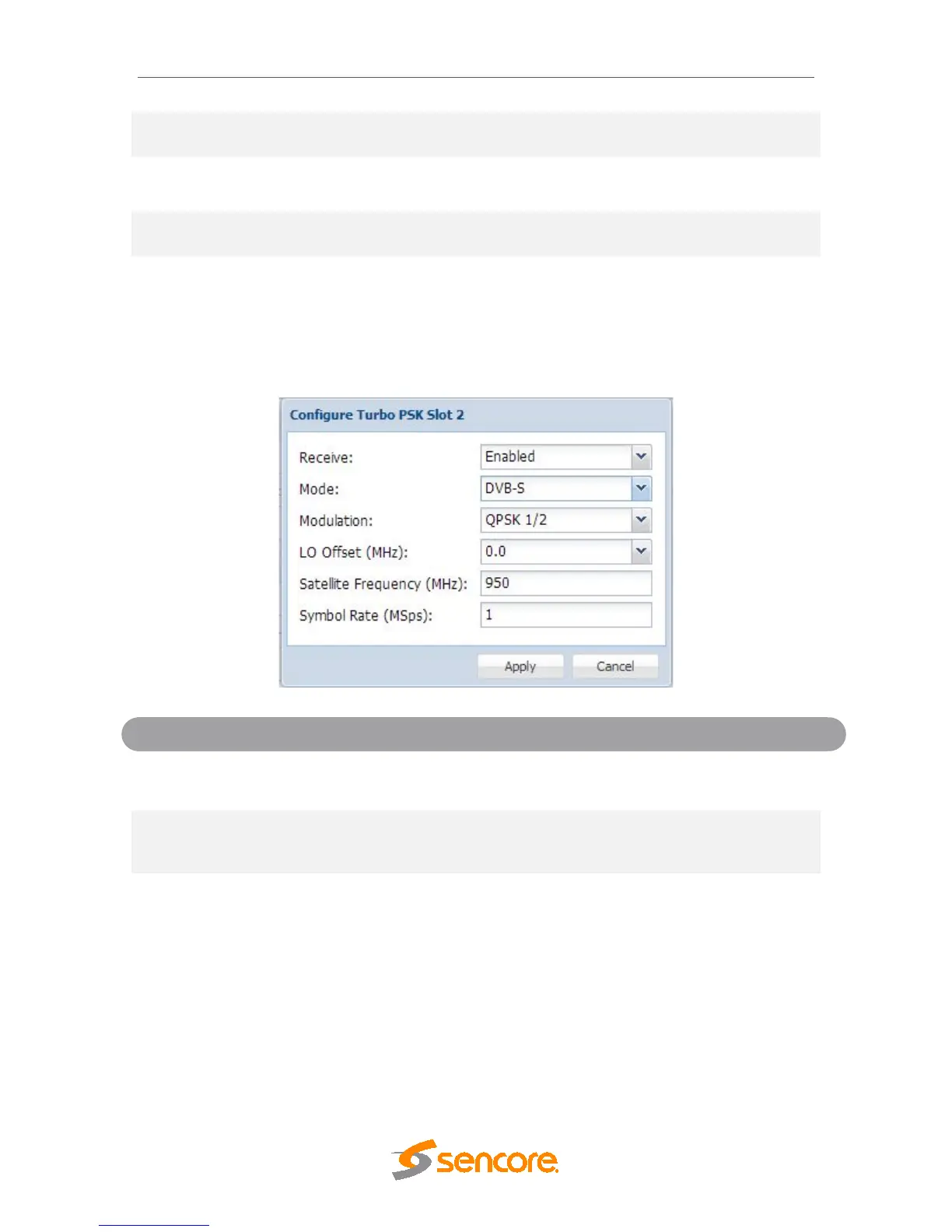
4.2.6 Configuring Turbo PSK Input
If the Turbo PSK Input card was selected as a factory installed option, the following
menus and options will be available for configuration. This menu allows the user to
configure the Turbo PSK input. This menu is for setting up the reception of DVB-S and
Turbo PSK satellite signals.
Disabled
This setting allows the user to enable or
disable this reception port.
TurboPSK
This setting allows the user to choose
between DVB-S or TurboPSK modulation
schemes.
QPSK 2/3
QPSK 3/4
QPSK 5/6
QPSK 7/8
8PSK 2/3
8PSK 3/4 (2.05)
8PSK 3/4 (2.10)
8PSK 3/4 (2.20)
This setting allows the user to select which
modulation parameters are used for the
incoming signal and the dropdown list is
dependent on the mode that is selected.



 To Next Page