MRD 5800 – User Manual
Page 81 (116)
Manual
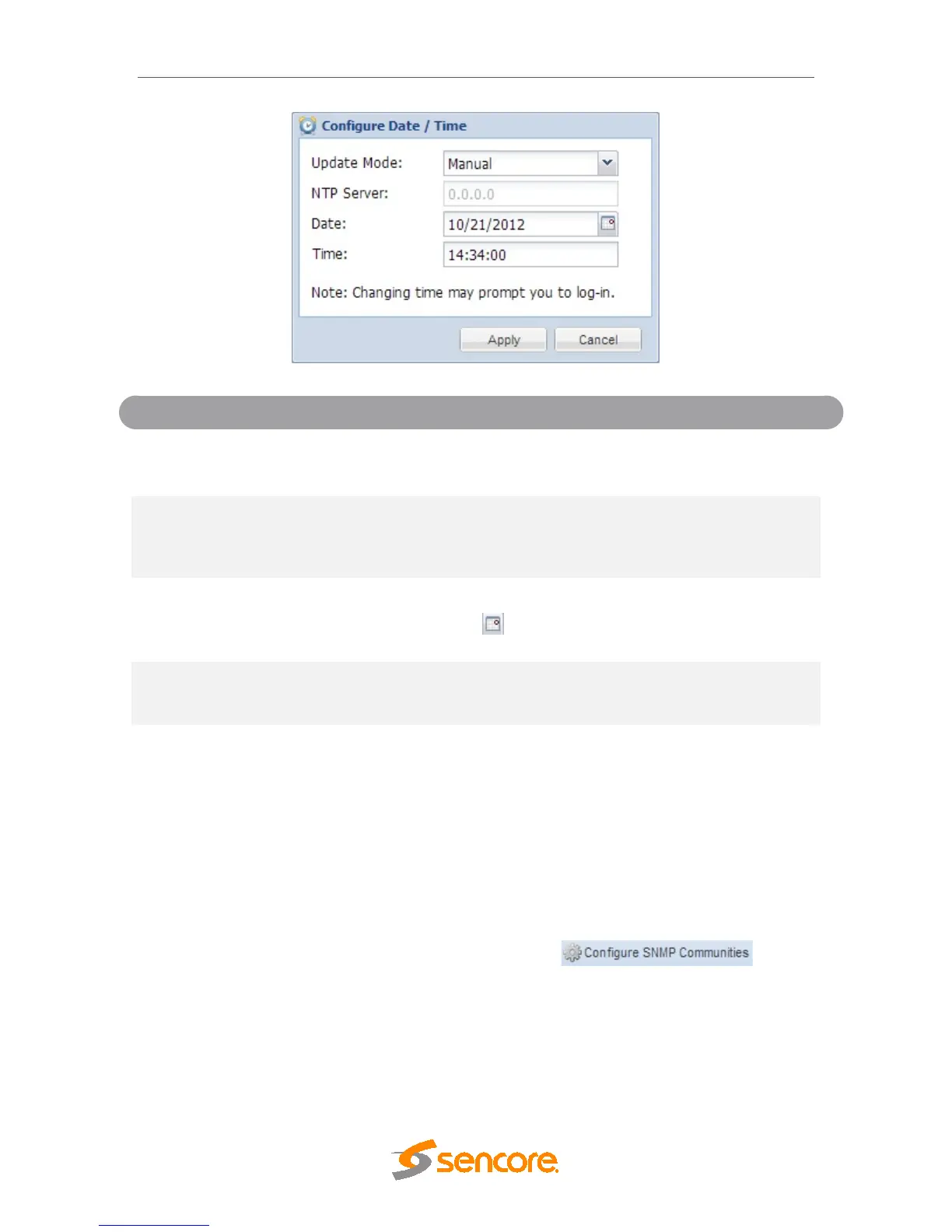
Setting to NTP uses the local network’s NTP server
to synchronize date and time. Manual allows the
user to define a date and time.
XXX.XXX.XXX.XXX
Domain Name
This is the IP Address or Domain Name of the local
NTP Server on the network. This setting is only
available if Update Mode is set to NTP.
This setting is the user defined date. A calendar
widget can be used to select the data by clicking
the button. This setting is only available if
Update Mode is set to Manual.
This setting is the user defined time. The time is
based on a 24 hour clock. This setting is only
available if the Update Mode is set to Manual.
4.3.8 Configuring SNMP
4.3.8.1 SNMP Communities
SNMP Communities define whether users have read-only or read-write SNMP rights.
These two communities are given unique names. The default names for these
communities are:
• Read –Only Community: public
• Read- Write Community: private
To modify the names of these communities click on the button.



 To Next Page